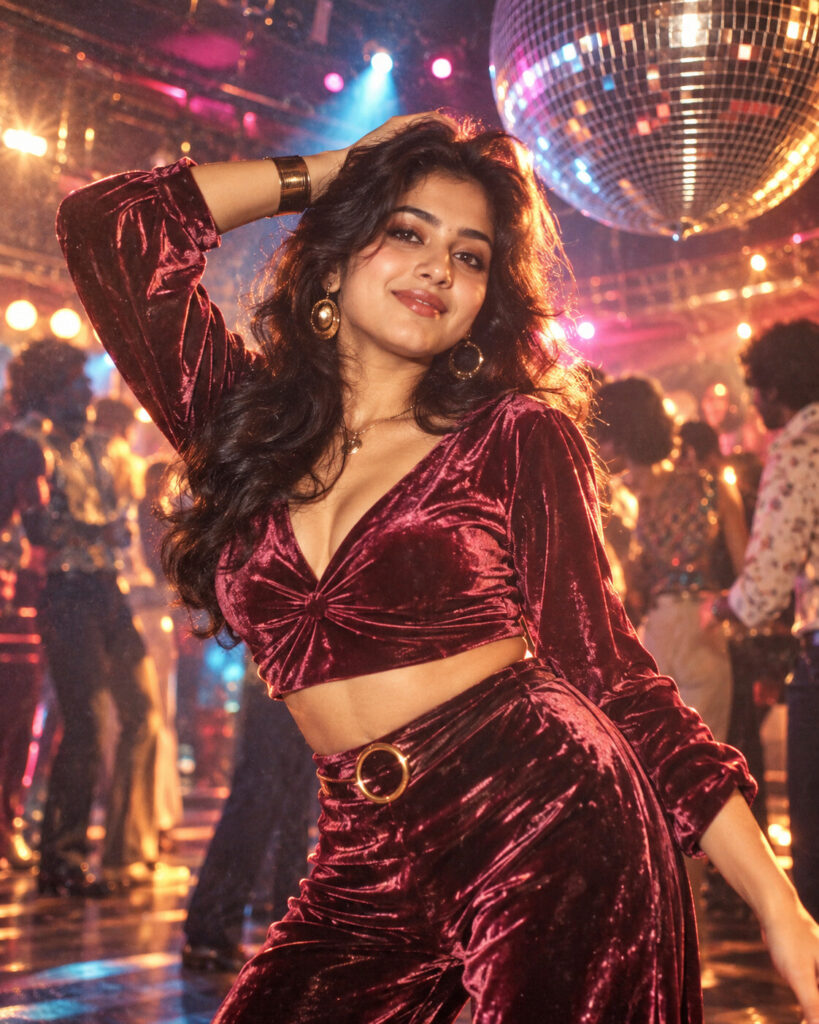
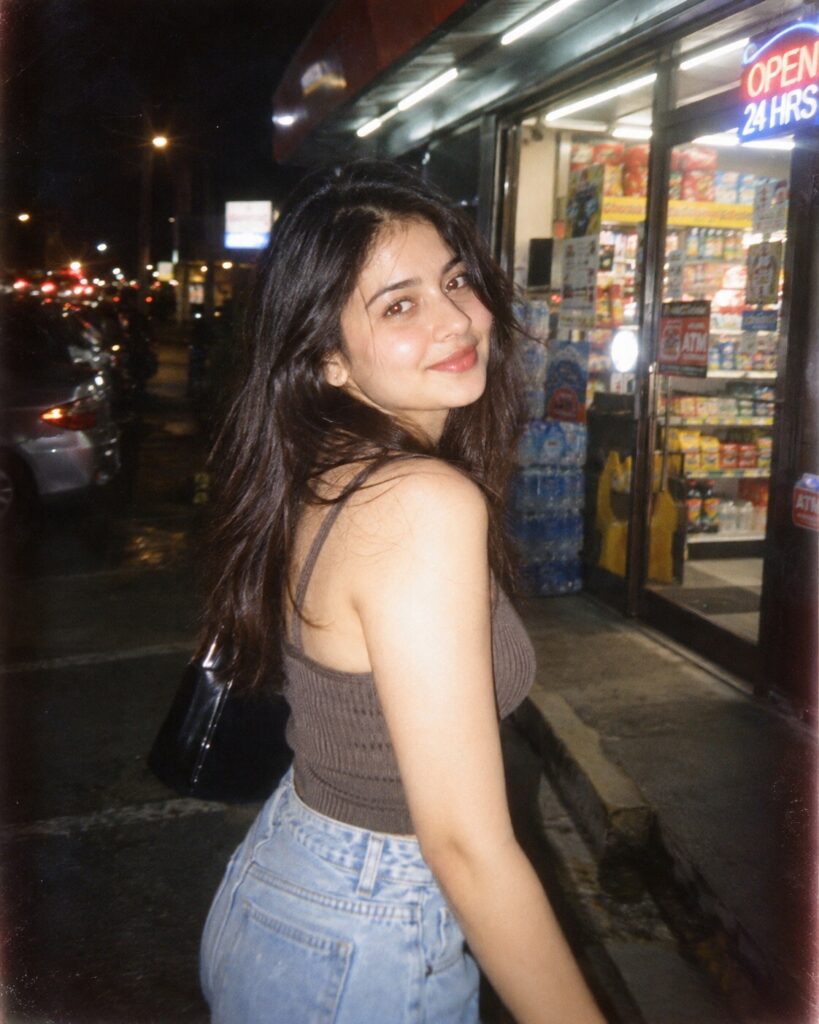
Disco-Era Mirrorball Glamour Portrait
♡ 9Transform a reference photo into a glamorous late-1970s disco portrait with mirrorball reflections, vintage flash, period styling and authentic analog film character while preserving exact identity.
#Vintage Portrait#1970s fashion#disco portrait#mirrorball portrait#nightclub portrait#retro photography
Exact identity-preserving late-1970s disco portrait of the uploaded person, glamorous vintage evening fashion, velvet and satin textures, subtle metallic accessories, mirrored disco ball, scattered reflected highlights, smoky nightclub atmosphere, elegant dance floor, warm amber practical lights, magenta and cyan accents, direct on-camera flash, authentic analog film grain, subtle halation, gentle lens softness, sophisticated editorial photography, natural skin texture, confident relaxed expression, photorealistic vintage photography.
Exact identity-preserving late-1970s disco portrait of the uploaded person, glamorous vintage evening fashion, velvet and satin textures, subtle metallic accessories, mirrored disco ball, scattered reflected highlights, smoky nightclub atmosphere, elegant dance floor, warm amber practical lights, magenta and cyan accents, direct on-camera flash, authentic analog film grain, subtle halation, gentle lens softness, sophisticated editorial photography, natural skin texture, confident relaxed expression, photorealistic vintage photography.
identity-preserving vintage portrait, late 1970s disco glamour, mirrored disco ball, velvet evening fashion, nightclub dance floor, warm flash photography, magenta and cyan accent lights, atmospheric haze, analog film grain, subtle halation, authentic vintage color, realistic skin texture, editorial photography, photorealistic --ar 4:5 --style raw --stylize 125
Create a photorealistic 4:5 vintage disco-era portrait using the uploaded image as the exact identity reference. Preserve the person's facial identity, facial structure, facial proportions, eyes, eyebrows, nose, lips, jawline, cheeks, skin tone, hairline, hairstyle, distinctive features and natural age. Place the same person in an elegant late-1970s nightclub wearing sophisticated velvet or satin evening fashion with subtle metallic accessories. Add a mirrored disco ball, realistic reflected light fragments, smoky atmospheric haze and a refined dance floor. Use direct on-camera flash with warm amber practical lighting and subtle magenta and cyan accents. Preserve natural skin pores and realistic anatomy while adding restrained analog film grain, gentle halation and authentic vintage color response. Make the result look like a genuine high-end 1970s fashion photograph.
changed face, different person, generic face, identity loss, altered facial proportions, changed eye shape, enlarged eyes, distorted nose, distorted lips, warped jaw, plastic skin, waxy skin, excessive beauty retouching, modern clothing, modern nightclub, cartoon, illustration, CGI, fantasy anatomy, extra fingers, deformed hands, excessive neon, excessive bloom, extreme HDR, oversharpening, low resolution, blurry face, artificial skin, fake film damage, excessive scratches, text, logo, watermark
Works with
✦ChatGPT image generation✦Gemini✦Midjourney✦SDXL
Comments