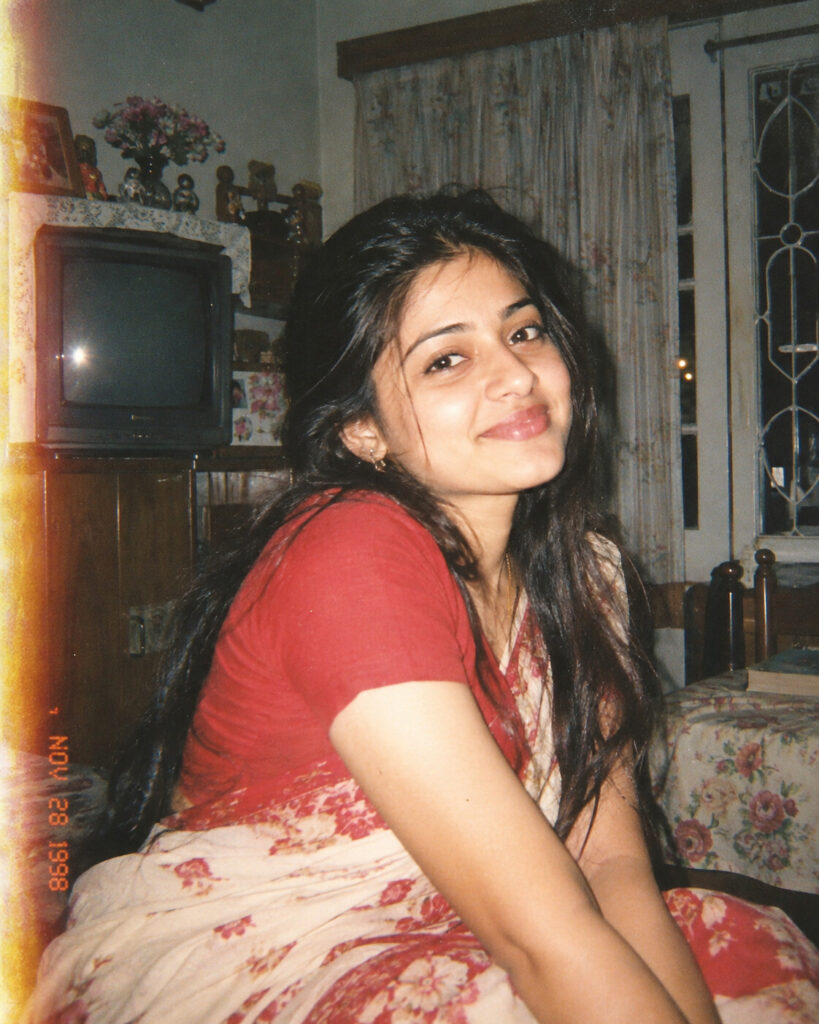
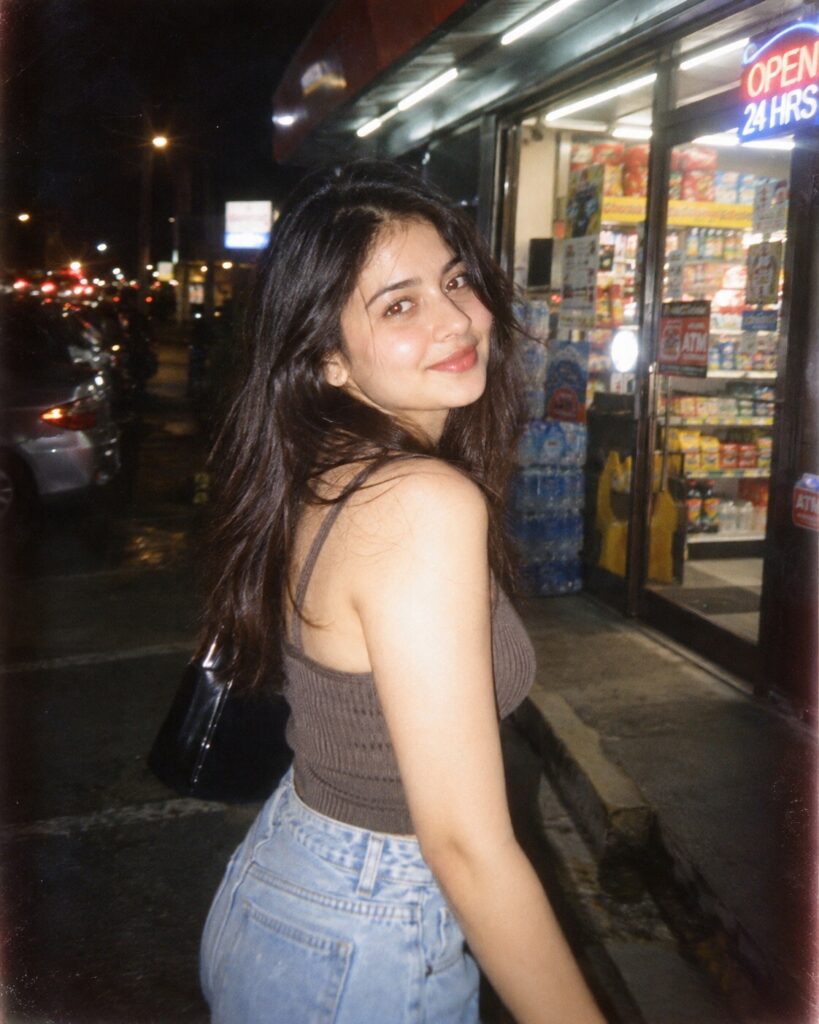
90s Disposable Camera Memory Portrait
♡ 11Transform a modern portrait into an authentic late-1990s disposable-camera snapshot with direct flash, film grain, imperfect framing and nostalgic color.
#Vintage Portrait#90s disposable camera#analog film#candid portrait#nostalgic photo#retro photography
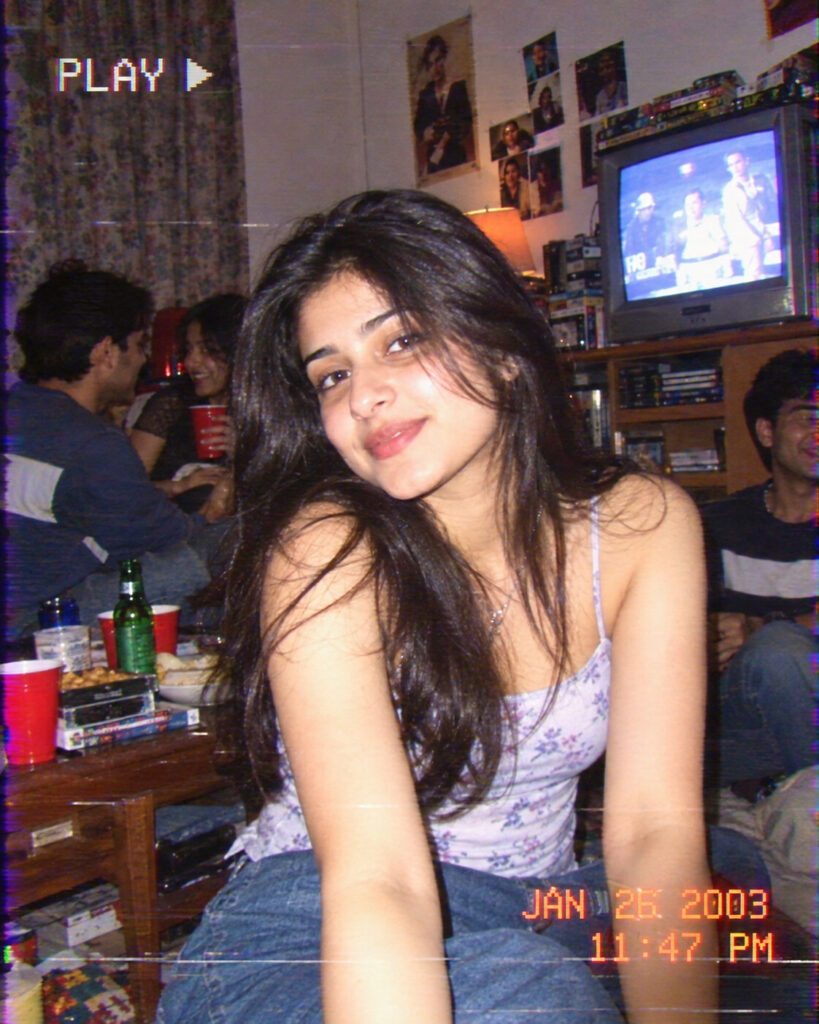
Create an authentic late-1990s disposable-camera portrait from the uploaded reference photo. Preserve exact facial identity, facial structure, facial proportions, eyes, eyebrows, nose, lips, jawline, cheeks, skin tone, hairline, hairstyle, natural age and distinctive facial features. Use candid consumer point-and-shoot photography, harsh direct flash, realistic flash falloff, subtle film grain, slight softness, mild motion blur, imperfect exposure, spontaneous framing, faded colors, warm-green analog film tones, restrained light leaks, natural skin texture and believable late-1990s surroundings. Make it feel like a genuine family snapshot rather than a modern photograph with a filter. Photorealistic, vertical 4:5.
Create an authentic late-1990s disposable-camera portrait from the uploaded reference photo. Preserve exact facial identity, facial structure, facial proportions, eyes, eyebrows, nose, lips, jawline, cheeks, skin tone, hairline, hairstyle, natural age and distinctive facial features. Use candid consumer point-and-shoot photography, harsh direct flash, realistic flash falloff, subtle film grain, slight softness, mild motion blur, imperfect exposure, spontaneous framing, faded colors, warm-green analog film tones, restrained light leaks, natural skin texture and believable late-1990s surroundings. Make it feel like a genuine family snapshot rather than a modern photograph with a filter. Photorealistic, vertical 4:5.
Photorealistic late-1990s disposable-camera snapshot using the uploaded reference image as the identity source. Maintain exact facial identity, facial structure, facial proportions, eyes, eyebrows, nose, lips, jawline, cheeks, skin tone, hairline, hairstyle, natural age and distinctive facial characteristics. Candid pose, direct on-camera flash, realistic flash falloff, consumer film grain, slight softness, mild motion blur, imperfect exposure, spontaneous composition, faded colors, warm-green film cast, subtle analog light leak, authentic 1990s clothing and surroundings, realistic skin texture and natural photographic imperfections, vertical 4:5.
Transform the uploaded photo into a convincing late-1990s disposable-camera snapshot while preserving the exact person and recognizable facial identity. Keep facial structure, facial proportions, eyes, eyebrows, nose, lips, jawline, cheeks, skin tone, hairline, hairstyle, natural age and distinctive features unchanged. Use authentic consumer point-and-shoot photography, harsh direct flash, realistic flash falloff, subtle film grain, slightly soft focus, imperfect exposure, mild motion blur, spontaneous candid framing, faded consumer-film colors, warm-green analog color cast, subtle light leak and realistic skin texture. Make it feel like a genuine photograph from a 1990s family album. Vertical 4:5.
Generic face, changed identity, altered facial structure, changed eyes, changed nose, changed lips, changed jawline, changed skin tone, changed hairstyle, age change, beauty filter, plastic skin, HDR, oversharpening, studio lighting, CGI, cartoon, illustration, extreme blur, excessive grain, distorted anatomy, text, watermark, logo.
Works with
✦ChatGPT Images✦Gemini✦Midjourney✦SDXL
Comments