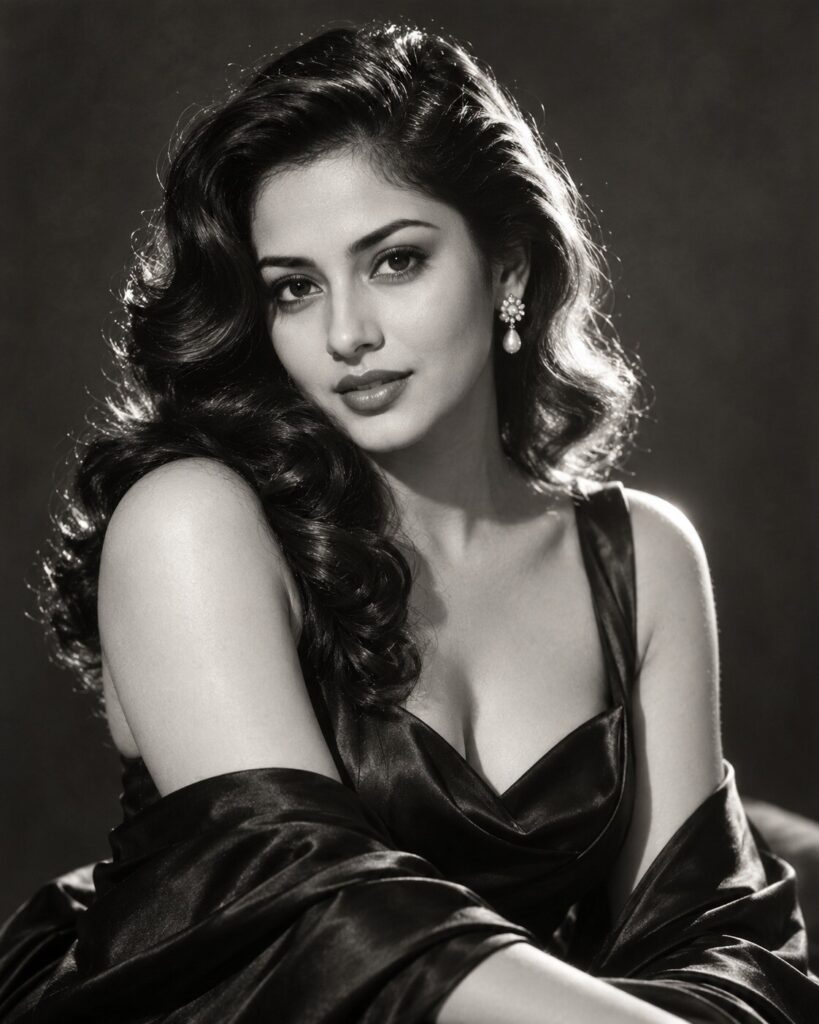
Old Hollywood Black-and-White Glamour Portrait
♡ 8Transform your reference portrait into a timeless Old Hollywood glamour photograph with sculpted light, satin styling and classic black-and-white film character.
Create a timeless Old Hollywood black-and-white glamour portrait using the uploaded image as the exact identity reference. Preserve facial identity, facial structure, proportions, eyes, eyebrows, nose, lips, jawline, cheeks, skin tone, hairline, hairstyle, natural age and distinctive facial characteristics. Dress the subject in refined black satin formalwear with classic Hollywood styling. Use polished vintage waves without changing the person's hairline. Place the subject against a simple charcoal studio backdrop. Use dramatic Rembrandt-style key lighting from one side with a subtle rim light around the hair and shoulders. Preserve realistic skin texture and natural facial detail. Render rich monochrome tones, deep blacks, luminous highlights, restrained 35mm film grain and subtle analog softness. Poised expression, direct eye contact, 85mm portrait perspective, shallow realistic depth, sophisticated cinematic photography, vertical 4:5.
Create a timeless Old Hollywood black-and-white glamour portrait using the uploaded image as the exact identity reference. Preserve facial identity, facial structure, proportions, eyes, eyebrows, nose, lips, jawline, cheeks, skin tone, hairline, hairstyle, natural age and distinctive facial characteristics. Dress the subject in refined black satin formalwear with classic Hollywood styling. Use polished vintage waves without changing the person's hairline. Place the subject against a simple charcoal studio backdrop. Use dramatic Rembrandt-style key lighting from one side with a subtle rim light around the hair and shoulders. Preserve realistic skin texture and natural facial detail. Render rich monochrome tones, deep blacks, luminous highlights, restrained 35mm film grain and subtle analog softness. Poised expression, direct eye contact, 85mm portrait perspective, shallow realistic depth, sophisticated cinematic photography, vertical 4:5.
Photorealistic Old Hollywood glamour portrait using the uploaded reference image as the exact identity source. Preserve facial identity, facial structure, facial proportions, eyes, eyebrows, nose, lips, jawline, cheeks, skin tone, hairline, hairstyle, natural age and distinctive facial characteristics. Subject wears elegant black satin formalwear with refined classic Hollywood styling. Simple charcoal-gray studio backdrop, dramatic Rembrandt key light, subtle hair rim light, realistic skin texture, precise eye focus, deep monochrome blacks, luminous highlights, restrained 35mm film grain and subtle analog softness. Sophisticated archival studio photography, natural anatomy, cinematic tonal contrast, vertical 4:5.
Transform the uploaded portrait into a timeless Old Hollywood black-and-white glamour photograph while preserving the exact person and their recognizable facial identity, facial structure, proportions, eyes, eyebrows, nose, lips, jawline, cheeks, skin tone, hairline, hairstyle, natural age and distinctive facial characteristics. Dress the subject in elegant black satin formalwear with refined vintage styling and polished classic Hollywood waves that do not alter the person's identity. Place them in a simple charcoal-gray studio. Use dramatic Rembrandt-style lighting from one side with a subtle rim light around the hair and shoulders. Keep realistic skin texture and natural facial detail. Render deep black-and-white tones, luminous highlights, restrained 35mm film grain and subtle analog softness. The result should resemble an authentic professional Hollywood studio portrait from the classic film era, not a modern grayscale filter. Vertical 4:5 composition.
generic face, changed identity, facial reconstruction, altered facial proportions, changed eyes, changed eyebrows, changed nose, changed lips, changed jawline, changed cheeks, changed skin tone, changed hairstyle, age alteration, beauty filter, plastic skin, excessive retouching, modern fashion photography, color image, extreme film grain, crushed shadows, overexposed face, exaggerated makeup, fantasy costume, cartoon, anime, illustration, CGI, 3D render, distorted anatomy, duplicate person, text, watermark, logo
Works with
✦ChatGPT Images 2.5✦Gemini✦Midjourney✦SDXL
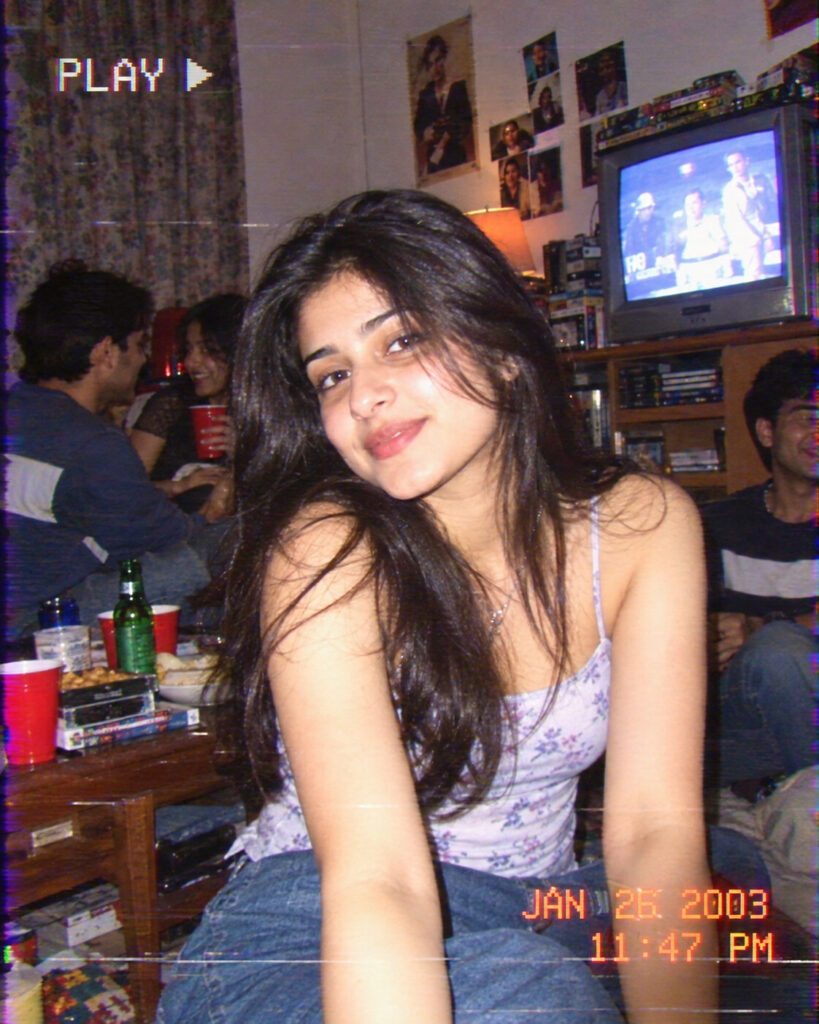
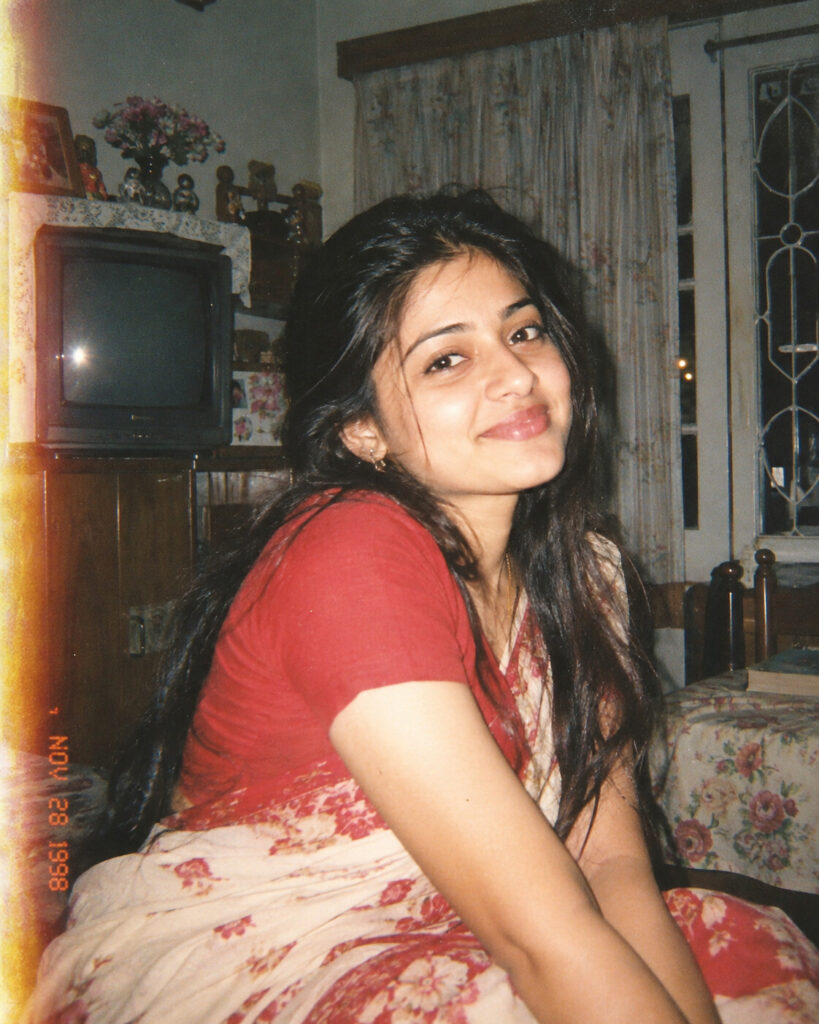
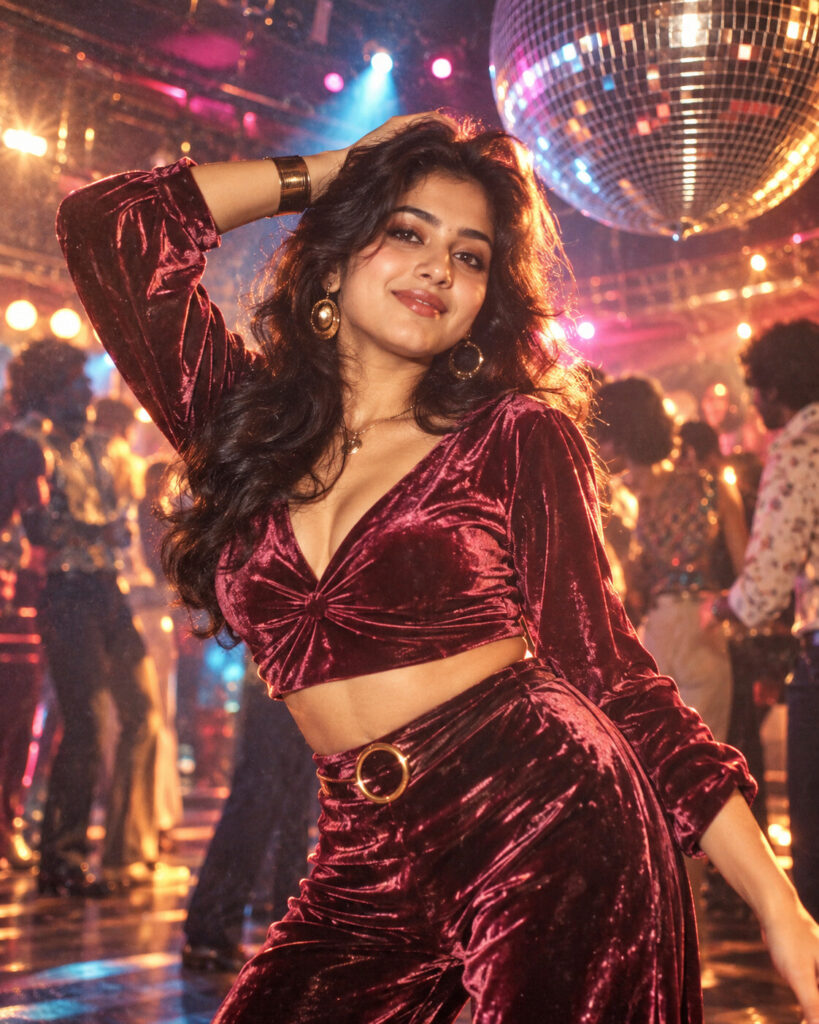
Comments