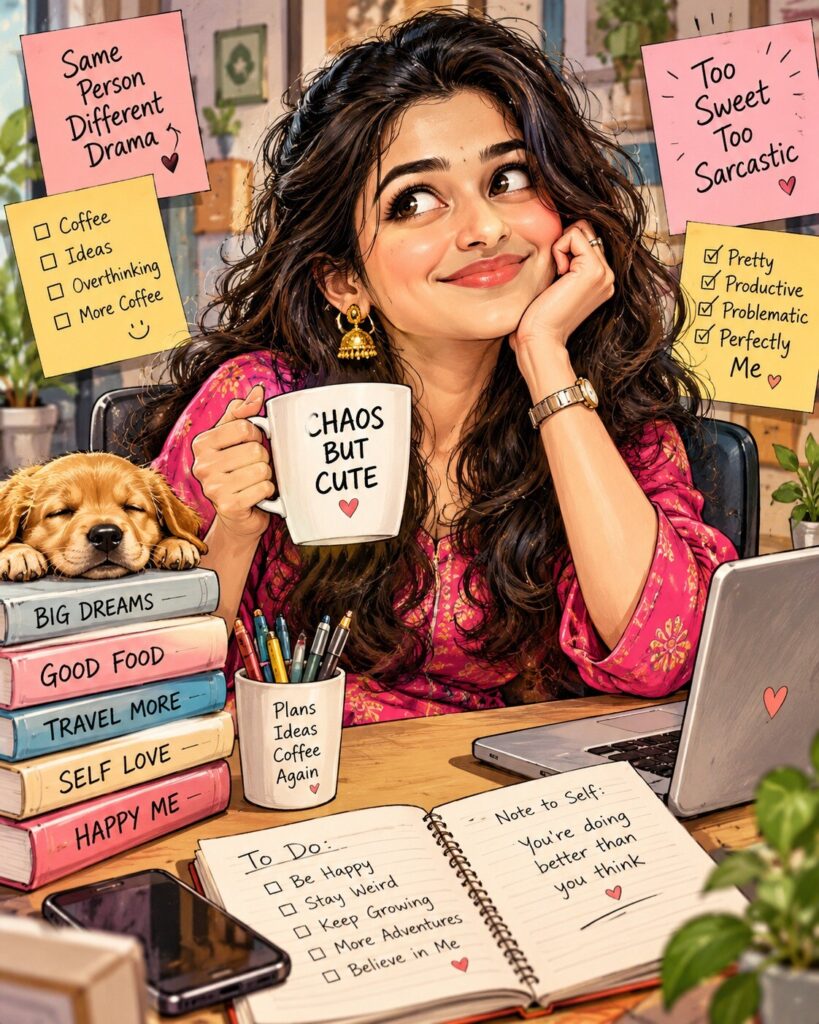
Roast Me AI Caricature Portrait
♡ 7Turn your reference photo into a playful exaggerated caricature while preserving your recognizable facial identity and adding a witty visual personality roast.
Transform the uploaded reference photo into a polished editorial roast caricature. Preserve the exact recognizable facial identity, facial structure, facial proportions, eyes, eyebrows, nose, lips, jawline, cheeks, skin tone, hairline, hairstyle, distinctive facial characteristics and overall likeness. Keep the person clearly recognizable while exaggerating selected harmless visual characteristics for humorous effect. Use an expressive pose, playful props, exaggerated clothing details, dimensional cartoon shading, refined linework, subtle paper texture, clean anatomy, witty visual storytelling, premium editorial illustration quality, and a vertical 4:5 composition.
Transform the uploaded reference photo into a polished editorial roast caricature. Preserve the exact recognizable facial identity, facial structure, facial proportions, eyes, eyebrows, nose, lips, jawline, cheeks, skin tone, hairline, hairstyle, distinctive facial characteristics and overall likeness. Keep the person clearly recognizable while exaggerating selected harmless visual characteristics for humorous effect. Use an expressive pose, playful props, exaggerated clothing details, dimensional cartoon shading, refined linework, subtle paper texture, clean anatomy, witty visual storytelling, premium editorial illustration quality, and a vertical 4:5 composition.
A premium editorial roast caricature based directly on the uploaded reference portrait, same recognizable person and exact facial identity, preserved facial structure and proportions, recognizable eyes, eyebrows, nose, lips, jawline, cheeks, skin tone, hairline and hairstyle, playful harmless caricature exaggeration, expressive pose, witty personality props, exaggerated clothing details, polished cartoon linework, dimensional cel shading, subtle paper texture, expressive eyes, clean anatomy, detailed hands, tasteful speech bubble reading "I can explain it better.", humorous but respectful visual storytelling, professional editorial illustration, high detail, vertical 4:5 composition
Use the uploaded photograph as the primary identity reference. Keep the person unmistakably recognizable with the same facial structure, proportions, eyes, eyebrows, nose, lips, jawline, cheeks, skin tone, hairline, hairstyle and distinctive facial characteristics. Transform the person into a polished editorial caricature with playful harmless exaggeration. Give the character an expressive pose, slightly exaggerated proportions, humorous props and clothing details that communicate a lighthearted personality roast. Add refined comic linework, dimensional shading, subtle paper texture, polished colors and a tasteful speech bubble reading "I can explain it better." Keep the humor friendly and avoid insults about protected or sensitive characteristics. Premium social-media-ready illustration, vertical 4:5 composition.
generic face, different person, identity drift, facial identity loss, altered facial structure, distorted eyes, asymmetrical eyes, malformed nose, malformed lips, changed jawline, changed skin tone, changed hairstyle, extreme facial distortion, body shaming, hateful caricature, discriminatory stereotypes, degrading protected traits, malformed hands, extra fingers, missing fingers, extra limbs, duplicate person, duplicate objects, blurry face, low detail, muddy linework, unreadable text, watermark, logo
Works with
✦GPT Image for reference-image editing; Midjourney for polished caricature aesthetics; SDXL for controllable image-to-image workflows; DALL-E for natural-language reference editing.
Comments