
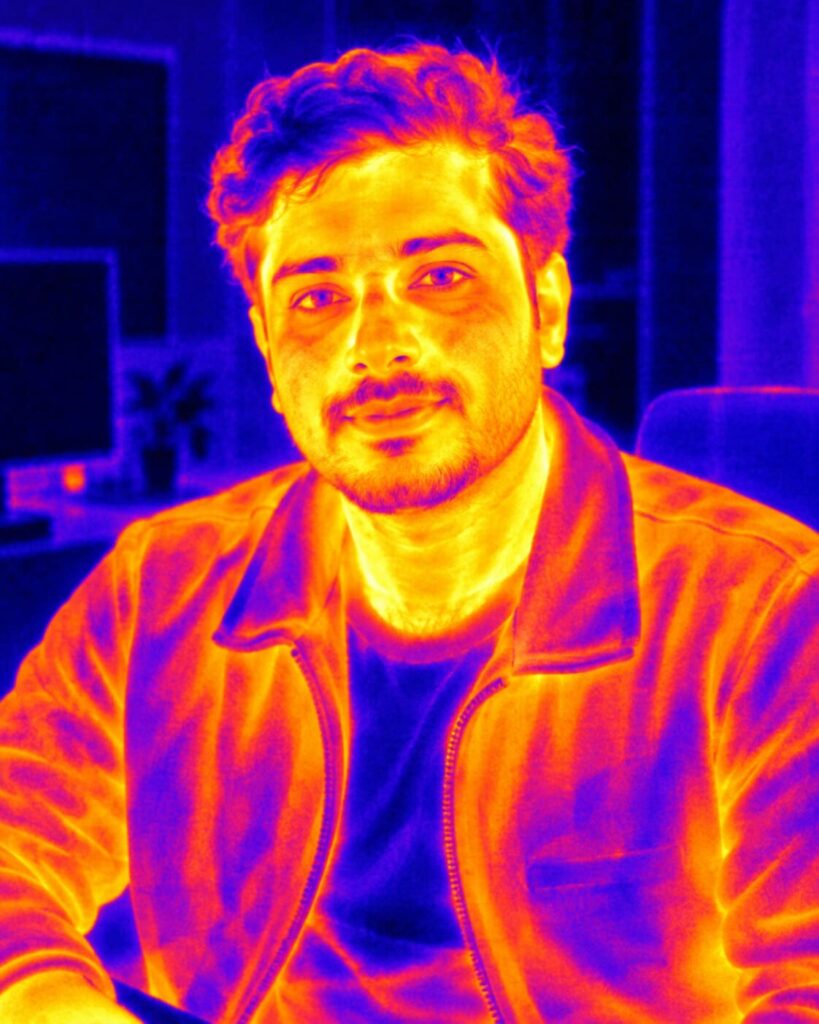
X-Ray Body Portrait – Living Anatomical Scan
♡ 13Transform your uploaded portrait into a cinematic X-ray body visualization while preserving your exact face, clothing, pose and recognizable identity.
Create a photorealistic cinematic X-ray portrait using the uploaded reference image as the exact identity reference. Preserve the same recognizable face, facial structure, proportions, eyes, eyebrows, nose, lips, jawline, cheeks, ears, skin tone, age, hairline, hairstyle, expression and distinctive facial characteristics. Keep the original pose, clothing and background recognizable. Transform the body into a realistic translucent X-ray visualization with the skeleton visible beneath the clothing and a subtle glowing heart inside the chest. Keep clothing colors and folds visible as a semi-transparent overlay. Use anatomically accurate bones, realistic proportions, cyan-blue X-ray illumination, subtle scan texture, controlled bloom, natural skin texture on the face and cinematic contrast. No gore or exposed organs. Futuristic but photorealistic, elegant, vertical 4:5 composition.
Create a photorealistic cinematic X-ray portrait using the uploaded reference image as the exact identity reference. Preserve the same recognizable face, facial structure, proportions, eyes, eyebrows, nose, lips, jawline, cheeks, ears, skin tone, age, hairline, hairstyle, expression and distinctive facial characteristics. Keep the original pose, clothing and background recognizable. Transform the body into a realistic translucent X-ray visualization with the skeleton visible beneath the clothing and a subtle glowing heart inside the chest. Keep clothing colors and folds visible as a semi-transparent overlay. Use anatomically accurate bones, realistic proportions, cyan-blue X-ray illumination, subtle scan texture, controlled bloom, natural skin texture on the face and cinematic contrast. No gore or exposed organs. Futuristic but photorealistic, elegant, vertical 4:5 composition.
Exact uploaded identity, recognizable face, preserved hairstyle and expression, translucent X-ray body, realistic skeleton, accurate bones, visible spine and rib cage, subtle heart glow, preserved clothing, cyan-blue illumination, futuristic medical imaging aesthetic, realistic skin, cinematic lighting, subtle scan texture, photorealistic portrait, high detail
Transform the uploaded person into a sophisticated cinematic X-ray photograph while preserving their exact recognizable face and identity. Keep the original clothing, pose, hairstyle and background recognizable. Reveal a realistic human skeleton beneath the clothing with anatomically accurate bones and a subtle glowing heart inside the chest. Keep the clothing visible as a semi-transparent layer. Use elegant cyan-blue radiographic illumination, restrained scan texture and realistic photographic detail. The face should remain natural, sharp and unmistakably the same person.
generic face, different person, identity drift, changed facial structure, changed eyes, changed nose, changed lips, changed jawline, changed cheeks, different skin tone, altered age, altered hairstyle, face replaced by skeleton, skull face, exposed skull, gore, blood, wounds, exposed organs, dismemberment, horror anatomy, distorted bones, extra bones, missing bones, impossible skeleton, deformed hands, extra fingers, extra limbs, duplicate person, duplicate face, cartoon, anime, illustration, flat blue filter, excessive neon, excessive bloom, unreadable medical labels, text, logo, watermark, border, low resolution, blurry face
Works with
✦GPT Image✦Gemini image models✦Nano Banana✦Flux✦Midjourney



Comments