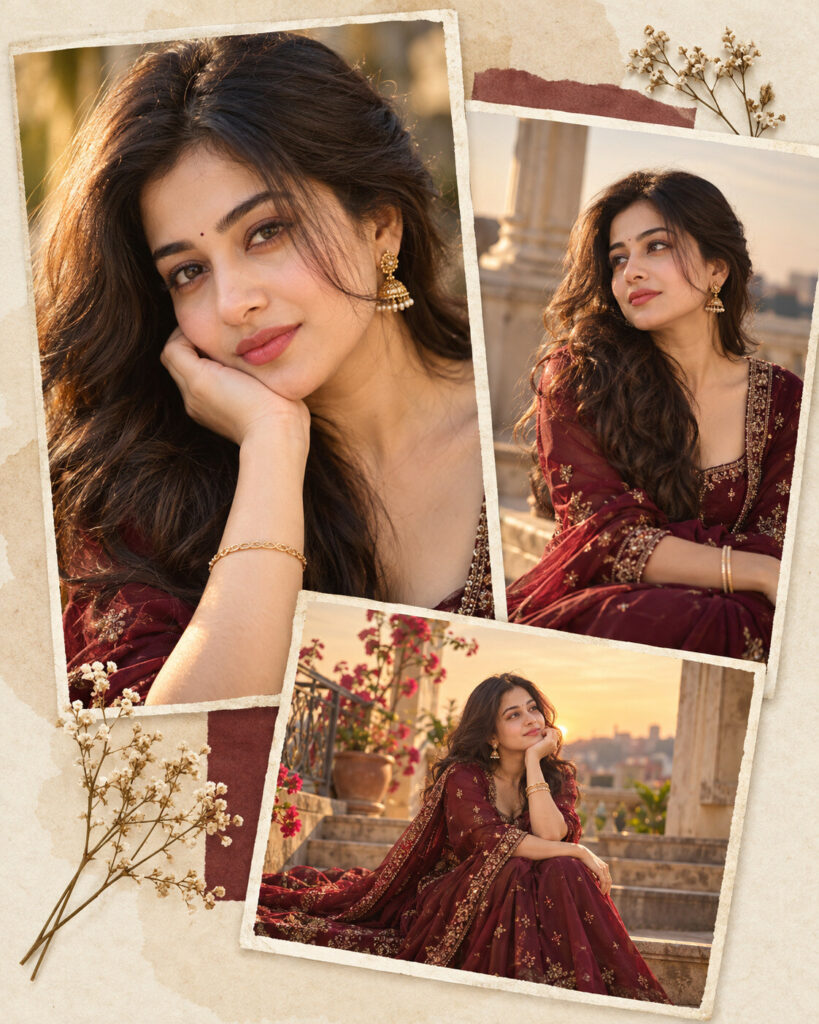
Luxe Golden Hour Layered Portrait Collage
♡ 12Transform your reference portrait into a luxurious layered editorial collage with golden-hour light, rich textures and sophisticated fashion styling.
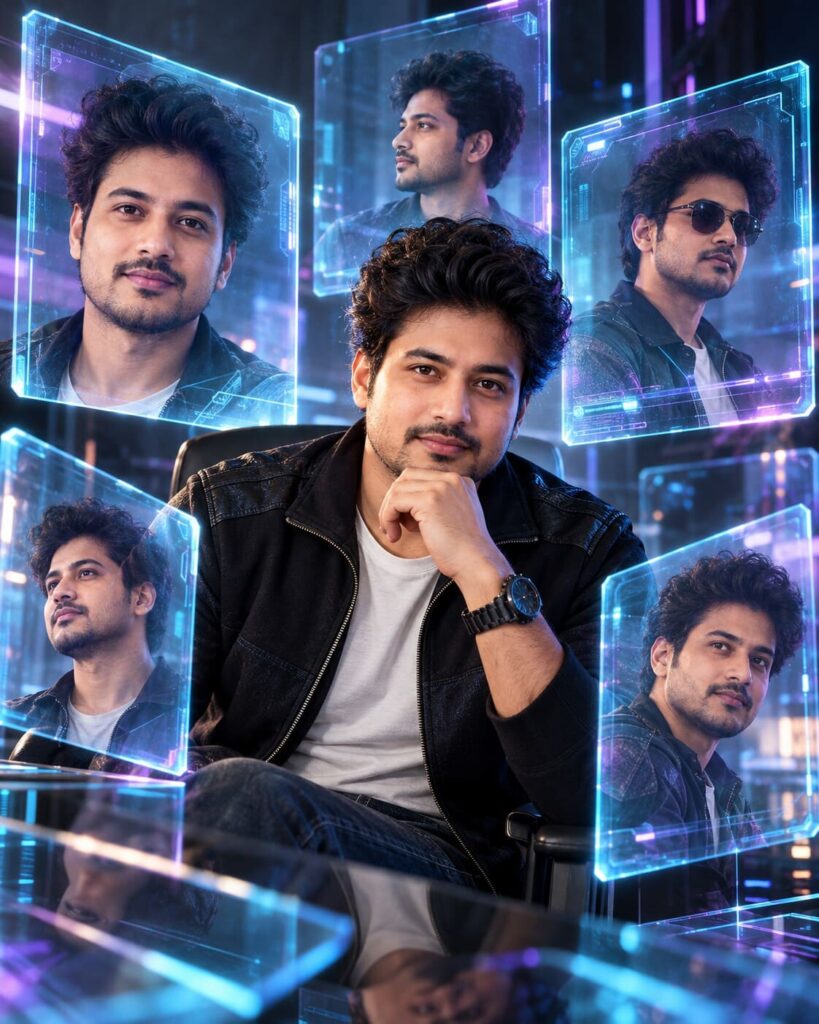
Create a sophisticated luxury editorial portrait collage using the uploaded image as the exact identity reference. Preserve facial identity, facial structure, proportions, eyes, eyebrows, nose, lips, jawline, cheeks, skin tone, hairline, hairstyle, natural age and distinctive facial characteristics. Create three overlapping photographic frames of the same person: a close-up portrait, a medium fashion portrait and a smaller environmental frame. Use warm golden-hour directional light, deep burgundy luxury clothing, subtle embroidery and restrained gold accessories. Build the collage on a warm cream textured-paper background with realistic photographic edges, controlled overlap, soft shadows and subtle depth. Natural skin texture, detailed fabrics, elegant editorial art direction, premium fashion-campaign mood, photorealistic, vertical 4:5.
Create a sophisticated luxury editorial portrait collage using the uploaded image as the exact identity reference. Preserve facial identity, facial structure, proportions, eyes, eyebrows, nose, lips, jawline, cheeks, skin tone, hairline, hairstyle, natural age and distinctive facial characteristics. Create three overlapping photographic frames of the same person: a close-up portrait, a medium fashion portrait and a smaller environmental frame. Use warm golden-hour directional light, deep burgundy luxury clothing, subtle embroidery and restrained gold accessories. Build the collage on a warm cream textured-paper background with realistic photographic edges, controlled overlap, soft shadows and subtle depth. Natural skin texture, detailed fabrics, elegant editorial art direction, premium fashion-campaign mood, photorealistic, vertical 4:5.
Photorealistic luxury editorial layered portrait collage using the uploaded reference image as the exact identity source. Preserve facial identity, facial structure, facial proportions, eyes, eyebrows, nose, lips, jawline, cheeks, skin tone, hairline, hairstyle, natural age and distinctive facial characteristics consistently across every frame. Three overlapping photographic moments of the same person: close-up, medium fashion portrait and environmental frame. Warm golden-hour directional light, deep burgundy luxury clothing, subtle embroidery, restrained gold accessories, warm cream textured-paper background, realistic photographic edges, soft overlap shadows, natural skin texture, detailed fabric, sophisticated fashion campaign aesthetic, cinematic editorial composition, vertical 4:5.
Transform the uploaded portrait into a premium luxury editorial photo collage while preserving the exact person and their recognizable facial identity, facial structure, proportions, eyes, eyebrows, nose, lips, jawline, cheeks, skin tone, hairline, hairstyle, natural age and distinctive facial characteristics. Create three overlapping photographic moments of the same person: one close-up, one medium fashion portrait and one smaller environmental frame. Use warm golden-hour lighting, sophisticated burgundy clothing with subtle embroidery and restrained gold accessories. Arrange the images over a warm cream paper-textured editorial background with realistic photographic edges, soft shadows and subtle depth. Keep all three versions of the person consistently recognizable. Natural skin texture, realistic fabrics, high-end fashion campaign aesthetic, photorealistic, vertical 4:5.
generic face, changed identity, inconsistent identity, blended faces, facial reconstruction, altered facial proportions, changed eyes, changed eyebrows, changed nose, changed lips, changed jawline, changed cheeks, changed skin tone, changed hairstyle, age alteration, beauty filter, plastic skin, waxy skin, cheap scrapbook, excessive decoration, excessive gold, fake 3D collage, cartoon, anime, illustration, CGI, distorted anatomy, duplicate facial features, text, watermark, logo
Works with
✦ChatGPT Images 2.5✦Gemini✦Midjourney✦SDXL
Comments