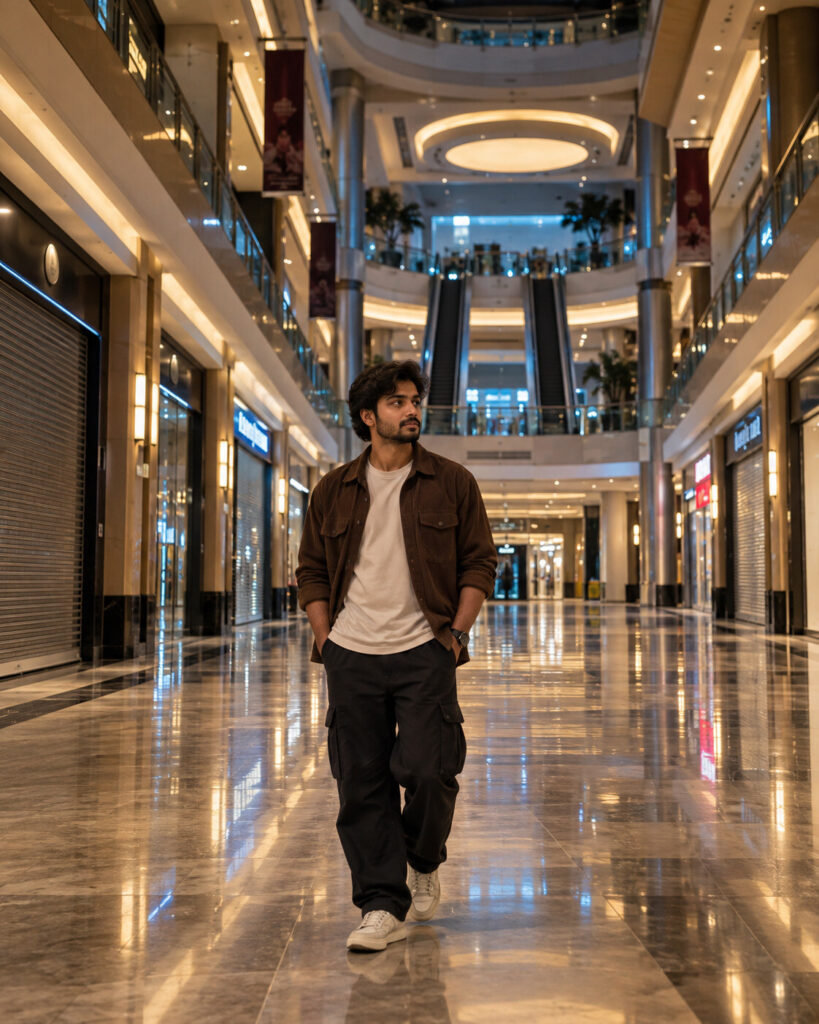
Liminal Mall After-Hours Portrait
♡ 12Transform your reference portrait into a cinematic liminal shopping mall scene with fluorescent light, empty corridors and uncanny realistic atmosphere.
Create a photorealistic cinematic portrait using the uploaded image as the exact identity reference. Preserve facial identity, facial structure, proportions, eyes, eyebrows, nose, lips, jawline, cheeks, skin tone, hairline, hairstyle, natural age and distinctive facial characteristics. Place the subject alone inside an enormous deserted shopping mall after closing time. Long symmetrical corridors, closed storefronts, empty escalators, inactive screens and polished reflective floors. Warm fluorescent ceiling lights mixed with cool distant ambient light. Natural skin texture, realistic clothing, believable reflections, deep architectural perspective and subtle atmospheric haze. Calm introspective expression, quiet uncanny mood, no monsters or supernatural elements, high-end architectural photography, photorealistic, vertical 4:5.
Create a photorealistic cinematic portrait using the uploaded image as the exact identity reference. Preserve facial identity, facial structure, proportions, eyes, eyebrows, nose, lips, jawline, cheeks, skin tone, hairline, hairstyle, natural age and distinctive facial characteristics. Place the subject alone inside an enormous deserted shopping mall after closing time. Long symmetrical corridors, closed storefronts, empty escalators, inactive screens and polished reflective floors. Warm fluorescent ceiling lights mixed with cool distant ambient light. Natural skin texture, realistic clothing, believable reflections, deep architectural perspective and subtle atmospheric haze. Calm introspective expression, quiet uncanny mood, no monsters or supernatural elements, high-end architectural photography, photorealistic, vertical 4:5.
Photorealistic liminal-space portrait using the uploaded reference image as the exact identity source. Preserve facial identity, facial structure, facial proportions, eyes, eyebrows, nose, lips, jawline, cheeks, skin tone, hairline, hairstyle, natural age and distinctive facial characteristics. Subject alone inside a huge deserted shopping mall after closing time, symmetrical corridors, closed storefronts, empty escalators, inactive screens, polished reflective floor, warm fluorescent lights and cool distant ambient illumination. Realistic reflections, natural skin texture, realistic clothing, deep architectural perspective, subtle atmospheric haze, quiet uncanny mood, no supernatural elements, cinematic architectural photography, vertical 4:5.
Transform the uploaded portrait into a sophisticated photorealistic cinematic photograph of the exact same person standing alone inside a huge deserted shopping mall after closing time. Preserve their exact recognizable facial identity, facial structure, proportions, eyes, eyebrows, nose, lips, jawline, cheeks, skin tone, hairline, hairstyle, natural age and distinctive facial characteristics. Surround them with long symmetrical corridors, closed storefronts, empty escalators, inactive advertising screens and polished reflective floors. Use realistic warm fluorescent ceiling light mixed with faint cool ambient light from distant windows. Create believable reflections and deep architectural perspective. Keep the person's clothing, skin and anatomy realistic. The atmosphere should feel quietly uncanny because of the emptiness and scale, not because of horror or supernatural elements. Premium architectural photography, vertical 4:5.
generic face, changed identity, facial reconstruction, altered facial proportions, changed eyes, changed eyebrows, changed nose, changed lips, changed jawline, changed cheeks, changed skin tone, changed hairstyle, age alteration, beauty filter, plastic skin, ghost, monster, blood, horror creature, supernatural effect, ruined mall, destroyed architecture, excessive fog, extreme darkness, fantasy environment, cartoon, anime, illustration, CGI, 3D render, distorted anatomy, duplicate person, extra limbs, text, watermark, logo
Works with
✦ChatGPT Images 2.5✦Gemini✦Midjourney✦SDXL
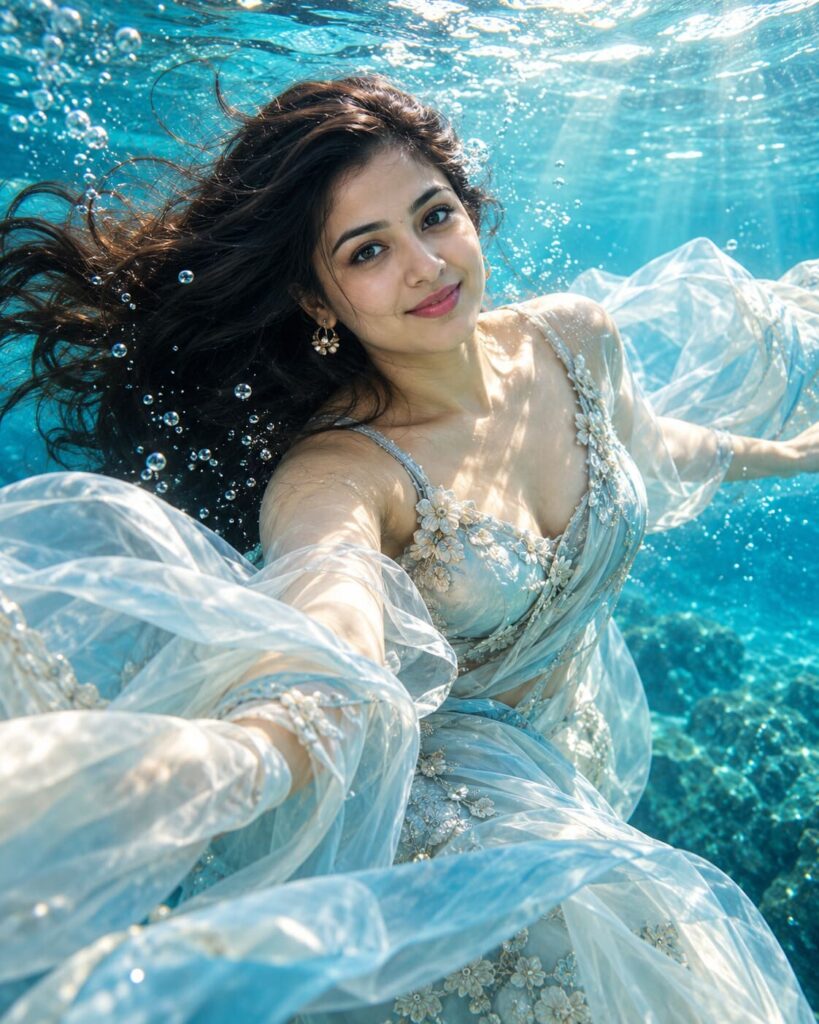
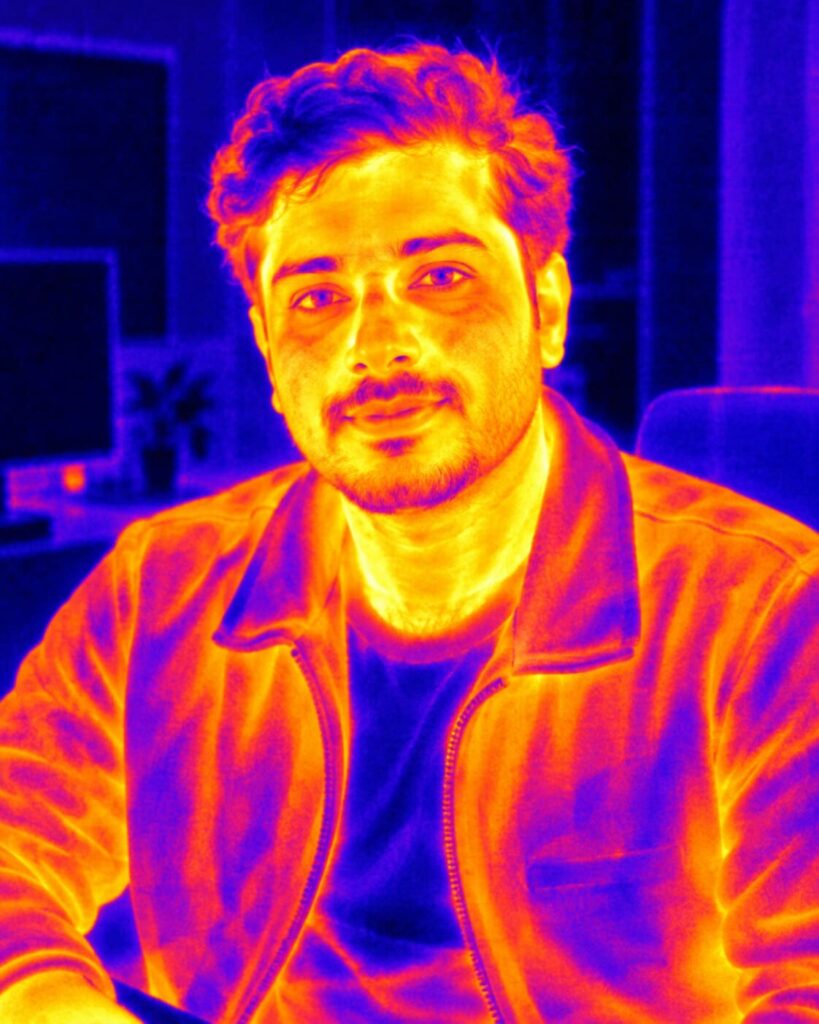
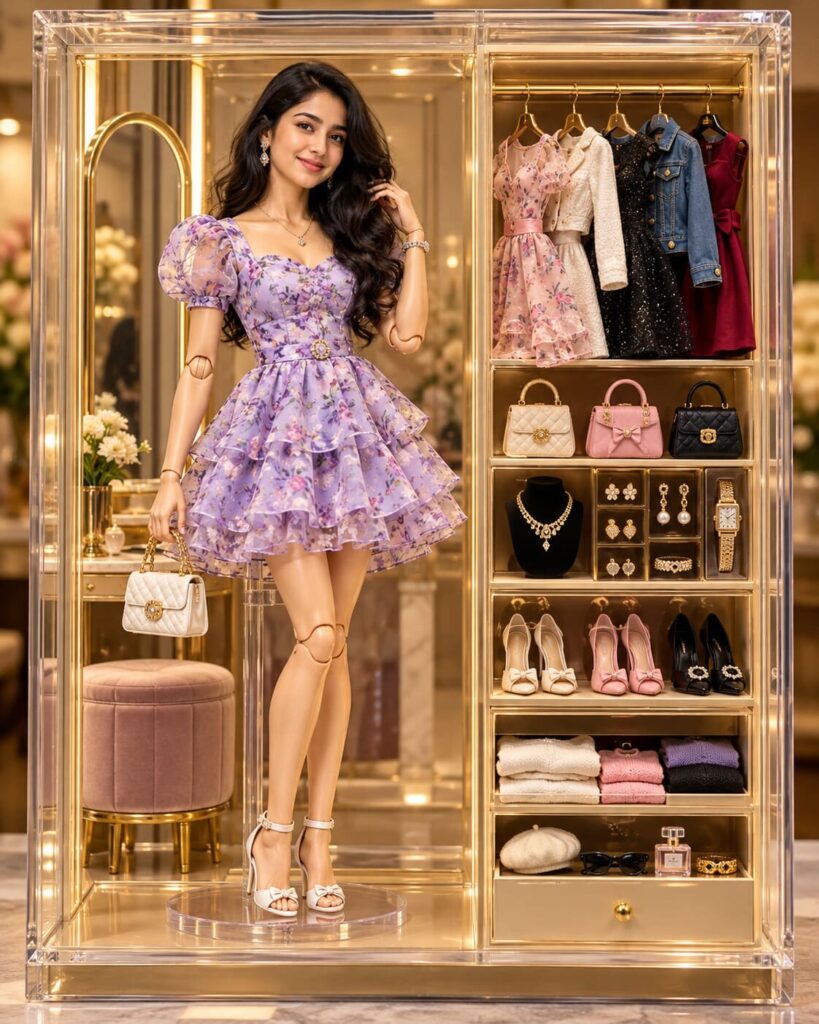
Comments