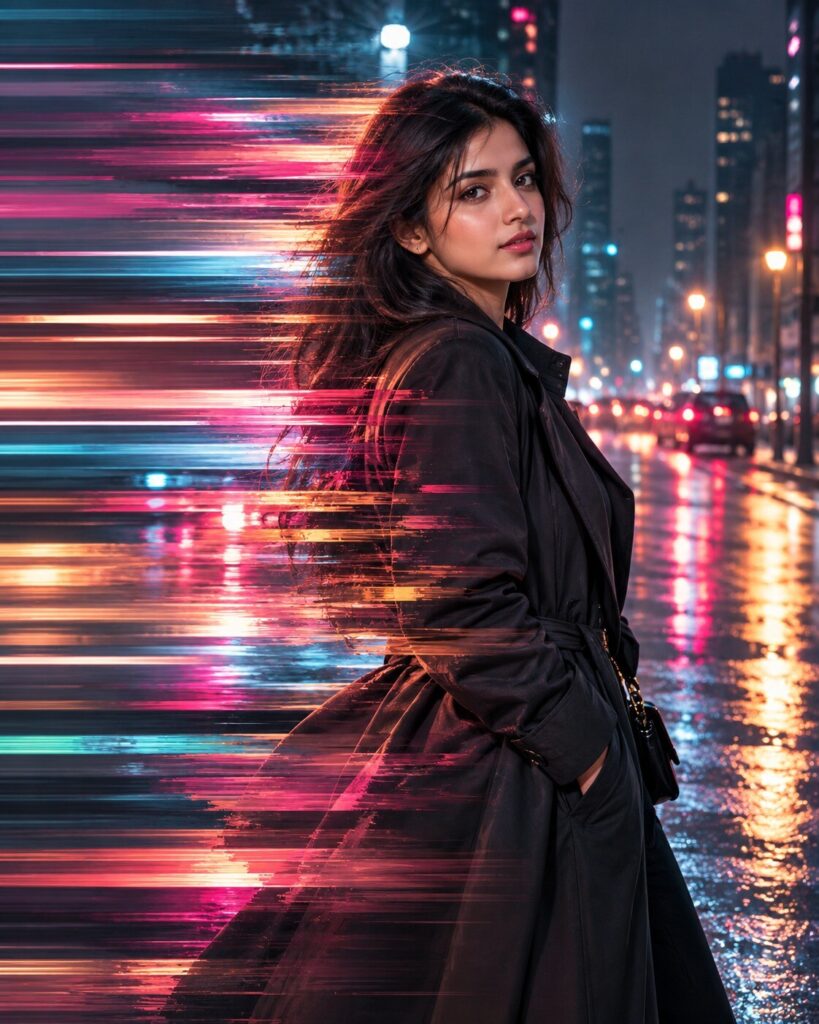
Liquid Pixel-Stretch Motion Portrait
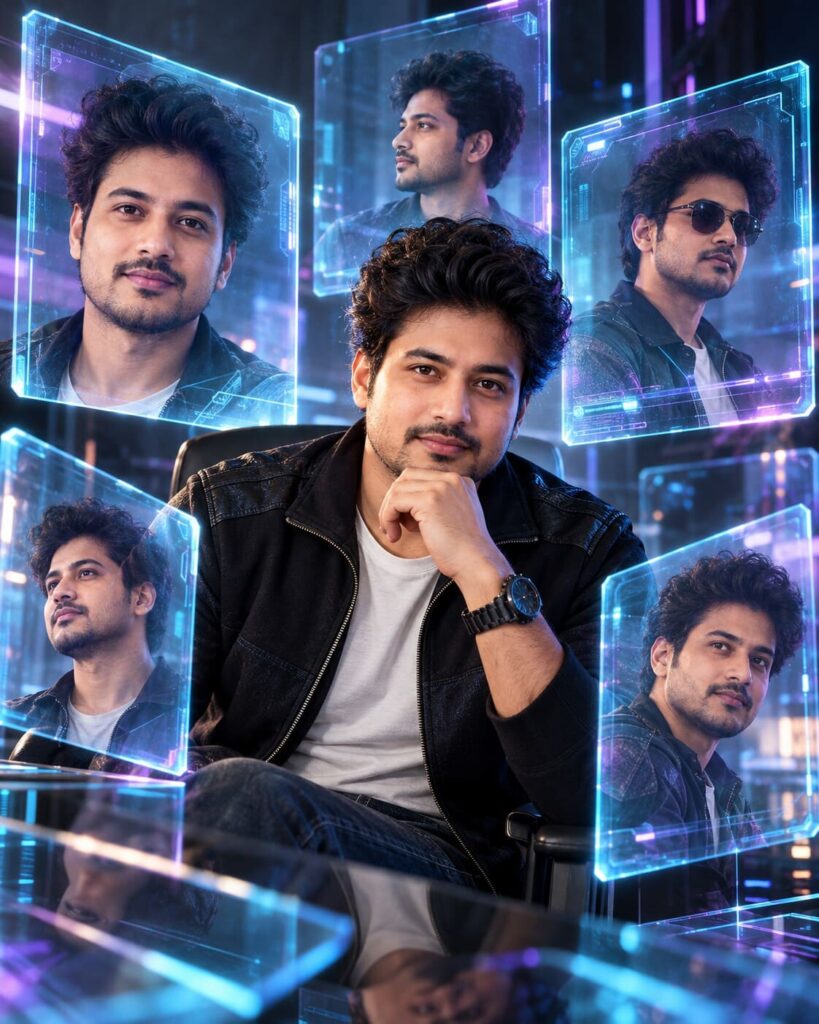
♡ 6Transform your reference portrait into a futuristic pixel-stretch artwork while keeping the person sharp and recognizable against flowing ribbons of color.
Create a premium cinematic pixel-stretch portrait using the uploaded image as the exact identity reference. Preserve facial identity, facial structure, proportions, eyes, eyebrows, nose, lips, jawline, cheeks, skin tone, hairline, hairstyle, natural age and distinctive facial characteristics. Keep the person completely sharp and realistic. Stretch selected background pixels and small clothing edges into elegant horizontal ribbons of color and light. Use a nighttime city environment with charcoal architecture, restrained cyan and magenta lights and wet pavement reflections. Never stretch the face, eyes, hands or major body features. Extract colors from the original scene and extend them naturally. Smooth transitions, realistic shadows, crisp facial detail, cinematic rim light, subtle haze, sophisticated digital artwork, photorealistic subject, vertical 4:5.
Create a premium cinematic pixel-stretch portrait using the uploaded image as the exact identity reference. Preserve facial identity, facial structure, proportions, eyes, eyebrows, nose, lips, jawline, cheeks, skin tone, hairline, hairstyle, natural age and distinctive facial characteristics. Keep the person completely sharp and realistic. Stretch selected background pixels and small clothing edges into elegant horizontal ribbons of color and light. Use a nighttime city environment with charcoal architecture, restrained cyan and magenta lights and wet pavement reflections. Never stretch the face, eyes, hands or major body features. Extract colors from the original scene and extend them naturally. Smooth transitions, realistic shadows, crisp facial detail, cinematic rim light, subtle haze, sophisticated digital artwork, photorealistic subject, vertical 4:5.
Photorealistic pixel-stretch portrait using the uploaded reference image as the exact identity source. Preserve facial identity, facial structure, facial proportions, eyes, eyebrows, nose, lips, jawline, cheeks, skin tone, hairline, hairstyle, natural age and distinctive facial characteristics. Keep the person, face, eyes, hands and immediate silhouette completely sharp. Transform selected background pixels and limited clothing edges into smooth horizontal digital ribbons. Nighttime city setting, charcoal architecture, restrained cyan and magenta practical lights, wet pavement reflections, realistic shadows, cinematic rim light, crisp skin texture, subtle atmospheric haze, smooth transition between photographic detail and stretched pixels, premium digital-art finish, dynamic motion, vertical 4:5.
Transform the uploaded portrait into a premium cinematic pixel-stretch artwork while preserving the exact person and their recognizable facial identity, facial structure, proportions, eyes, eyebrows, nose, lips, jawline, cheeks, skin tone, hairline, hairstyle, natural age and distinctive facial characteristics. Keep the entire person sharp and realistic. Place them in a sophisticated nighttime city environment with wet pavement and restrained cyan and magenta lighting. Stretch selected background pixels and small edges of the clothing into long, smooth horizontal ribbons of color and light, as though the image has been pulled sideways into motion. Use colors derived naturally from the original environment. Never stretch or distort the face, eyes, hands or major anatomy. Maintain realistic shadows, crisp skin texture, cinematic rim light and subtle atmospheric haze. The transition between real photography and digital stretch should be seamless and refined, with no chaotic glitches or broken pixels. Vertical 4:5 composition.
generic face, changed identity, facial reconstruction, altered facial proportions, changed eyes, changed eyebrows, changed nose, changed lips, changed jawline, changed cheeks, changed skin tone, changed hairstyle, age alteration, stretched face, stretched eyes, distorted hands, distorted anatomy, pixelated face, chaotic glitch, broken pixels, rectangular artifacts, random colors, excessive neon, oversaturation, cartoon, anime, illustration, CGI, 3D render, text, watermark, logo
Works with
✦ChatGPT Images 2.5✦Gemini✦Midjourney✦SDXL
Comments