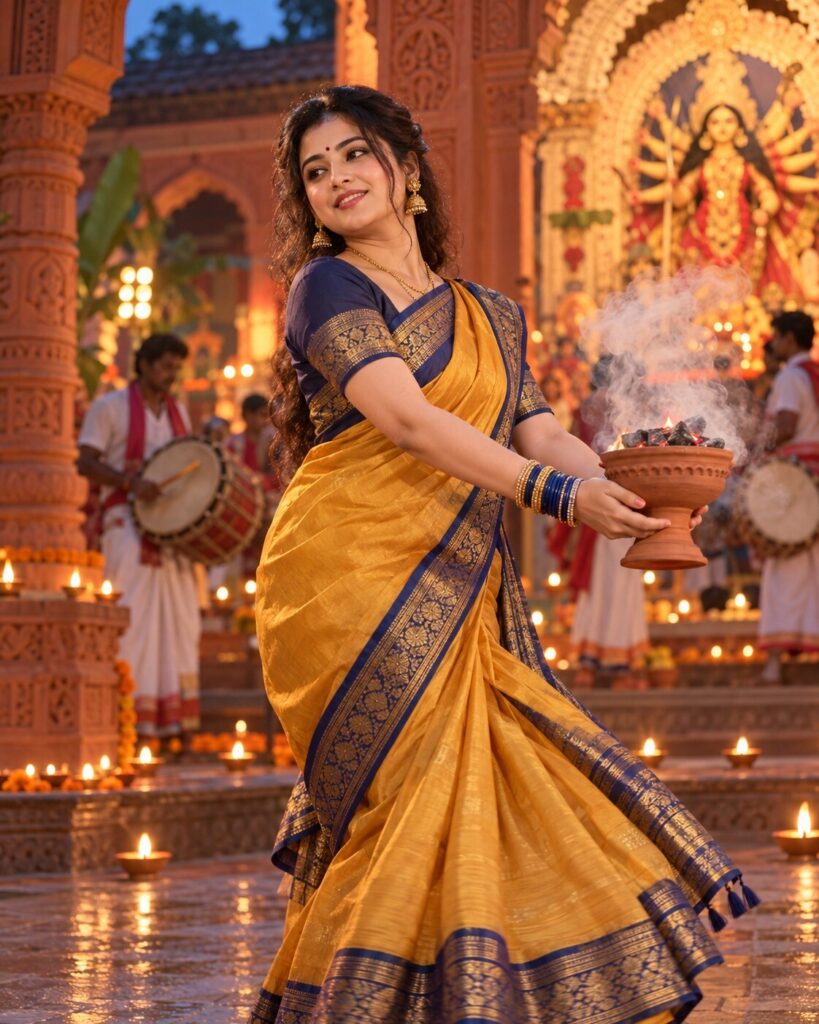
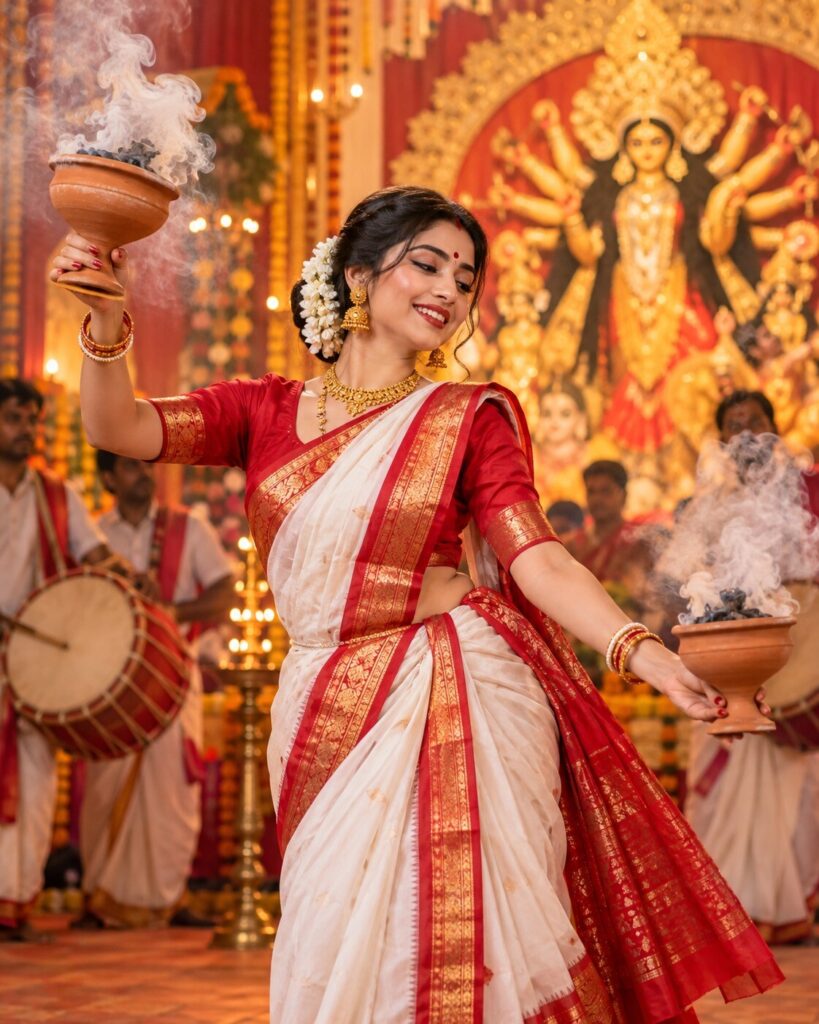
Terracotta Courtyard Dhunuchi Naach – Bengali Durga Puja Portrait
♡ 15Create a traditional Bengali Dhunuchi dance portrait with your real face, an ochre silk saree, terracotta architecture, glowing oil lamps and realistic incense smoke.
#Traditional/Cultural Portrait#AI photo prompt#Bengali Cultural Portrait#Dhunuchi dance#Durga Puja 2026#Silk Saree
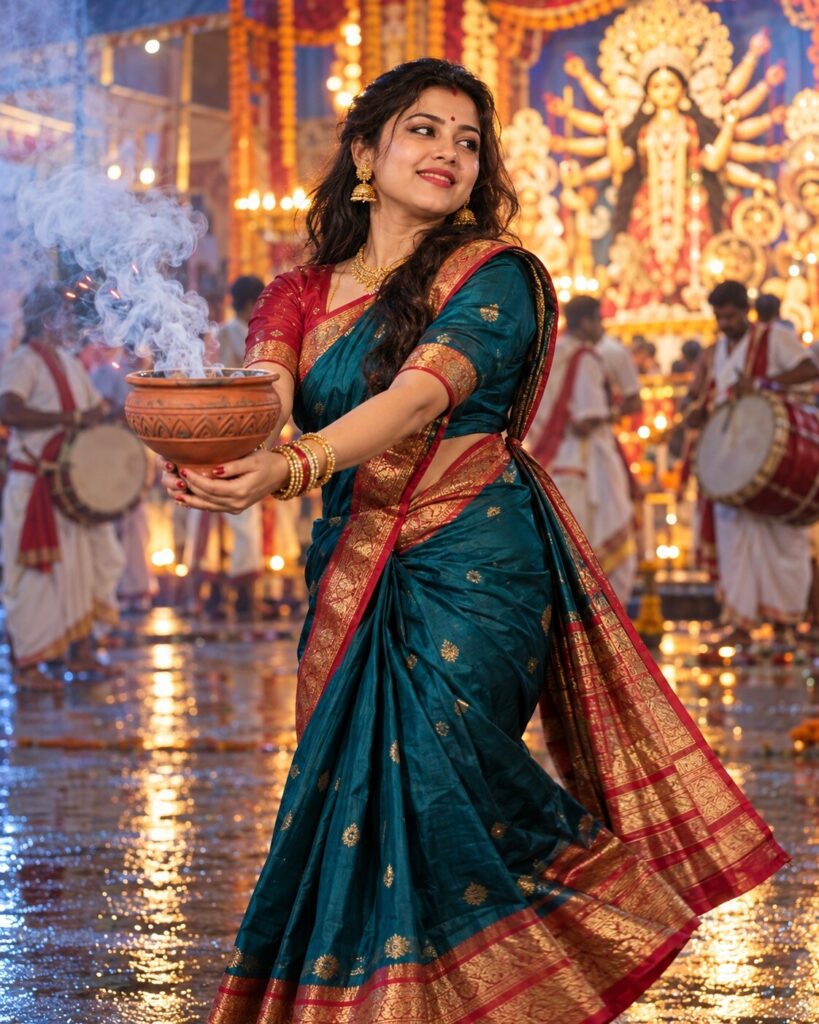
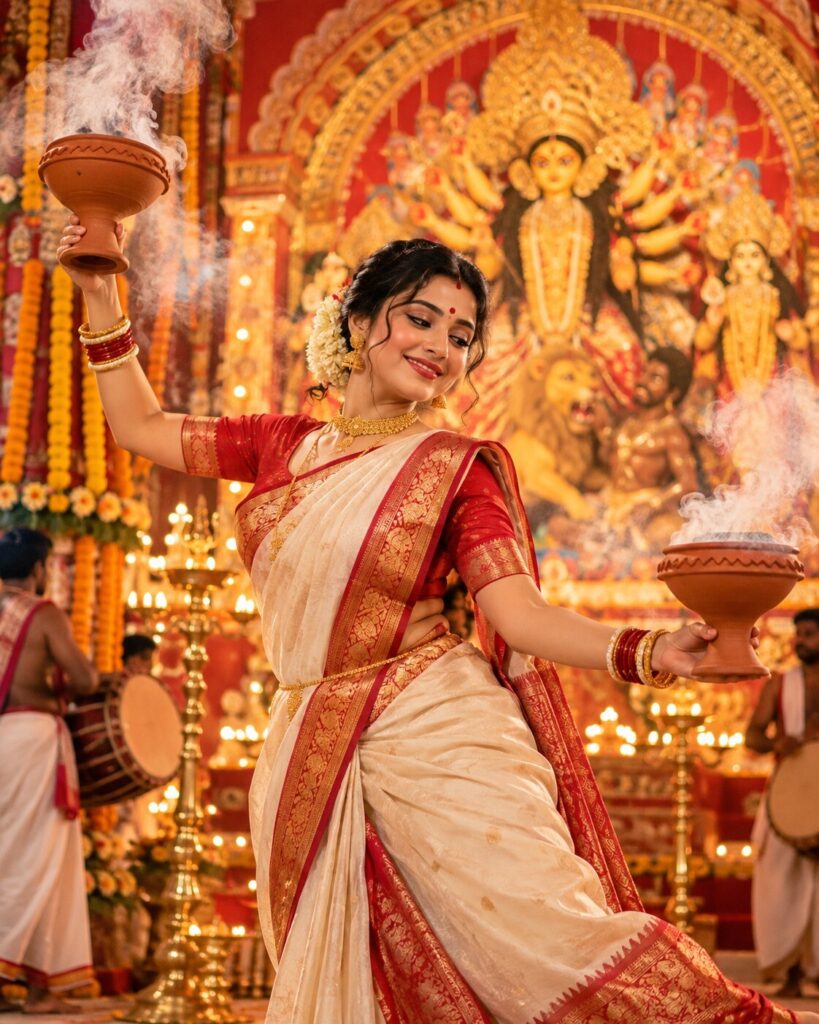
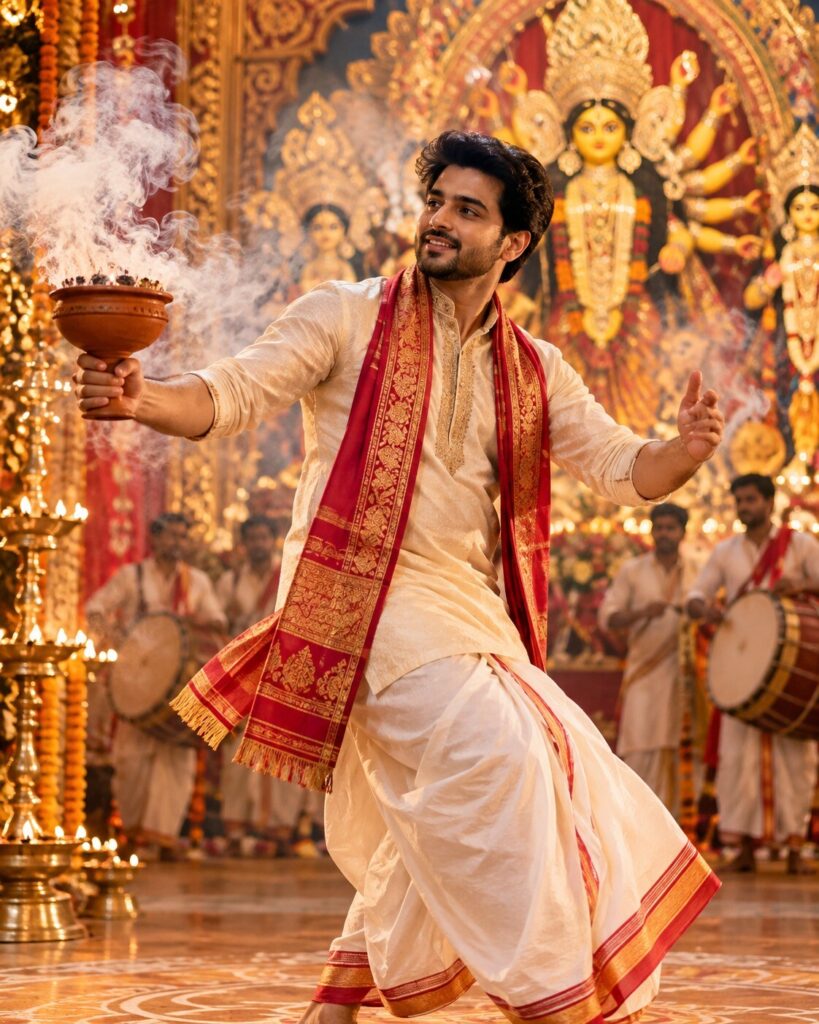
Using my uploaded photo as the reference, create a photorealistic 4:5 portrait of me performing Dhunuchi Naach in a traditional Bengali terracotta courtyard during Durga Puja. Preserve my exact recognizable facial identity, facial structure, facial proportions, eyes, eyebrows, nose, lips, jawline, cheeks, skin tone, hairline, hairstyle, distinctive facial features, natural age and overall likeness. Do not replace my face. Dress me in an ochre-yellow Bengali silk saree with an indigo woven border and subtle antique-gold details. Capture a graceful three-quarter dance turn while I securely hold exactly one terracotta dhunuchi with both hands. Include natural incense smoke, glowing embers, carved terracotta columns, blurred dhak drummers, a subtle Durga Puja shrine and a semicircle of small oil lamps. Use warm amber lamp light balanced by cool twilight ambience, realistic skin and silk texture, anatomically correct hands, a sharp face and shallow depth of field.
Using my uploaded photo as the reference, create a photorealistic 4:5 portrait of me performing Dhunuchi Naach in a traditional Bengali terracotta courtyard during Durga Puja. Preserve my exact recognizable facial identity, facial structure, facial proportions, eyes, eyebrows, nose, lips, jawline, cheeks, skin tone, hairline, hairstyle, distinctive facial features, natural age and overall likeness. Do not replace my face. Dress me in an ochre-yellow Bengali silk saree with an indigo woven border and subtle antique-gold details. Capture a graceful three-quarter dance turn while I securely hold exactly one terracotta dhunuchi with both hands. Include natural incense smoke, glowing embers, carved terracotta columns, blurred dhak drummers, a subtle Durga Puja shrine and a semicircle of small oil lamps. Use warm amber lamp light balanced by cool twilight ambience, realistic skin and silk texture, anatomically correct hands, a sharp face and shallow depth of field.
Photorealistic 4:5 cultural portrait, use uploaded reference photo for identity preservation, preserve exact recognizable facial identity, facial structure and proportions, eyes, eyebrows, nose, lips, jawline, cheeks, skin tone, hairline, hairstyle, distinctive facial characteristics, natural age and overall likeness. Adult Bengali devotee performing Dhunuchi Naach in a traditional terracotta courtyard during Durga Puja. Ochre-yellow Bengali silk saree with indigo woven border and subtle antique-gold details, authentic draping, traditional gold jewellery, graceful three-quarter dance turn, both hands naturally holding exactly one terracotta dhunuchi, realistic incense embers and delicate pale smoke. Carved brick columns, ornamental terracotta arches, semicircle of small oil lamps, softly blurred dhak drummers, subtle Durga Puja shrine. Warm amber lamp lighting balanced with cool twilight-blue ambient light, natural skin texture, detailed silk fibres, realistic hands, crisp facial focus, professional full-frame 50mm portrait photography, shallow depth of field, restrained cinematic colour grading.
Edit the uploaded reference photo into a photorealistic vertical 4:5 Bengali Durga Puja portrait featuring the same person performing Dhunuchi Naach in an old terracotta courtyard. Preserve the person’s exact recognizable facial identity, facial structure, facial proportions, eyes, eyebrows, nose, lips, jawline, cheeks, skin tone, hairline, hairstyle, distinctive facial characteristics, natural age and overall likeness. Do not create a different face. Dress the person in an ochre-yellow Bengali silk saree with an indigo woven border and subtle antique-gold detailing. Capture a graceful three-quarter dance turn while the person securely holds exactly one traditional terracotta incense burner with both hands. Include realistic glowing embers and delicate curling smoke. Build the setting from carved terracotta columns, ornamental brick arches, a semicircle of small oil lamps, blurred dhak drummers and a subtle Durga Puja shrine. Balance warm amber lamp light with cool twilight-blue ambient light. Keep the face sharp, skin natural, saree draping believable, hands anatomically correct and the burner unobstructed. Use realistic materials, shallow depth of field and professional editorial photography. No text or watermark.
identity drift, generic face, different person, changed facial structure, changed facial proportions, altered eyes, altered eyebrows, changed nose, changed lips, altered jawline, changed cheeks, changed skin tone, changed natural age, distorted hairline, extra fingers, missing fingers, fused fingers, extra arms, malformed hands, broken wrists, duplicate dhunuchi, floating vessel, impossible grip, fire touching skin, oversized flames, dense opaque smoke, smoke covering face, artificial fog, plastic skin, waxy face, excessive beauty retouching, distorted saree drape, melted textile pattern, inaccurate indigo border, duplicate lamps, cluttered foreground, distorted brickwork, fantasy architecture, cartoon, anime, illustration, painting, text, logo, watermark, low resolution, blurred face, excessive motion blur
Works with
✦ChatGPT image generation✦Google Gemini image generation✦Midjourney✦Stable Diffusion XL
Comments