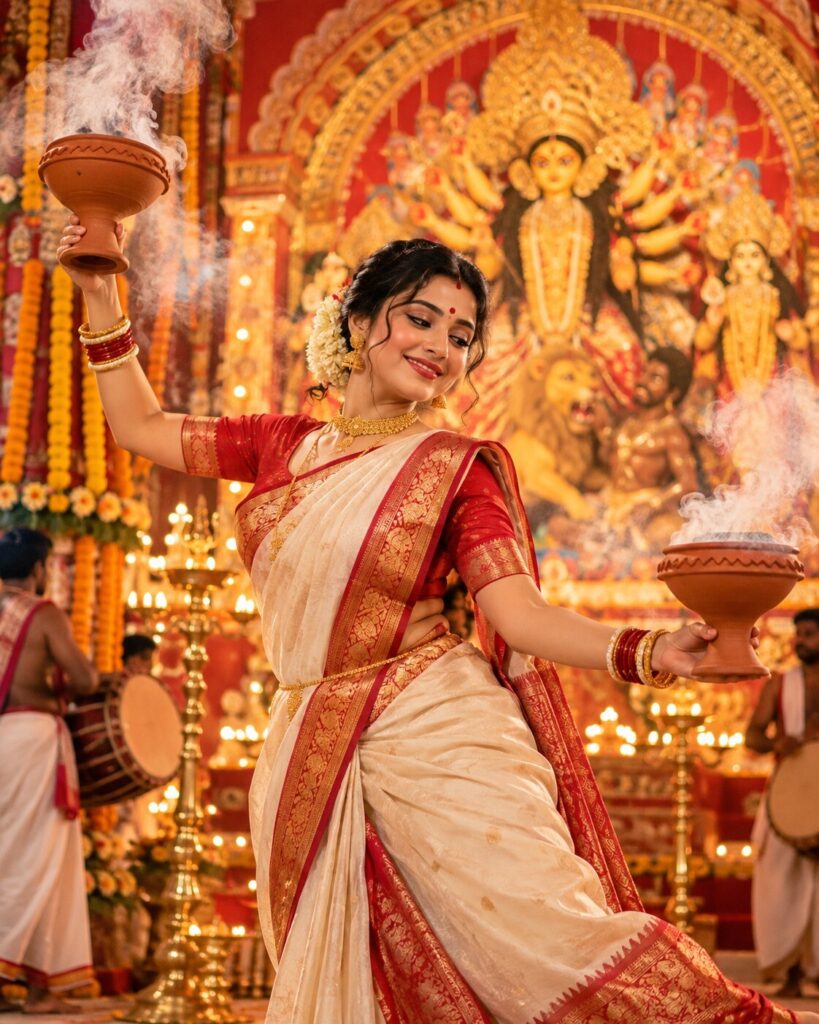
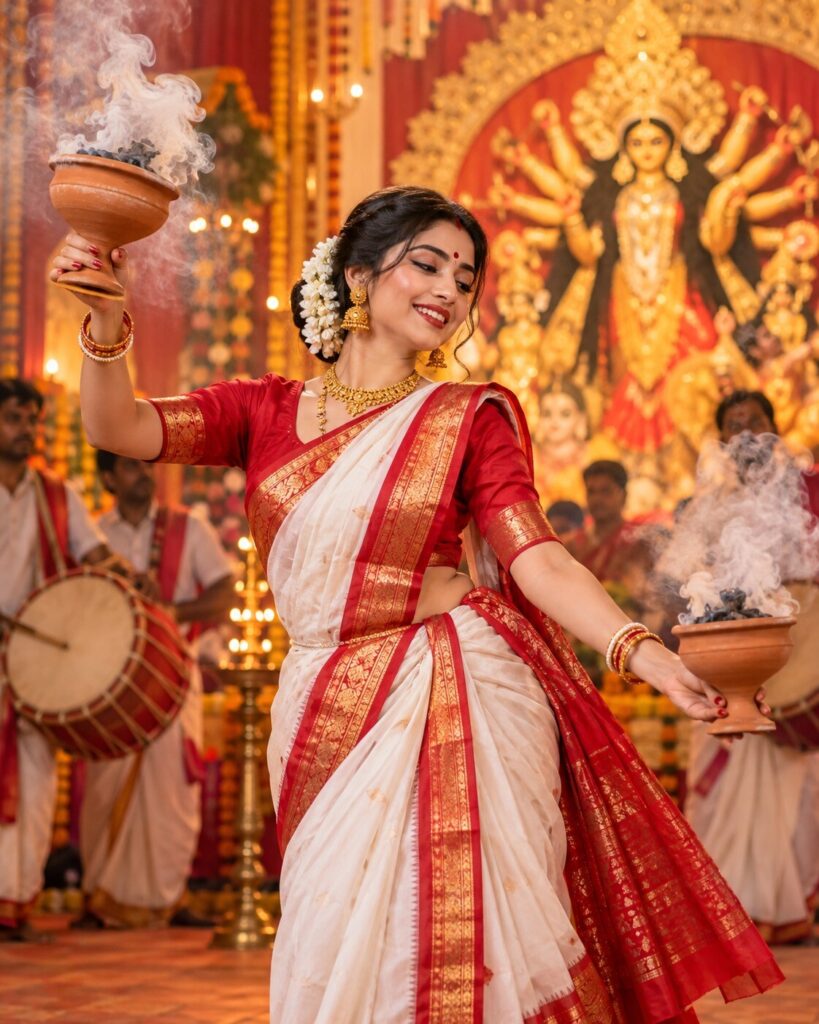
Twin Dhunuchi Grace – Bengali Durga Puja Dance Portrait
♡ 11Create a dramatic Bengali Dhunuchi dance portrait with an ivory saree, red brocade border, twin incense burners, glowing diyas, and preserved facial identity.
#Traditional/Cultural Portrait#AI Photo Prompts#Bengali Saree#Cultural Photography#Dhunuchi dance#Durga Puja Portrait
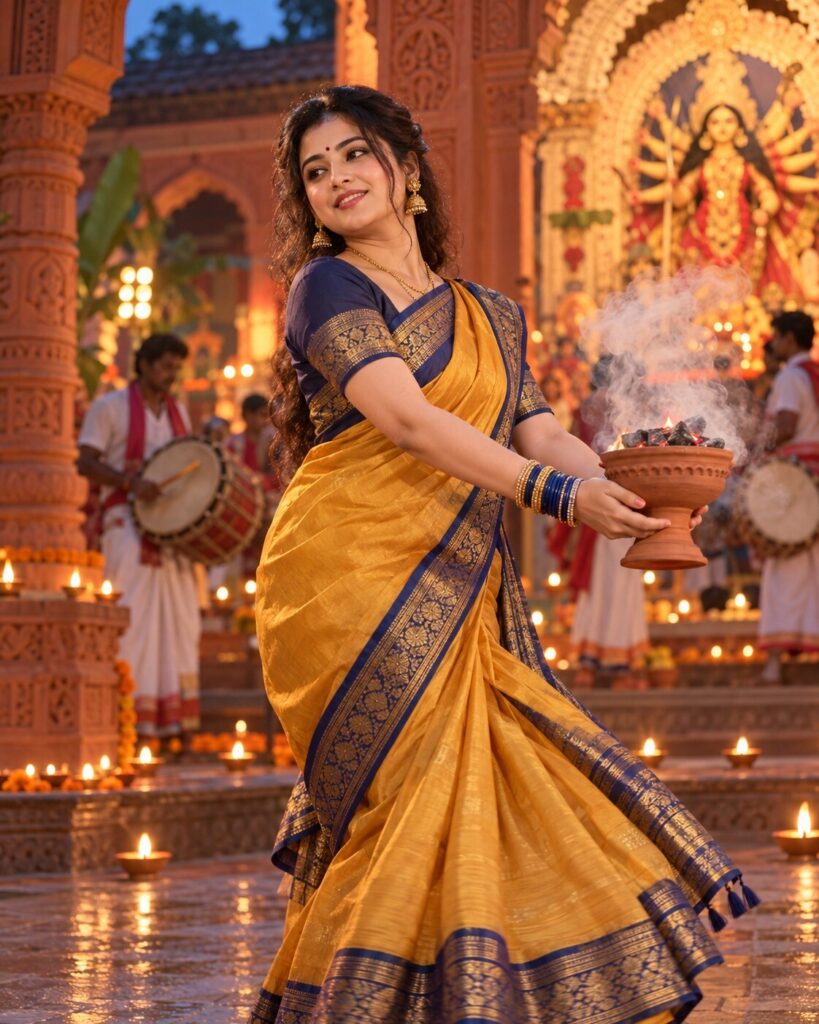
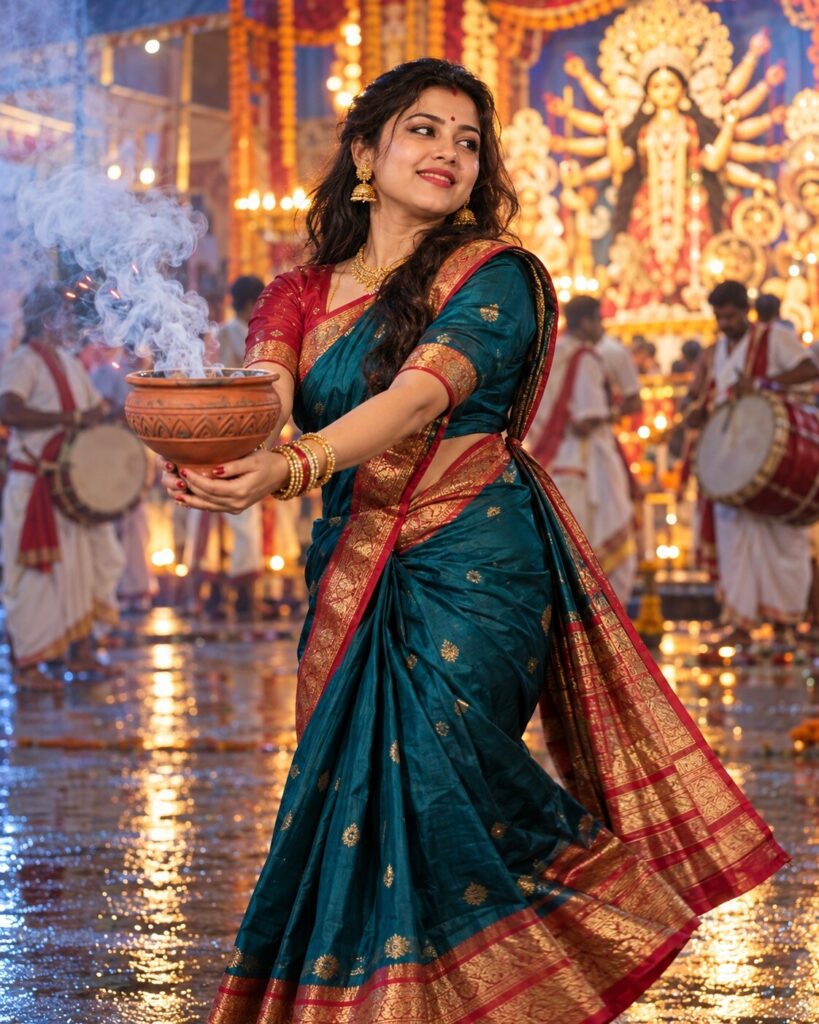
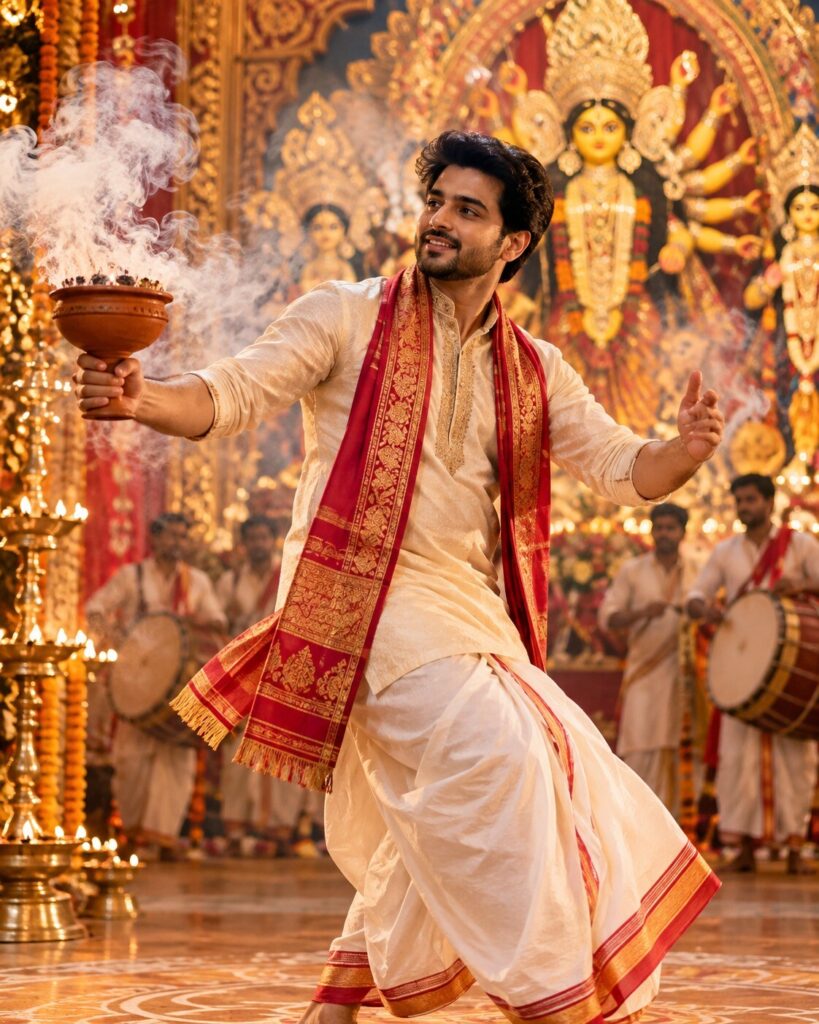
Transform the uploaded reference photo into a photorealistic Bengali Durga Puja twin-Dhunuchi dance portrait. Preserve the subject’s exact recognizable facial identity, facial structure and proportions, eyes, eyebrows, nose, lips, jawline, cheeks, skin tone, hairline, hairstyle, distinctive features, natural age, and overall likeness. Never substitute a generic face. Dress the subject in an ivory Bengali saree with a deep-red brocade border and tasteful traditional jewelry. Show a balanced dance pose with one traditional terracotta incense burner held securely in each hand. Both burners must be visible, with realistic curling smoke that does not cover the face. Add marigold garlands, brass diyas, decorative pandal arches, and a softly illuminated Durga idol in the background. Use warm cinematic light, realistic skin and fabric, anatomically correct hands, shallow depth of field, and vertical 4:5 framing.
Transform the uploaded reference photo into a photorealistic Bengali Durga Puja twin-Dhunuchi dance portrait. Preserve the subject’s exact recognizable facial identity, facial structure and proportions, eyes, eyebrows, nose, lips, jawline, cheeks, skin tone, hairline, hairstyle, distinctive features, natural age, and overall likeness. Never substitute a generic face. Dress the subject in an ivory Bengali saree with a deep-red brocade border and tasteful traditional jewelry. Show a balanced dance pose with one traditional terracotta incense burner held securely in each hand. Both burners must be visible, with realistic curling smoke that does not cover the face. Add marigold garlands, brass diyas, decorative pandal arches, and a softly illuminated Durga idol in the background. Use warm cinematic light, realistic skin and fabric, anatomically correct hands, shallow depth of field, and vertical 4:5 framing.
High-detail photorealistic Bengali Durga Puja twin-Dhunuchi dance portrait using the uploaded reference photograph as the authoritative identity reference. Preserve the subject’s recognizable facial identity, facial structure, proportions, eyes, eyebrows, nose, lips, jawline, cheeks, skin tone, natural texture, hairline, hairstyle, distinctive characteristics, natural age, and likeness. Ivory Bengali saree with a deep-red brocade border, traditional gold-toned jewelry, balanced dance posture, one terracotta incense burner held securely in each hand. Both burners visible with physically plausible grip and gentle curling white-gray smoke. Decorated Durga Puja pandal with marigold garlands, brass diyas, red-and-white floral arrangements, and a softly illuminated Durga idol in the background. Warm cinematic light, realistic skin pores, detailed saree texture, anatomically correct hands, moderate smoke density, sharp face, shallow depth of field, vertical 4:5.
Edit the uploaded photo into one photorealistic Bengali Durga Puja twin-Dhunuchi dance portrait. Preserve the person’s original recognizable identity, facial structure and proportions, eyes, eyebrows, nose, lips, jawline, cheeks, skin tone, hairline, hairstyle, distinctive facial features, natural age, and overall likeness. Do not replace or redesign the face. Dress the subject in an elegant ivory Bengali saree with a deep-red brocade border and tasteful traditional jewelry. Show a graceful, balanced Dhunuchi dance pose with one traditional terracotta incense burner held securely in each hand. Keep both burners clearly visible, with realistic smoke rising gently without covering the face. Set the scene in a decorated Bengali Durga Puja pandal with marigold garlands, brass diyas, red-and-white floral arrangements, and a softly illuminated Durga idol in the background. Use warm cinematic lighting, realistic skin and textile detail, accurate hands, and a softly blurred background. Frame the subject from the knees upward with the head, both hands, and both burners visible. Vertical 4:5. No text, watermark, or collage.
identity change, generic face, face replacement, altered facial structure, changed facial proportions, changed eyes, changed eyebrows, changed nose, changed lips, changed jawline, changed cheeks, altered skin tone, changed hairline, changed hairstyle, changed age, excessive beautification, plastic skin, airbrushed texture, asymmetrical eyes, blurry face, extra fingers, missing fingers, fused fingers, malformed hands, broken wrists, twisted arms, unnatural posture, duplicated burner, missing burner, floating incense burner, fused props, unsafe grip, unrealistic smoke, dense smoke covering face, uncontrolled flames, distorted saree border, inaccurate brocade, unrealistic jewelry, harsh facial shadows, overexposure, cropped head, cartoon, painting, illustration, text, logo, watermark, collage, split screen
Works with
✦ChatGPT image generation✦Google Gemini image generation✦Midjourney✦Stable Diffusion XL
Comments