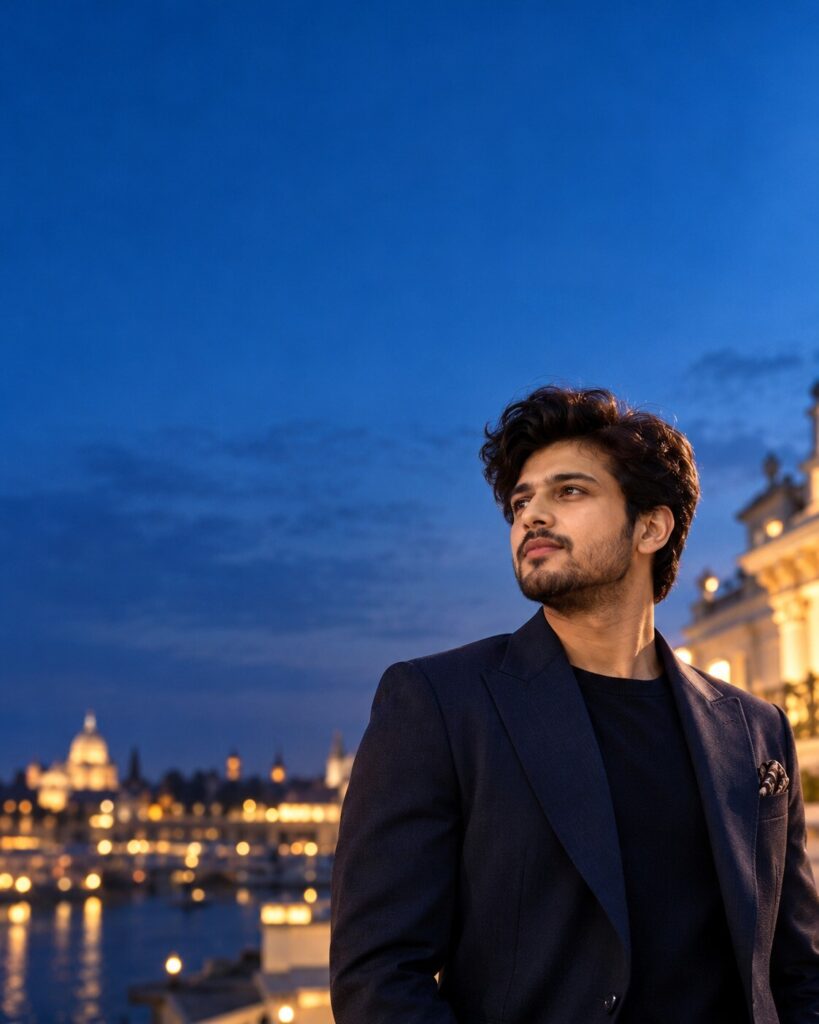
Luxury Blue-Hour Negative-Space Editorial Portrait
♡ 13Create a premium blue-hour editorial portrait from your uploaded photo with exact facial identity, cinematic lighting, luxury styling, and expansive negative space.
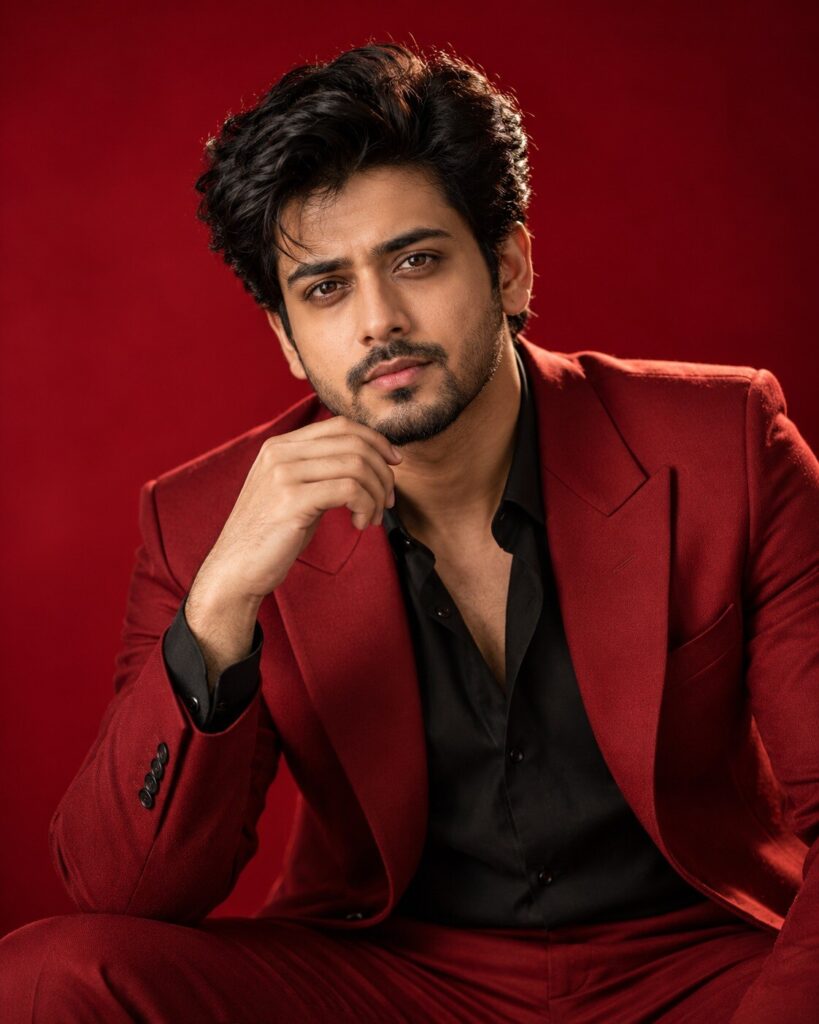
Create a photorealistic luxury blue-hour editorial portrait using the uploaded reference image as the exact identity anchor. Preserve facial identity, facial structure, proportions, eyes, eyebrows, nose, lips, jawline, cheeks, skin tone, hairline, hairstyle, natural age, and distinctive features. Position the same person chest-up in the lower-right portion of a vertical frame, leaving extensive clean negative space across the upper and left areas. Use a slightly low camera angle, refined contemporary luxury clothing, subtle accessories, deep blue evening sky, soft cool ambient illumination, delicate warm edge light, natural skin texture, distant blurred architecture, subtle atmospheric haze, 85mm portrait photography, shallow depth of field, restrained film grain, premium dynamic range, and sophisticated luxury fashion campaign realism.
Create a photorealistic luxury blue-hour editorial portrait using the uploaded reference image as the exact identity anchor. Preserve facial identity, facial structure, proportions, eyes, eyebrows, nose, lips, jawline, cheeks, skin tone, hairline, hairstyle, natural age, and distinctive features. Position the same person chest-up in the lower-right portion of a vertical frame, leaving extensive clean negative space across the upper and left areas. Use a slightly low camera angle, refined contemporary luxury clothing, subtle accessories, deep blue evening sky, soft cool ambient illumination, delicate warm edge light, natural skin texture, distant blurred architecture, subtle atmospheric haze, 85mm portrait photography, shallow depth of field, restrained film grain, premium dynamic range, and sophisticated luxury fashion campaign realism.
(photorealistic:1.3), (exact identity preservation:1.4), (luxury editorial portrait:1.3), blue hour, minimalist composition, extreme negative space, deep blue sky, premium fashion styling, natural skin texture, realistic facial features, soft diffused lighting, warm rim light, 85mm portrait photography, shallow depth of field, atmospheric haze, cinematic color grading, subtle film grain, sophisticated fashion campaign, realistic fabric texture
Using the uploaded reference photo as the exact identity reference, create a photorealistic luxury blue-hour editorial portrait of the same person. Preserve the exact recognizable facial identity, facial structure, facial proportions, eyes, eyebrows, nose, lips, jawline, cheeks, skin tone, hairline, hairstyle, distinctive facial characteristics, natural age, and overall likeness. Frame the person chest-up in the lower-right area of a vertical composition while leaving a large amount of elegant negative space across the upper and left portions of the frame. Place the subject outdoors during blue hour beneath a minimalist deep blue evening sky. Dress the person in sophisticated contemporary luxury clothing with realistic premium fabric and restrained accessories. Use soft cool ambient light with a subtle warm edge light around the face and shoulders, maintaining realistic skin texture and natural facial detail. Add distant softly blurred architecture, faint atmospheric haze, shallow depth of field, an 85mm portrait-camera look, subtle film grain, premium dynamic range, and refined cinematic color grading. The result should look like an authentic high-end fashion campaign photograph, not an illustration or AI artwork.
generic face, different person, altered identity, identity drift, changed facial structure, changed facial proportions, different eyes, changed eyebrows, altered nose, altered lips, changed jawline, altered cheeks, changed skin tone, changed hairline, changed hairstyle, artificial beauty filter, de-aged face, aged face, plastic skin, waxy skin, excessive makeup, distorted anatomy, oversized head, unnatural body proportions, extreme wide-angle distortion, harsh HDR, oversaturated blue, excessive glow, artificial fog, cartoon, anime, CGI, 3D render, painterly appearance, low resolution, blurry face, soft facial details, excessive sharpening, text, watermark, logo
Works with
✦GPT Image✦Google Gemini✦Midjourney✦Flux✦SDXL
Comments