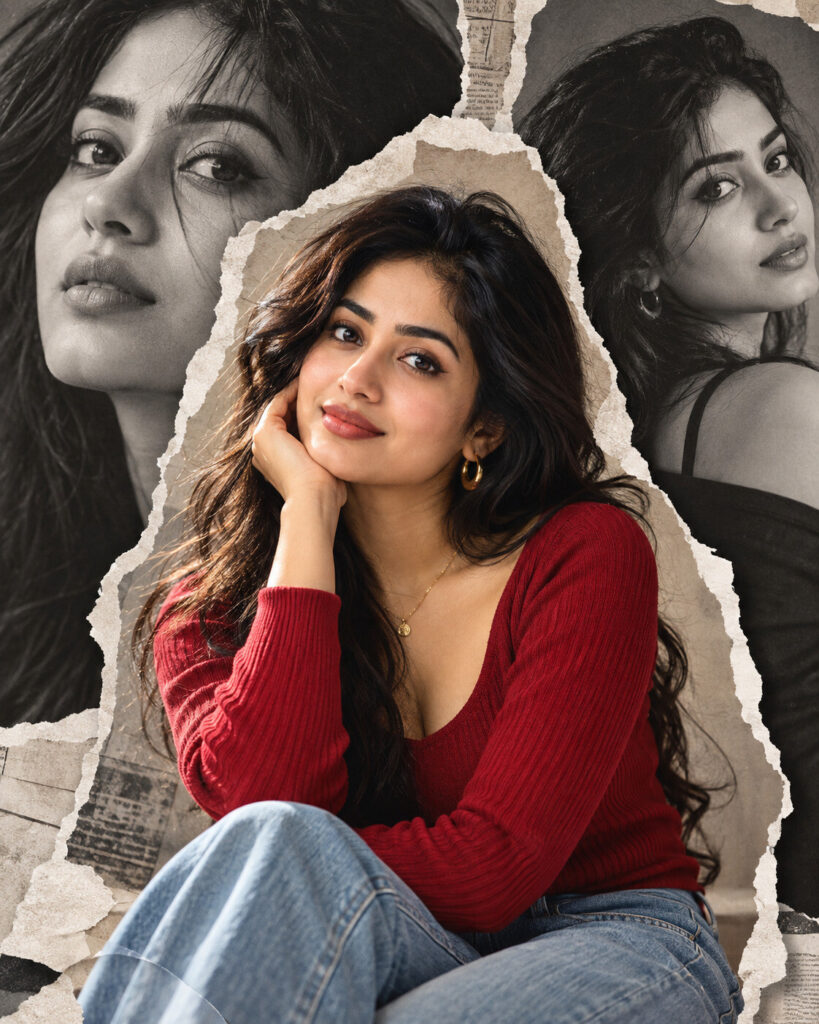
Torn-Paper Editorial Layer Portrait
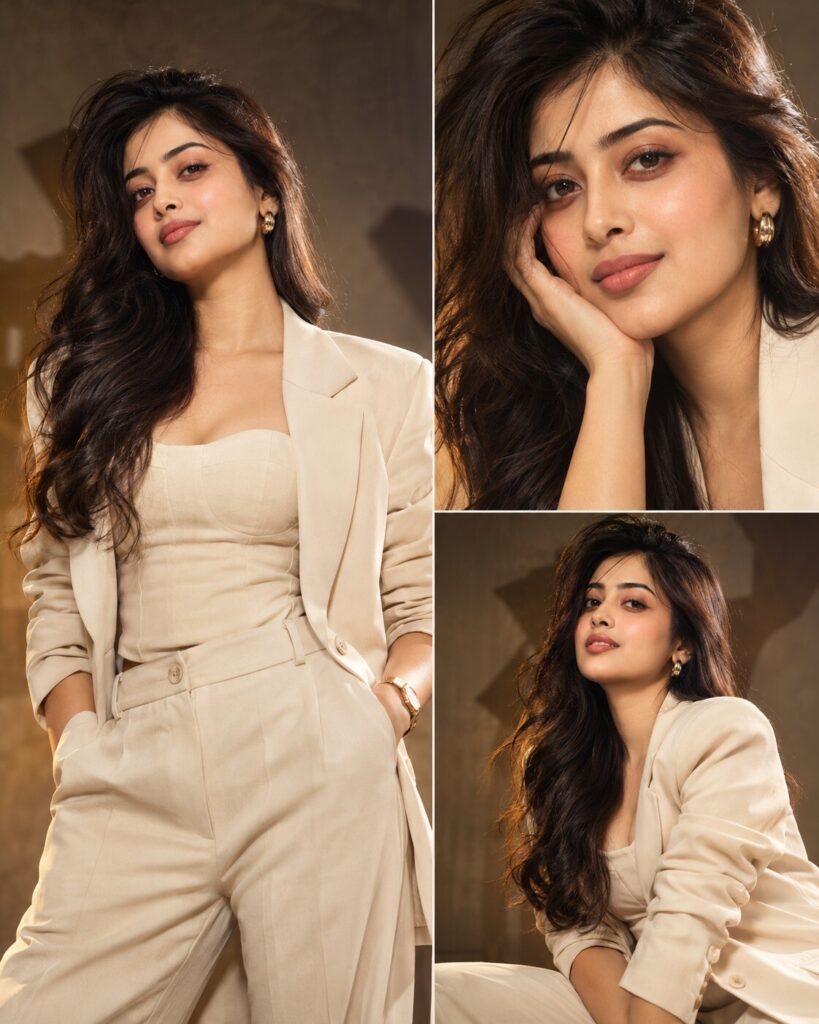
♡ 12Transform a reference portrait into a premium layered editorial composition with monochrome depth, a vivid identity-preserved foreground portrait, torn-paper framing and cinematic color accents.
#Editorial Portrait#AI photo editing#collage portrait#editorial portrait#layered portrait#magazine portrait
Identity-preserving editorial portrait of the uploaded person, three-layer magazine composition, large monochrome background portrait, vivid full-color central portrait, realistic torn-paper edges, physical paper shadows, subtle graphic depth, sophisticated fashion styling, controlled studio lighting, realistic skin texture, cinematic color grading, premium contemporary editorial photography, clean art direction, photorealistic.
Identity-preserving editorial portrait of the uploaded person, three-layer magazine composition, large monochrome background portrait, vivid full-color central portrait, realistic torn-paper edges, physical paper shadows, subtle graphic depth, sophisticated fashion styling, controlled studio lighting, realistic skin texture, cinematic color grading, premium contemporary editorial photography, clean art direction, photorealistic.
photorealistic editorial portrait, exact identity preservation, three visual layers, monochrome background portrait, full-color central subject, torn paper collage, realistic paper shadows, fashion editorial styling, studio lighting, natural skin texture, cinematic color grade, magazine campaign photography, clean composition, realistic depth, high detail --ar 4:5
Transform the uploaded photo into a sophisticated 4:5 editorial layered portrait. Preserve the person's exact facial identity, facial structure, facial proportions, eyes, eyebrows, nose, lips, jawline, cheeks, skin tone, hairline, hairstyle, distinctive features and natural age. Create a large softly blurred monochrome portrait of the same person as the background layer, then place a sharp full-color portrait of the same person prominently in front. Surround the foreground subject with realistic torn-paper edges and subtle physical paper shadows. Add restrained cinematic accent color, sophisticated fashion styling, soft directional studio lighting, natural skin pores and premium magazine photography quality. Keep the composition clean, realistic and professionally art-directed. Do not add text or logos.
different person, changed face, generic face, identity loss, altered facial structure, changed eye shape, enlarged eyes, distorted nose, distorted lips, warped jaw, duplicate face, extra facial features, plastic skin, waxy skin, excessive retouching, artificial beauty filter, deformed hands, extra fingers, floating body parts, flat collage, pasted cutout, unrealistic paper edges, excessive graphics, messy layout, random typography, text, logo, watermark, cartoon, illustration, CGI, low resolution, blurry face, oversharpening, excessive HDR
Works with
✦ChatGPT image generation✦Gemini✦Midjourney✦SDXL
Comments