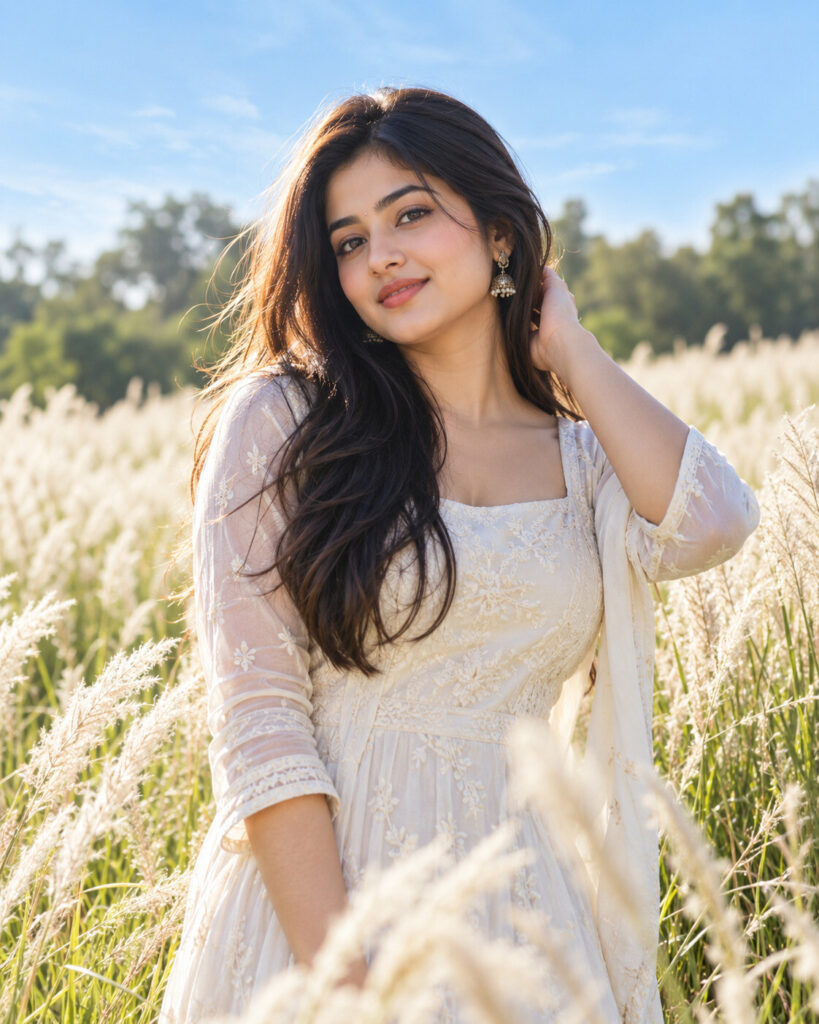
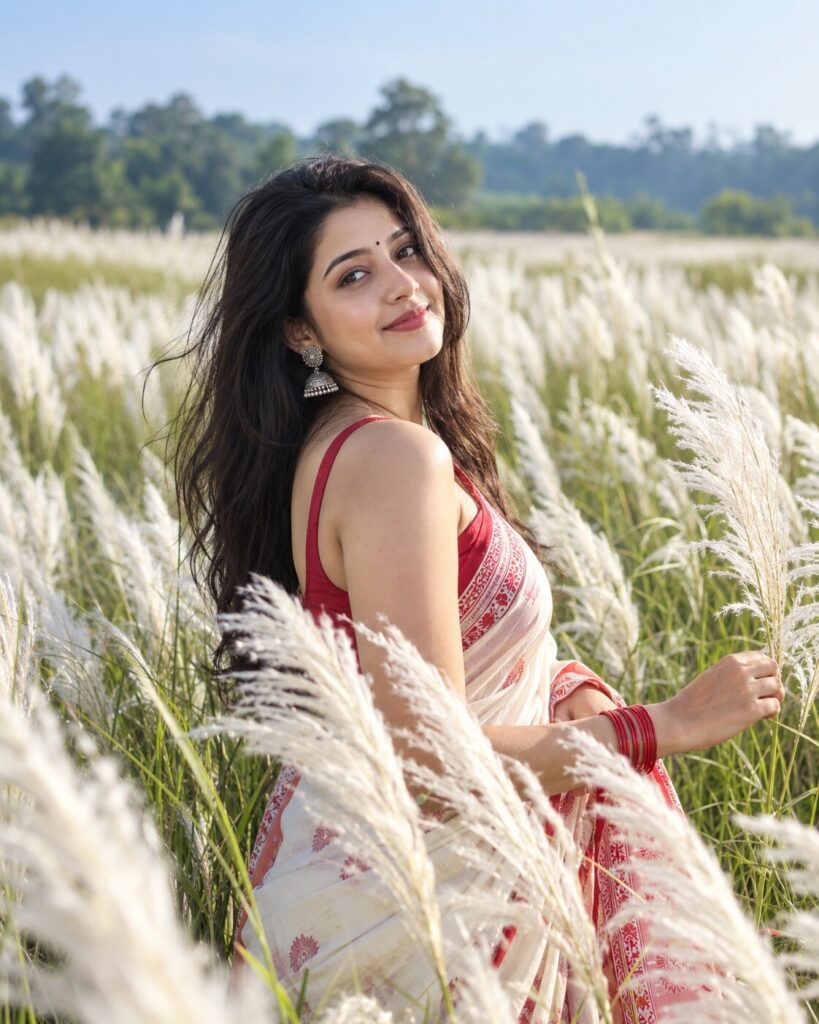
White-Grass Field Editorial Portrait
♡ 12Transform a reference photo into a clean cinematic outdoor portrait in a pale grass field with soft daylight, blue skies and natural editorial styling while preserving exact identity.
#Environmental Portrait#aesthetic portrait#cinematic nature#lifestyle photography#nature portrait#outdoor editorial
Exact identity-preserving outdoor editorial portrait of the uploaded person standing naturally in a pale white-grass field, soft blue sky, light neutral fashion, relaxed confident expression, natural daylight, subtle hair backlight, realistic skin texture, shallow depth of field, softly blurred trees, 85mm photography aesthetic, clean contemporary color grading, premium lifestyle magazine photography, photorealistic.
Exact identity-preserving outdoor editorial portrait of the uploaded person standing naturally in a pale white-grass field, soft blue sky, light neutral fashion, relaxed confident expression, natural daylight, subtle hair backlight, realistic skin texture, shallow depth of field, softly blurred trees, 85mm photography aesthetic, clean contemporary color grading, premium lifestyle magazine photography, photorealistic.
exact identity preservation, outdoor editorial portrait, white grass field, natural daylight, pale grass, blue sky, soft backlight, neutral fashion, realistic skin texture, shallow depth of field, lifestyle photography, cinematic natural color, premium DSLR photography --ar 4:5 --style raw --stylize 75
Create a photorealistic 4:5 outdoor editorial portrait using the uploaded image as the exact identity reference. Preserve the person's facial identity, facial structure, facial proportions, eyes, eyebrows, nose, lips, jawline, cheeks, skin tone, hairline, hairstyle, distinctive features and natural age. Place the same person naturally in a large field of pale white ornamental grass under a clean blue sky. Dress the subject in sophisticated neutral contemporary clothing. Use soft natural daylight, subtle hair backlighting and realistic gentle shadows. Keep the face highly detailed with natural pores and individual hair strands. Use an 85mm portrait photography aesthetic, shallow depth of field and subtle cinematic color grading. The result should resemble a premium outdoor lifestyle magazine photograph with no artificial or fantasy appearance.
different person, changed identity, generic face, altered facial structure, changed eye shape, enlarged eyes, distorted nose, distorted lips, warped jawline, plastic skin, waxy skin, excessive beauty retouching, artificial symmetry, excessive makeup, fantasy environment, artificial grass, oversaturated colors, dramatic neon, extreme HDR, excessive blur, CGI, cartoon, anime, illustration, low resolution, blurry face, deformed hands, extra fingers, distorted body, stiff pose, text, logo, watermark
Works with
✦ChatGPT image generation✦Gemini✦Midjourney✦SDXL
Comments