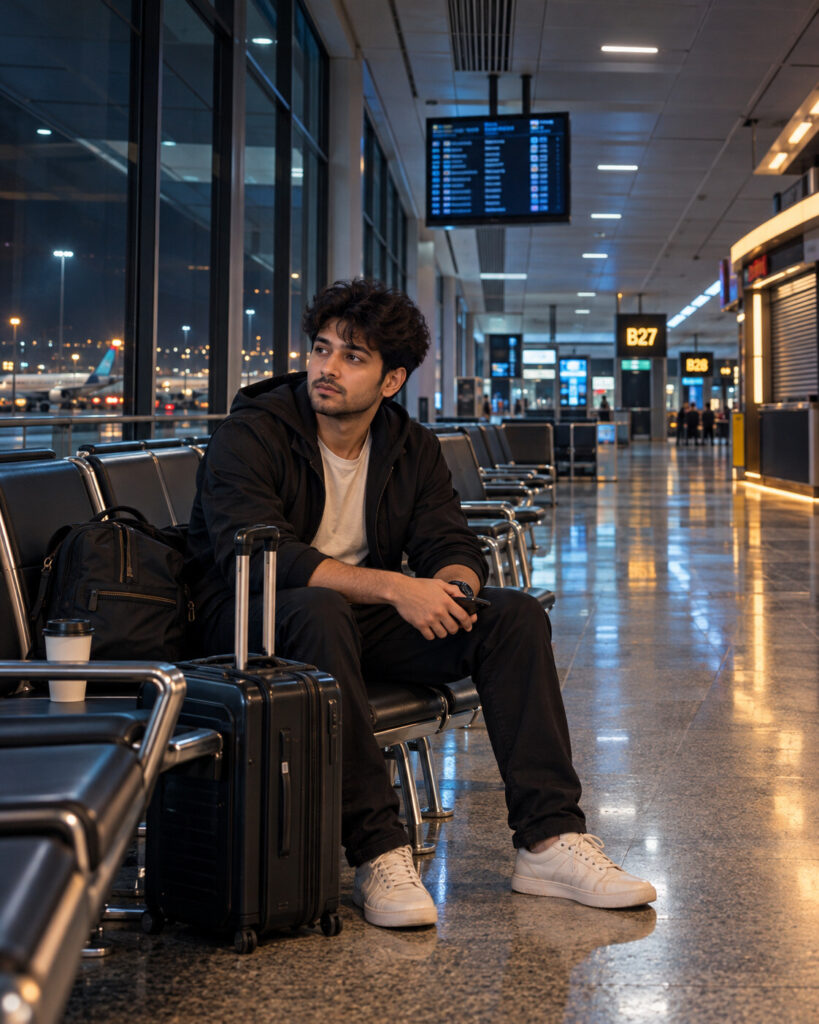
3AM Empty Airport Gate – Liminal Traveler Portrait
♡ 11Turn your uploaded portrait into an eerie 3AM airport-gate scene while preserving your exact identity, natural likeness and recognizable features.
#Environmental Portrait#3AM aesthetic#airport portrait#cinematic photography#environmental portrait#liminal portrait
Create a photorealistic liminal airport portrait using the uploaded reference image as the exact identity reference. Preserve the same recognizable face, facial structure, proportions, eyes, eyebrows, nose, lips, jawline, cheeks, ears, skin tone, natural age, hairline, hairstyle and distinctive facial features. Place the person alone at a nearly empty airport gate at 3AM, sitting naturally with a carry-on suitcase and travel bag. Create rows of vacant seats, dark terminal windows, a closed kiosk, distant boarding gates and an abstract unreadable departure screen. Use strong architectural perspective, repeating seats, cool fluorescent overhead light, faint warm service lighting, polished floor reflections, natural skin texture and subtle film grain. The mood should be quiet, isolated, familiar and slightly uncanny, never supernatural. Photorealistic environmental portrait, cinematic realism, vertical 4:5 composition.
Create a photorealistic liminal airport portrait using the uploaded reference image as the exact identity reference. Preserve the same recognizable face, facial structure, proportions, eyes, eyebrows, nose, lips, jawline, cheeks, ears, skin tone, natural age, hairline, hairstyle and distinctive facial features. Place the person alone at a nearly empty airport gate at 3AM, sitting naturally with a carry-on suitcase and travel bag. Create rows of vacant seats, dark terminal windows, a closed kiosk, distant boarding gates and an abstract unreadable departure screen. Use strong architectural perspective, repeating seats, cool fluorescent overhead light, faint warm service lighting, polished floor reflections, natural skin texture and subtle film grain. The mood should be quiet, isolated, familiar and slightly uncanny, never supernatural. Photorealistic environmental portrait, cinematic realism, vertical 4:5 composition.
Photorealistic environmental portrait, exact uploaded identity, recognizable face, natural skin texture, person sitting alone at an empty airport gate at 3AM, carry-on luggage, rows of vacant seats, closed kiosk, dark windows, distant runway lights, unreadable departure display, cool fluorescent lighting, warm distant practical light, polished floor reflections, strong perspective, subtle film grain, cinematic liminal atmosphere, realistic clothing and luggage, high detail
Transform the uploaded portrait into a realistic 3AM airport photograph. Preserve the person's exact recognizable face, facial structure, skin tone, age, hairstyle and natural likeness. Place them alone at a nearly deserted departure gate with a carry-on suitcase, empty rows of seats, a closed kiosk, dark terminal windows and distant runway lights. Use cool fluorescent airport lighting, subtle warm practical light, polished floor reflections, strong leading lines and restrained film grain. Make the scene feel quiet, isolated and strangely familiar rather than supernatural.
generic face, different person, identity drift, altered facial structure, changed eyes, changed nose, changed lips, changed jawline, changed cheeks, different skin tone, altered age, changed hairstyle, excessive beauty retouching, plastic skin, cartoon, anime, illustration, CGI appearance, ghosts, monsters, horror creature, supernatural figure, extra people, duplicate person, duplicate face, crowds, distorted anatomy, malformed hands, extra fingers, floating luggage, impossible perspective, warped seats, unreadable distorted face, excessive fog, extreme darkness, excessive HDR, text, readable flight information, logos, airline branding, watermark, captions, border
Works with
✦GPT Image✦Gemini image models✦Nano Banana✦Flux✦Midjourney



Comments