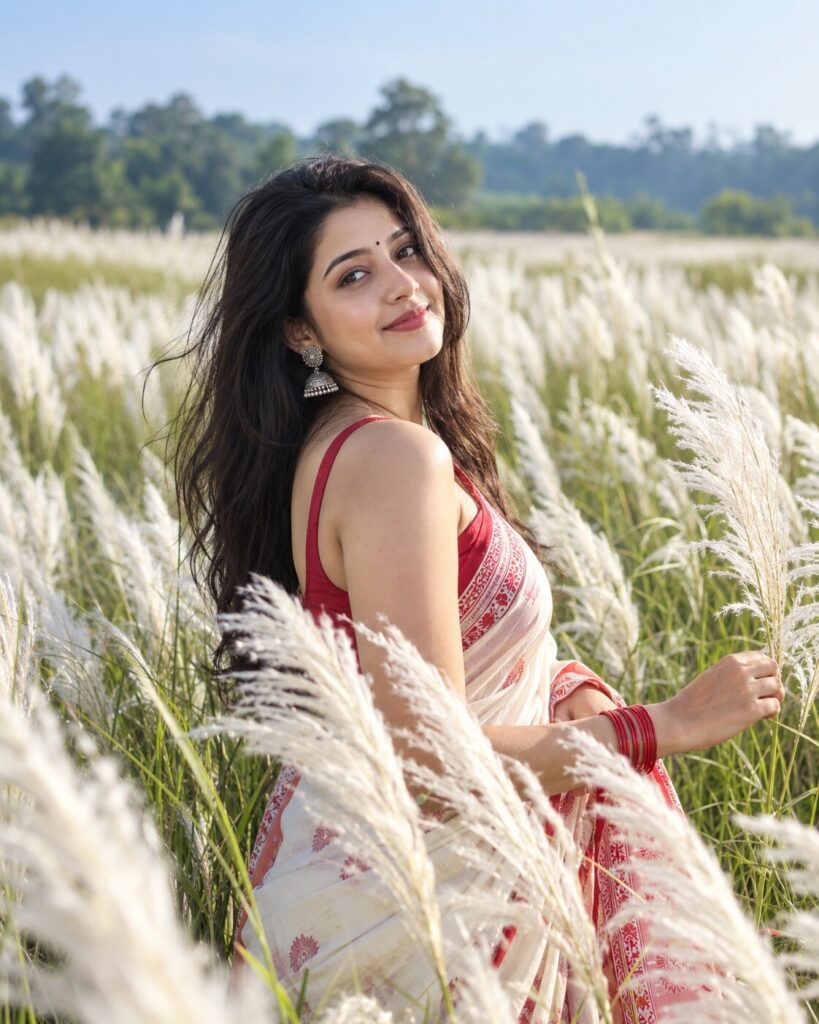
Kash Flower Field Cinematic Portrait
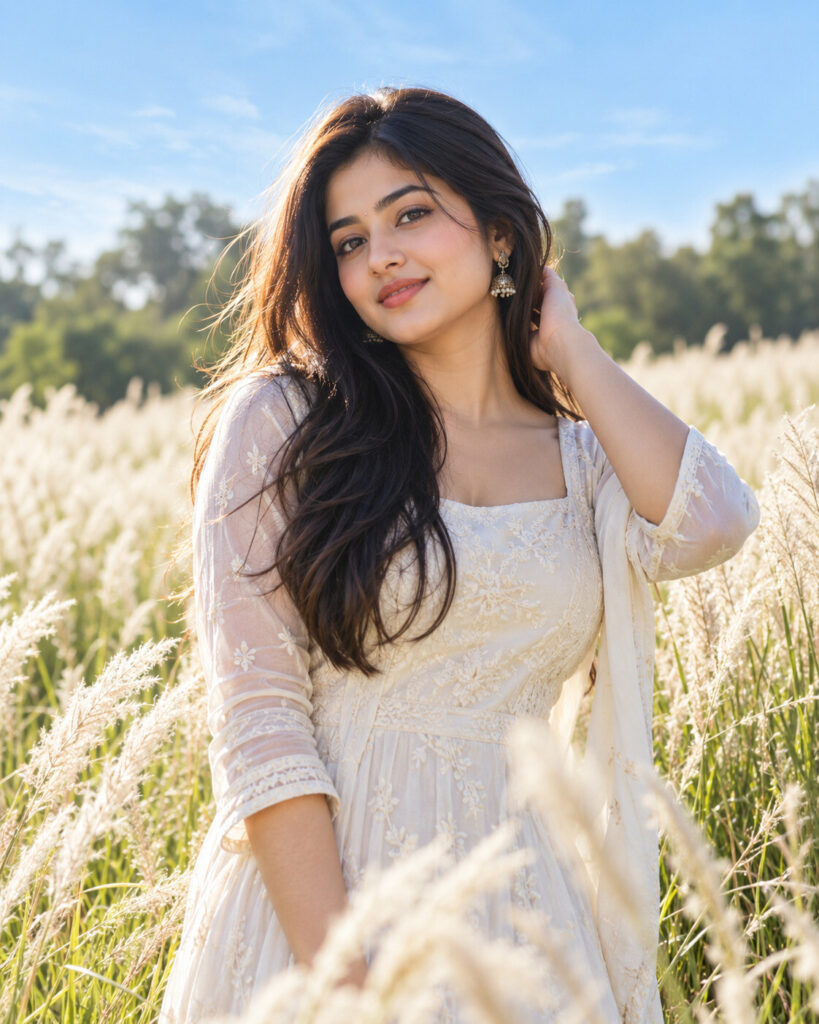
♡ 9Transform a reference photo into a cinematic Kash Flower field portrait with white Kans grass, soft daylight, natural bokeh and an authentic Indian countryside atmosphere.
#Environmental Portrait#AI photo trend#cinematic portrait#environmental portrait#Indian countryside#Kans grass
Uploaded reference photo of the person, exact identity preserved, cinematic environmental portrait, vast white Kash Flower field, tall Kans grass, rural Indian countryside, elegant natural styling, soft daylight, gentle breeze, realistic skin texture, natural expression, distant green trees, professional DSLR photography, creamy bokeh, subtle cinematic color grading, photorealistic, 4:5 portrait.
Uploaded reference photo of the person, exact identity preserved, cinematic environmental portrait, vast white Kash Flower field, tall Kans grass, rural Indian countryside, elegant natural styling, soft daylight, gentle breeze, realistic skin texture, natural expression, distant green trees, professional DSLR photography, creamy bokeh, subtle cinematic color grading, photorealistic, 4:5 portrait.
Photorealistic environmental portrait based on the uploaded reference image. Lock the subject's identity and preserve exact facial geometry, eyes, eyebrows, nose, lips, jawline, cheeks, skin tone, age, hairline and hairstyle. Place the subject naturally inside a vast field of tall white Kans grass and Kash flowers. Add realistic rural Indian scenery, distant green trees, pale blue sky, gentle breeze, soft warm daylight and subtle golden highlights. Include foreground flowers for layered depth and creamy bokeh. Professional DSLR photography, realistic skin texture, natural clothing folds, cinematic but believable color grading, accurate anatomy, realistic perspective, sophisticated environmental portrait, 4:5.
Transform the uploaded reference photograph into a photorealistic cinematic outdoor portrait in a beautiful Kash Flower field. Preserve the exact identity and recognizable likeness of the person, including facial structure, facial proportions, eyes, eyebrows, nose, lips, jawline, cheeks, skin tone, natural age, hairline, hairstyle and distinctive facial characteristics. Place the subject naturally among tall white feathery Kans grass in rural India. Add soft warm daylight, gentle wind, realistic green vegetation, distant trees, pale blue sky and delicate foreground flower blur. Create natural skin texture, realistic clothing folds, professional DSLR photography, subtle cinematic color grading, shallow depth of field and authentic environmental atmosphere. The final image should look like a genuine professionally photographed seasonal portrait. Vertical 4:5 composition.
generic face, different person, altered identity, facial reconstruction, changed facial proportions, different eyes, different nose, different lips, altered jawline, changed skin tone, younger face, older face, plastic skin, excessive beauty retouching, distorted anatomy, extra fingers, missing fingers, malformed hands, duplicated limbs, artificial pose, fake flowers, oversized flowers, unrealistic vegetation, fantasy landscape, cartoon, illustration, CGI, painting, excessive HDR, oversaturated colors, artificial bokeh, blurry face, unnatural skin, studio background, watermark, text, logo
Works with
✦GPT Image 2.5✦GPT Image 2✦Gemini image models✦Midjourney✦FLUX


Comments