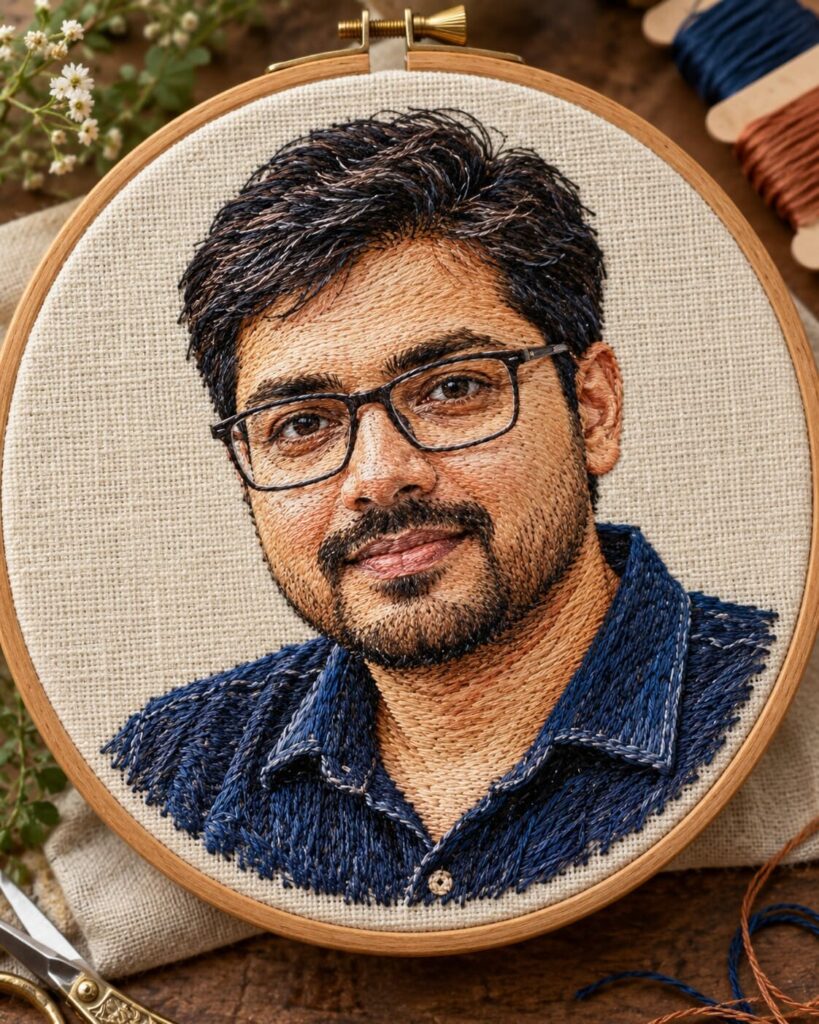
AI Single-Candle Chiaroscuro Portrait
♡ 17Transform an uploaded portrait into a dramatic cinematic chiaroscuro photograph illuminated almost entirely by a single candle while preserving the exact identity of the person.
#Cinematic Portrait Scenes#AI photo edit#candlelight portrait#chiaroscuro portrait#cinematic portrait#identity preservation
Use the uploaded reference image as the exact identity reference. Preserve the same recognizable person, including facial structure, facial proportions, eyes, eyebrows, nose, lips, jawline, cheeks, skin tone, hairline, hairstyle, distinctive facial characteristics, natural age and overall likeness. Do not create a generic replacement face. Create an intimate photorealistic chest-up portrait of the same person seated at a dark wooden table in an almost completely black room. Illuminate the portrait primarily with one real burning candle positioned slightly below and to one side of the subject. Warm amber candlelight should illuminate one side of the face while the opposite side gradually disappears into deep but detailed shadow. Keep natural skin pores, realistic eye reflections, facial asymmetry and accurate light falloff. Use understated contemporary clothing, subtle film grain, realistic candle physics, restrained contrast, 85mm full-frame portrait photography, shallow realistic depth of field, sharp eyes and vertical 4:5 composition.
Use the uploaded reference image as the exact identity reference. Preserve the same recognizable person, including facial structure, facial proportions, eyes, eyebrows, nose, lips, jawline, cheeks, skin tone, hairline, hairstyle, distinctive facial characteristics, natural age and overall likeness. Do not create a generic replacement face. Create an intimate photorealistic chest-up portrait of the same person seated at a dark wooden table in an almost completely black room. Illuminate the portrait primarily with one real burning candle positioned slightly below and to one side of the subject. Warm amber candlelight should illuminate one side of the face while the opposite side gradually disappears into deep but detailed shadow. Keep natural skin pores, realistic eye reflections, facial asymmetry and accurate light falloff. Use understated contemporary clothing, subtle film grain, realistic candle physics, restrained contrast, 85mm full-frame portrait photography, shallow realistic depth of field, sharp eyes and vertical 4:5 composition.
A highly photorealistic cinematic chiaroscuro portrait featuring the exact same person from the uploaded reference image. Strict identity preservation: preserve facial structure, facial proportions, eyes, eyebrows, nose, lips, jawline, cheeks, skin tone, hairline, hairstyle, distinctive facial characteristics, natural age and overall likeness. Do not replace or redesign the face. Tight chest-up portrait, person seated at a dark wooden table in an almost completely black interior. One real burning candle positioned slightly below and to one side provides the primary illumination. Warm amber light illuminates one side of the face while the opposite side gradually falls into deep but detail-preserving shadow. Natural skin pores, realistic eye reflections, natural facial asymmetry, detailed hair, realistic clothing texture and physically accurate candle illumination. Classical chiaroscuro photography, restrained contrast, natural black levels, delicate highlight rolloff, subtle analog film grain, professional full-frame camera, 85mm lens, eye-level perspective, realistic shallow depth of field, sharp eyes, premium editorial portrait photography, vertical 4:5 composition.
Edit the uploaded reference photograph into a photorealistic intimate candlelit portrait while keeping the exact same person recognizable. Preserve facial identity, facial structure, facial proportions, eyes, eyebrows, nose, lips, jawline, cheeks, skin tone, hairline, hairstyle, distinctive facial characteristics, natural age and overall likeness. Do not replace, redesign, beautify or reinterpret the face. Place the person naturally seated at a simple dark wooden table inside an almost completely black interior. Add one real burning candle slightly below and to one side of the subject and make it the primary practical light source. The candle should cast warm amber light across one side of the face while the other side falls gradually into deep but still believable shadow. Keep the eyes, facial texture and natural skin pores visible. Add realistic candle flame, wick, wax and holder with physically accurate illumination. Use understated contemporary clothing in muted tones. Keep the candle visible in the lower foreground while making the face the primary focal point. Use an 85mm full-frame portrait perspective, realistic shallow depth of field, precise focus on the eyes, subtle film grain, delicate highlight rolloff and natural cinematic color grading. The final result should resemble an authentic fine-art photograph created with one practical candle rather than an AI illustration. Vertical 4:5 composition.
different person, identity change, generic face, face replacement, altered facial structure, altered facial proportions, changed eyes, changed eyebrows, changed nose, changed lips, changed jawline, changed cheeks, changed skin tone, changed hairline, changed hairstyle, age alteration, beautified face, plastic skin, wax skin, airbrushed skin, excessive smoothing, flat lighting, multiple light sources, neon lighting, artificial glow, overexposed candle, oversized candle, unrealistic flame, melted face, crushed facial detail, completely black face, distorted anatomy, malformed hands, extra fingers, extra limbs, duplicate person, CGI, cartoon, anime, illustration, fantasy painting, excessive HDR, oversaturated colors, excessive blur, low resolution, artifacts, text, logo, watermark
Works with
✦ChatGPT Images✦Gemini✦Nano Banana✦Midjourney✦SDXL


Comments