
AI Virtual-Wardrobe Editorial Portrait
♡ 15Transform a reference portrait into a polished fashion editorial with AI-curated wardrobe styling while preserving the subject’s exact recognizable identity.
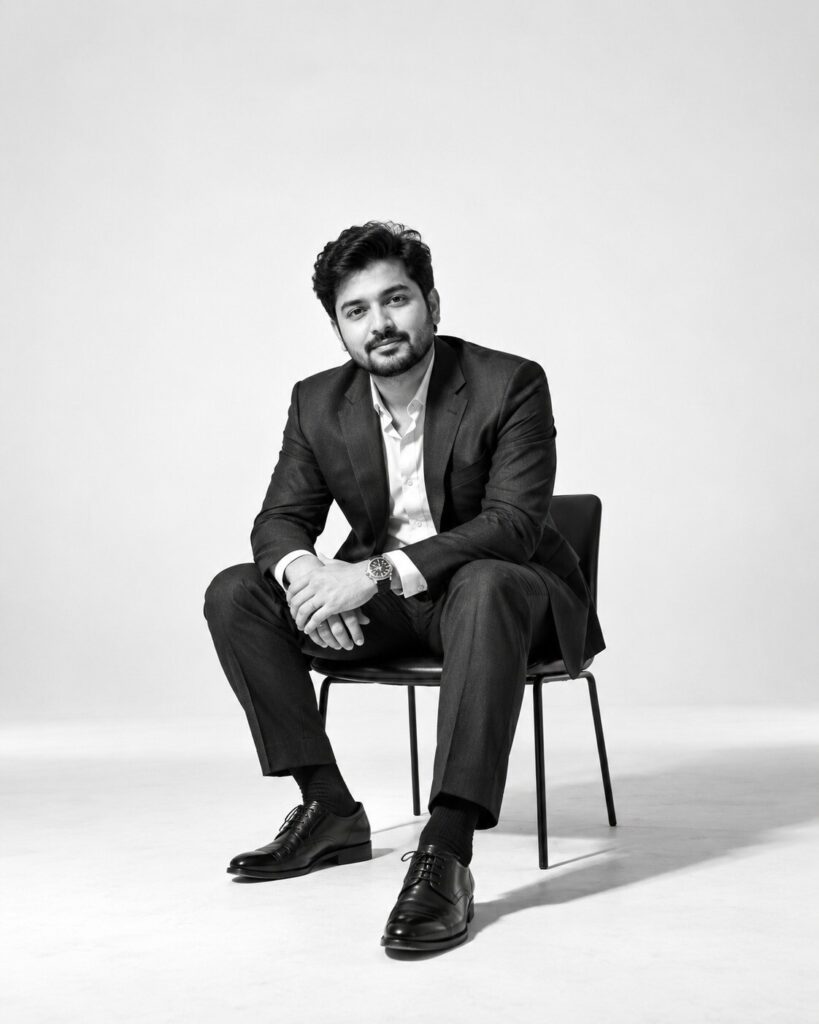
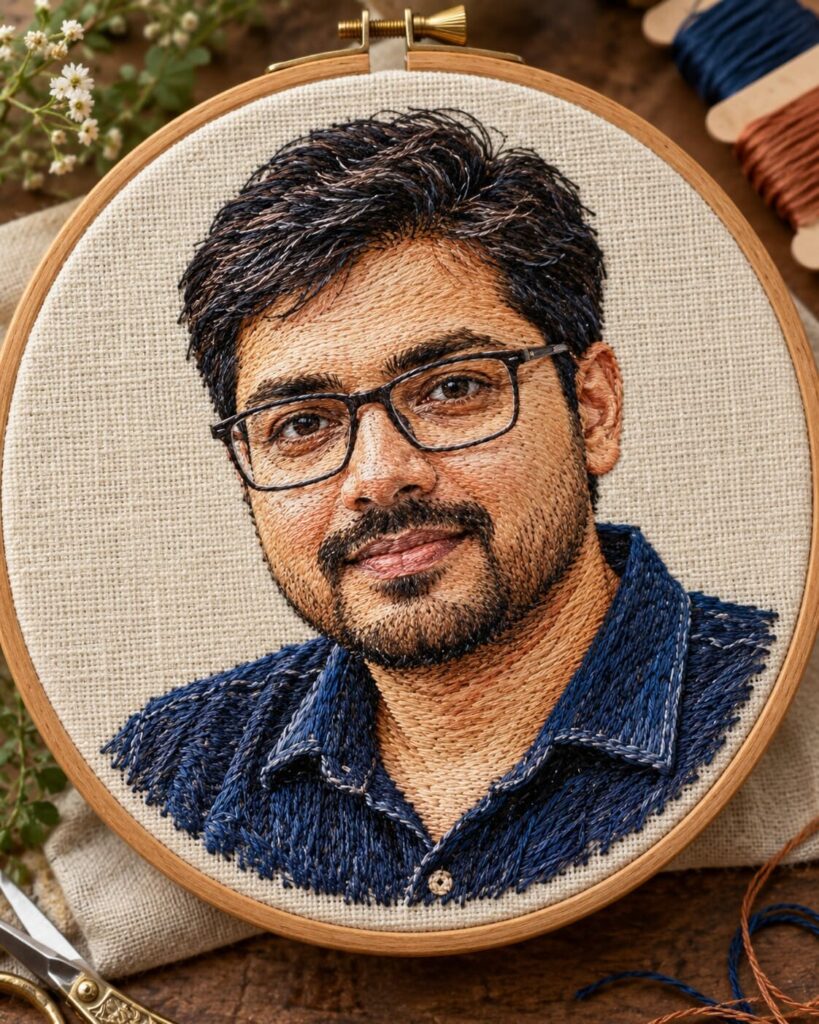
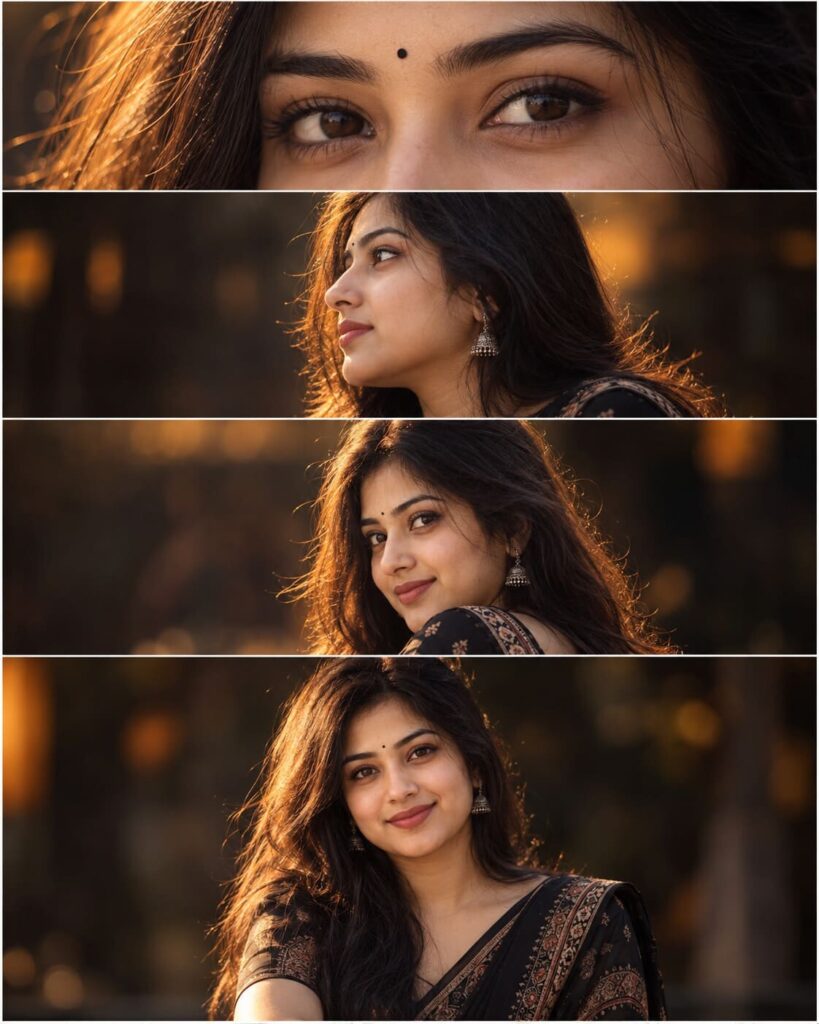
Use the uploaded reference image as the exact identity anchor. Preserve facial identity, facial structure, facial proportions, eyes, eyebrows, nose, lips, jawline, cheeks, skin tone, hairline, hairstyle, distinctive facial characteristics, natural age and overall likeness. Style the same person in a sophisticated contemporary curated wardrobe with tailored fashion pieces, premium fabrics, subtle accessories and polished editorial styling. Create a photorealistic luxury fashion portrait in a refined studio with soft diffused lighting, realistic skin texture, natural fabric detail, confident relaxed expression and professional fashion photography.
Use the uploaded reference image as the exact identity anchor. Preserve facial identity, facial structure, facial proportions, eyes, eyebrows, nose, lips, jawline, cheeks, skin tone, hairline, hairstyle, distinctive facial characteristics, natural age and overall likeness. Style the same person in a sophisticated contemporary curated wardrobe with tailored fashion pieces, premium fabrics, subtle accessories and polished editorial styling. Create a photorealistic luxury fashion portrait in a refined studio with soft diffused lighting, realistic skin texture, natural fabric detail, confident relaxed expression and professional fashion photography.
Photorealistic premium virtual-wardrobe fashion editorial portrait of the exact person from the uploaded reference image, strict identity preservation, preserve recognizable facial identity, facial structure, facial proportions, eyes, eyebrows, nose, lips, jawline, cheeks, skin tone, hairline, hairstyle, distinctive facial characteristics, natural age and overall likeness, sophisticated contemporary tailored blazer, refined knit top, elegant trousers, minimal jewelry, premium leather accessories, natural garment fit, luxury fashion studio, warm-gray architectural background, soft large diffused key light, subtle rim light, realistic pores and skin texture, detailed textile weave, natural folds, confident relaxed expression, full-frame professional photography, 85mm portrait lens, crisp eye focus, controlled shallow depth of field, premium magazine editorial aesthetic, realistic color, vertical 4:5 composition
Using the uploaded reference image as the exact identity anchor, create a photorealistic premium fashion editorial portrait of the same recognizable person. Preserve facial identity, facial structure, facial proportions, eyes, eyebrows, nose, lips, jawline, cheeks, skin tone, hairline, hairstyle, distinctive facial characteristics, natural age and overall likeness without changing the person. Style them in a sophisticated contemporary virtual-wardrobe look with a tailored blazer, refined knit top, elegant trousers, minimal jewelry and premium leather accessories. Place them in a minimalist luxury fashion studio with warm-gray architectural surfaces. Use soft diffused studio lighting, realistic skin texture, detailed fabrics, natural folds, a relaxed confident expression and a professional magazine photography aesthetic. Vertical 4:5 portrait, crisp eyes, natural proportions and subtle depth of field.
different person, identity change, generic face, face replacement, altered facial structure, altered facial proportions, changed eyes, changed eyebrows, changed nose, changed lips, changed jawline, changed cheeks, changed skin tone, changed hairline, changed hairstyle, age change, plastic skin, waxy skin, excessive retouching, unrealistic beauty filter, distorted anatomy, asymmetrical eyes, malformed hands, extra fingers, missing fingers, duplicated limbs, warped clothing, impossible garment folds, floating accessories, low resolution, blur, motion blur, oversharpening, CGI, 3D render, illustration, cartoon, anime, artificial skin, oversaturated colors, harsh shadows, text, logo, watermark
Works with
✦ChatGPT image generation✦Gemini image generation✦Midjourney✦FLUX✦SDXL

Comments