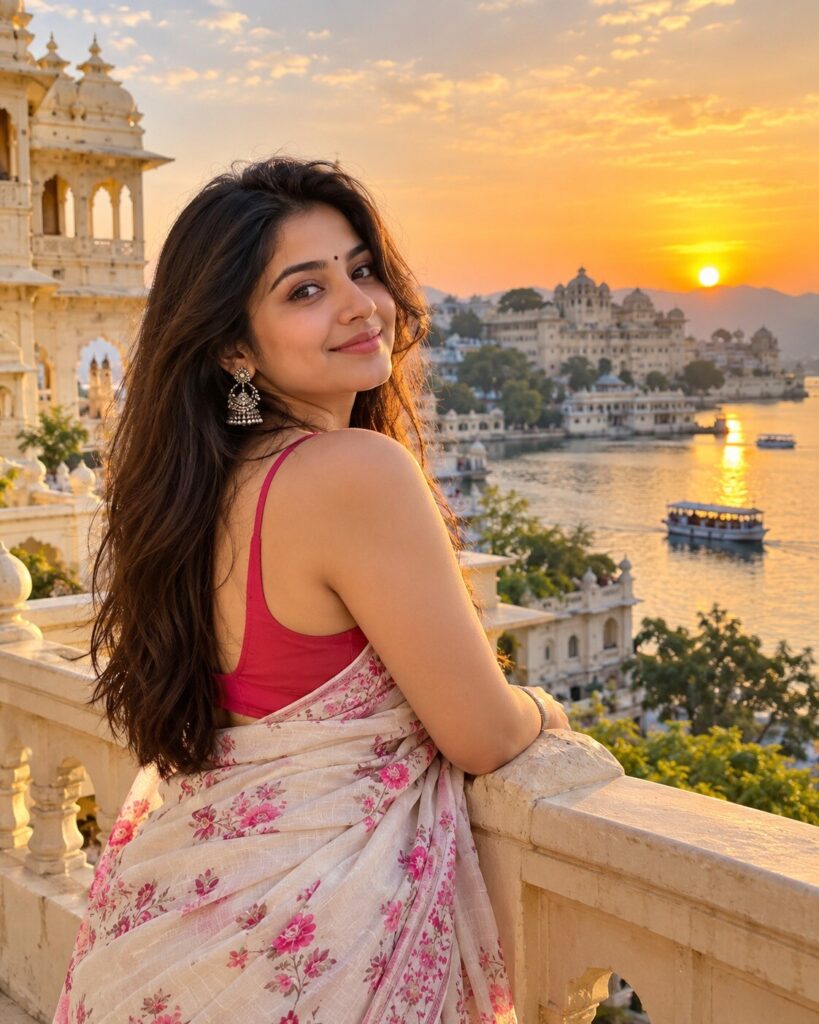
AI Wanderlust Travel Postcard Portrait
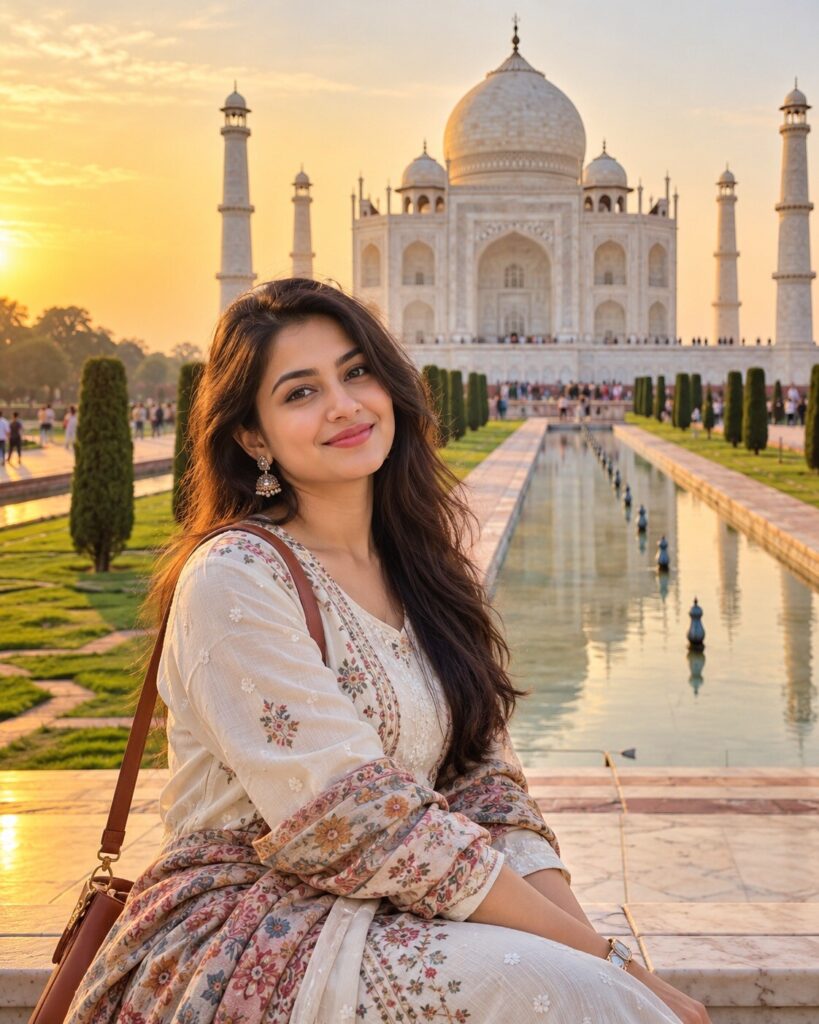
♡ 14Turn a reference photo into a photorealistic destination travel postcard with authentic scenery, golden-hour light, travel styling and preserved facial identity.
#Travel Portrait#AI travel photo#destination portrait#travel portrait#travel postcard#vacation photography
Uploaded reference photo of the person, exact identity preservation, photorealistic wanderlust travel portrait, aspirational destination, authentic local architecture, stylish travel clothing, golden-hour sunlight, cinematic vacation photography, natural expression, realistic skin texture, atmospheric depth, subtle travel postcard aesthetic, premium editorial photography, 4:5 portrait.
Uploaded reference photo of the person, exact identity preservation, photorealistic wanderlust travel portrait, aspirational destination, authentic local architecture, stylish travel clothing, golden-hour sunlight, cinematic vacation photography, natural expression, realistic skin texture, atmospheric depth, subtle travel postcard aesthetic, premium editorial photography, 4:5 portrait.
Photorealistic travel portrait from the uploaded reference image, exact identity lock, authentic destination environment, local architecture, stylish travel wardrobe, golden-hour natural lighting, realistic atmospheric perspective, cinematic vacation photography, natural skin texture, believable anatomy and contact shadows, subtle travel postcard aesthetic, premium editorial composition, rich but natural colors, 56mm lens, moderate depth of field, realistic environmental integration, 4:5 vertical.
Transform the uploaded reference photograph into a photorealistic luxury travel postcard portrait. Preserve the exact identity and recognizable likeness of the person, including facial structure, facial proportions, eyes, eyebrows, nose, lips, jawline, cheeks, skin tone, natural age, hairline, hairstyle and distinctive facial characteristics. Place the person naturally at a breathtaking travel destination with authentic local architecture and environmental details. Use stylish destination-appropriate clothing, warm golden-hour sunlight, realistic shadows, atmospheric depth, natural skin texture and professional vacation photography. Create a subtle premium travel-postcard feeling without turning the image into an illustration. Keep the destination believable, geographically coherent and photorealistic. Vertical 4:5 composition.
generic face, different person, altered identity, facial reconstruction, changed facial proportions, different eyes, different nose, different lips, altered jawline, changed skin tone, younger face, older face, plastic skin, excessive beauty retouching, distorted anatomy, extra fingers, missing fingers, malformed hands, duplicated limbs, floating objects, pasted-on subject, incorrect perspective, artificial background, generic fantasy location, inaccurate architecture, excessive tourist crowds, CGI look, cartoon, illustration, painting, oversaturated colors, excessive HDR, fake postcard text, watermark, logo
Works with
✦GPT Image 2.5✦GPT Image 2✦Gemini image models✦Midjourney✦FLUX
Comments