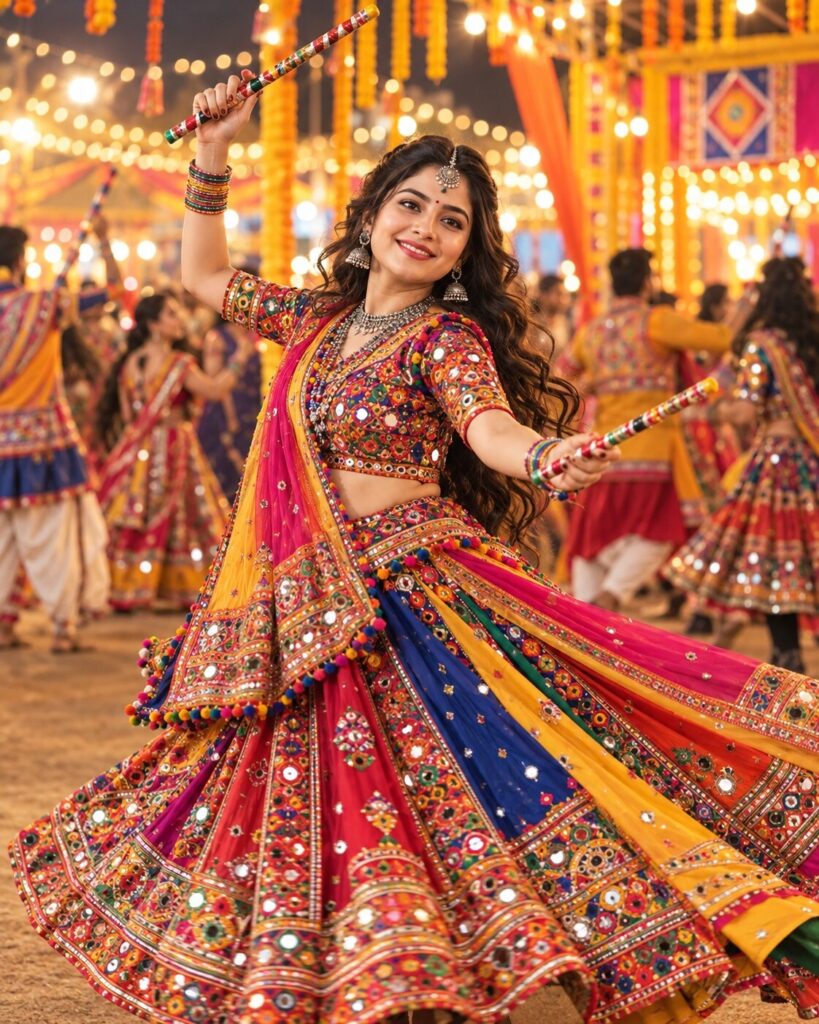
Garba Night Twirl: Gujarati Mirror-Work Chaniya Choli Portrait
♡ 9Transform your photo into a vibrant Gujarati Garba-night portrait featuring mirror-work chaniya choli, traditional silver jewellery, flowing dance movements, and glowing Navratri festival lights while preserving your facial identity.
#Traditional/Cultural Portrait#AI Photo Prompts#Chaniya Choli#Dandiya Dance#Garba Night#Gujarati Fashion
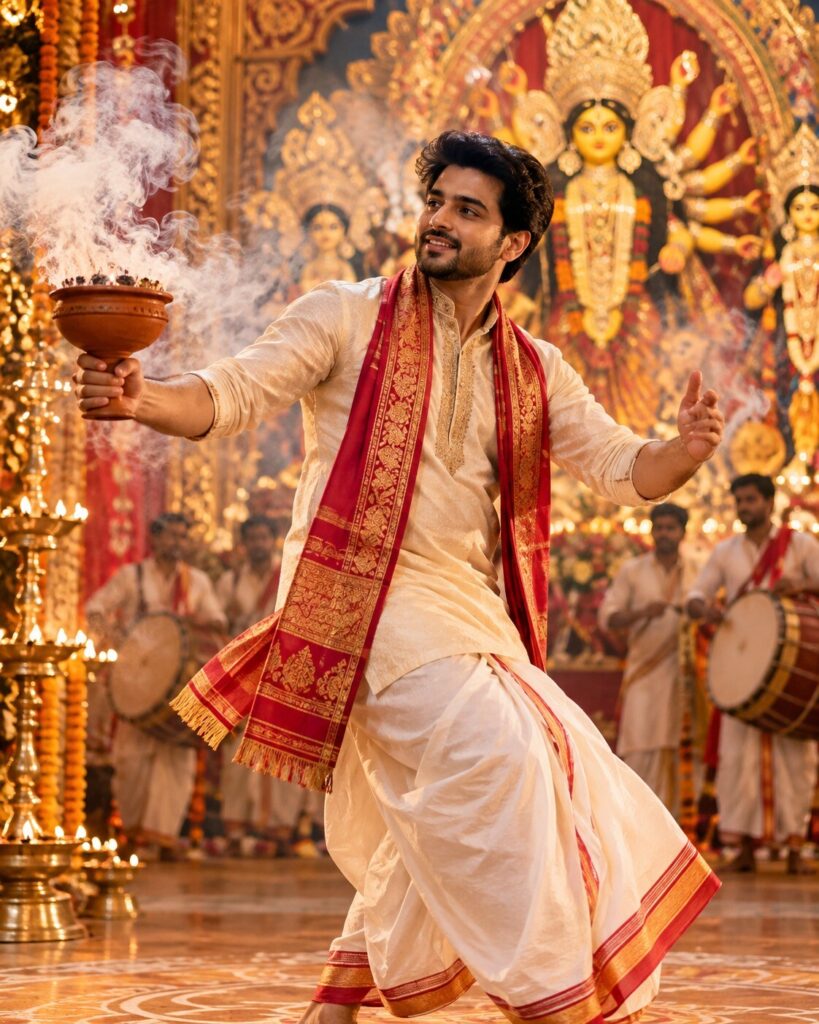
Transform the uploaded reference photograph into a photorealistic Gujarati Garba-night portrait. Preserve the subjects recognizable facial identity, facial structure, facial proportions, eyes, eyebrows, nose, lips, jawline, cheeks, skin tone, hairline, hairstyle, distinctive facial features, natural age, and overall likeness. Never substitute another face. Dress the subject in a vibrant traditional Gujarati chaniya choli with intricate mirror work, colorful embroidery, gota-patti borders, and a flowing dupatta. Add oxidized silver jhumkas, layered necklaces, bangles, and a traditional maang tikka. Capture a graceful mid-twirl Garba pose with natural fabric movement and decorated Dandiya sticks. Set the scene at a festive outdoor Navratri celebration with marigold garlands, warm fairy lights, colorful decorations, and softly blurred dancers. Use golden festival lighting, realistic skin texture, detailed embroidery, natural anatomy, and cinematic bokeh. Keep the subject sharply focused and the entire composition culturally authentic. Vertical 4:5 portrait.
Transform the uploaded reference photograph into a photorealistic Gujarati Garba-night portrait. Preserve the subjects recognizable facial identity, facial structure, facial proportions, eyes, eyebrows, nose, lips, jawline, cheeks, skin tone, hairline, hairstyle, distinctive facial features, natural age, and overall likeness. Never substitute another face. Dress the subject in a vibrant traditional Gujarati chaniya choli with intricate mirror work, colorful embroidery, gota-patti borders, and a flowing dupatta. Add oxidized silver jhumkas, layered necklaces, bangles, and a traditional maang tikka. Capture a graceful mid-twirl Garba pose with natural fabric movement and decorated Dandiya sticks. Set the scene at a festive outdoor Navratri celebration with marigold garlands, warm fairy lights, colorful decorations, and softly blurred dancers. Use golden festival lighting, realistic skin texture, detailed embroidery, natural anatomy, and cinematic bokeh. Keep the subject sharply focused and the entire composition culturally authentic. Vertical 4:5 portrait.
Photorealistic Navratri Garba-night portrait of the same recognizable person in the uploaded reference photograph, strict identity preservation, matching facial structure, facial proportions, eyes, eyebrows, nose, lips, jawline, cheeks, skin tone, hairline, hairstyle, distinctive facial characteristics and natural age, traditional Gujarati chaniya choli, intricate mirror-work embroidery, colorful threadwork, gota-patti borders, flowing dupatta, oxidized silver jhumkas, layered necklaces, bangles, maang tikka, graceful mid-twirl dance pose, realistic fabric movement, decorated wooden Dandiya sticks, festive outdoor Garba ground, marigold garlands, warm fairy lights, decorative lanterns, colorful dancers in the background, golden cinematic lighting, natural skin texture, sharp face, detailed embroidery, realistic hands and fingers, shallow depth of field, vibrant authentic Indian festive photography, vertical 4:5 portrait.
Edit the uploaded reference photograph into a photorealistic Gujarati Garba-night portrait. Preserve the persons exact recognizable facial identity, facial structure, facial proportions, eyes, eyebrows, nose, lips, jawline, cheeks, skin tone, hairline, hairstyle, distinctive facial characteristics, natural age, and overall likeness. Do not replace the face or change ethnicity. Dress the subject in a vibrant traditional Gujarati chaniya choli featuring detailed mirror work, colorful embroidery, gota-patti borders, and a flowing dupatta. Add oxidized silver earrings, layered traditional necklaces, bangles, and a maang tikka. Show the subject performing a graceful Garba twirl while holding decorated wooden Dandiya sticks naturally. Place them at a lively outdoor Navratri celebration with warm fairy lights, marigold garlands, decorative lanterns, and softly blurred dancers in traditional Indian clothing. Use golden cinematic lighting, natural skin texture, realistic fabric movement, crisp embroidery, and beautiful background bokeh. Maintain realistic anatomy, correct fingers, and a recognizable face. Keep the result authentic, joyful, elegant, and photographic. Use a vertical 4:5 composition.
different person, generic face, identity loss, face substitution, changed ethnicity, changed skin tone, altered natural age, changed hairline, changed hairstyle, distorted eyes, asymmetrical pupils, warped nose, altered lips, exaggerated jawline, plastic skin, waxy texture, excessive beauty filters, uncanny expression, incorrect traditional clothing, inaccurate mirror work, distorted embroidery, fake jewellery, duplicated necklaces, deformed hands, extra fingers, missing fingers, extra limbs, broken Dandiya sticks, unnatural dance pose, stiff fabric, impossible skirt folds, excessive motion blur, crowded foreground, duplicated faces, oversaturated colors, cartoon, anime, illustration, text, watermark, logo, low resolution
Works with
✦GPT Image; Google Gemini image editing; Midjourney with image reference; SDXL with an appropriate identity-preservation workflow
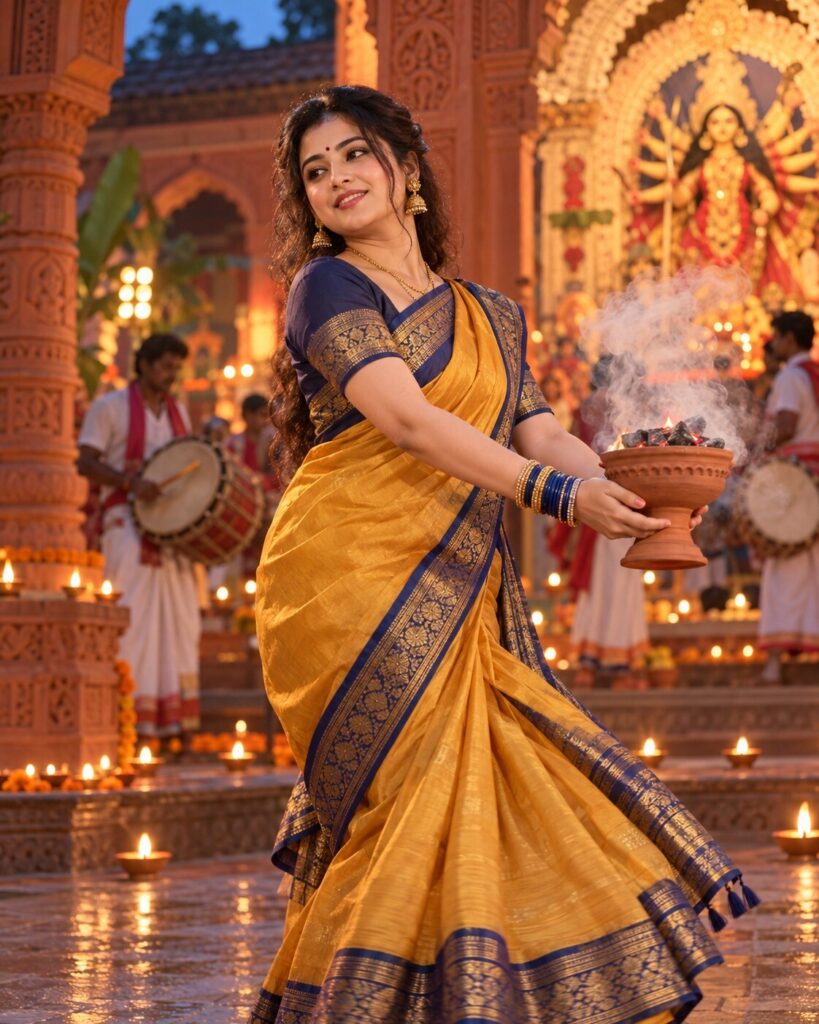
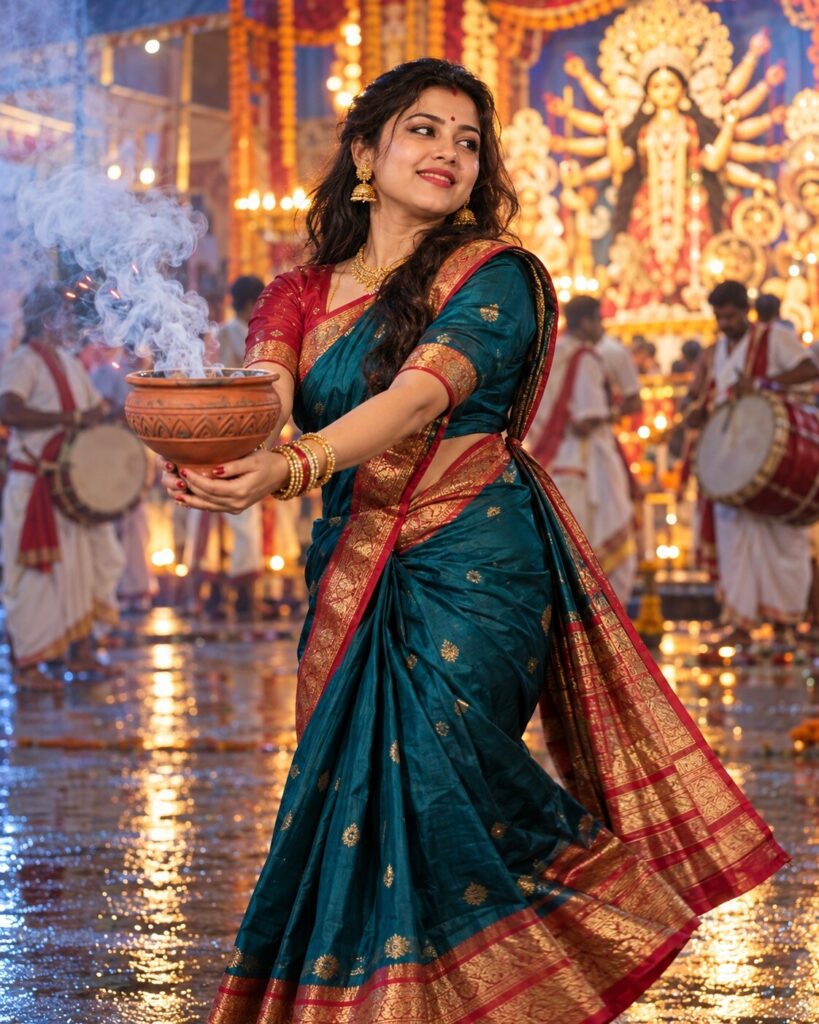
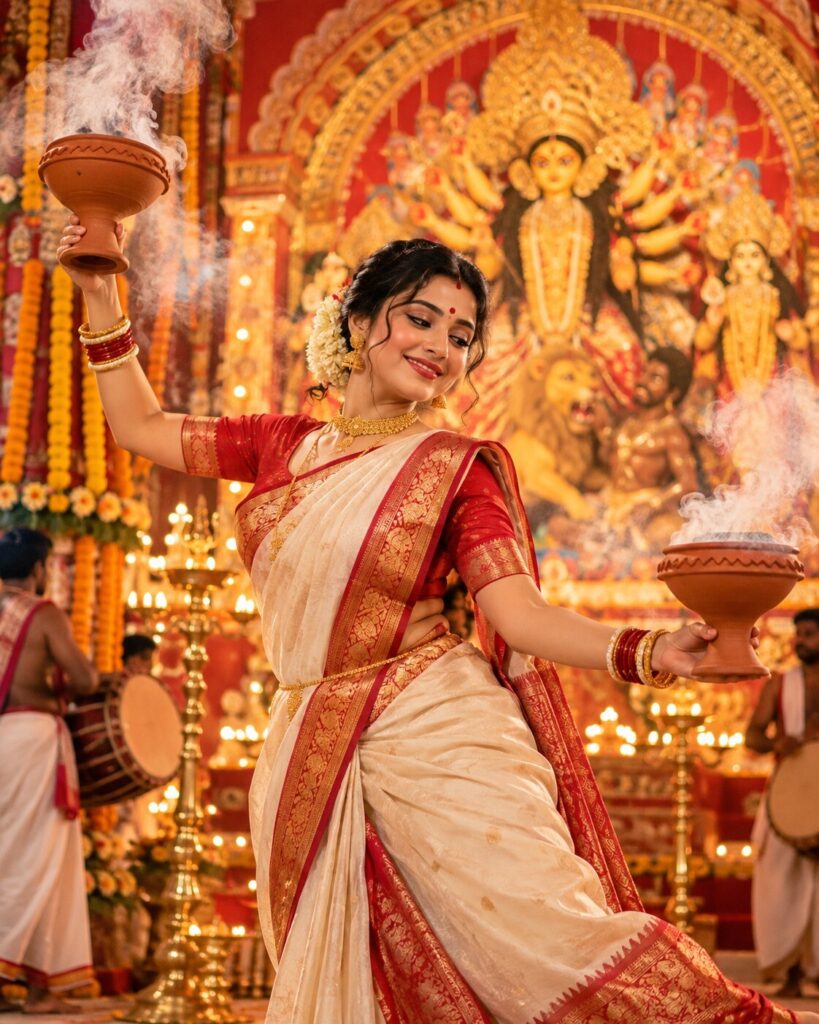
Comments