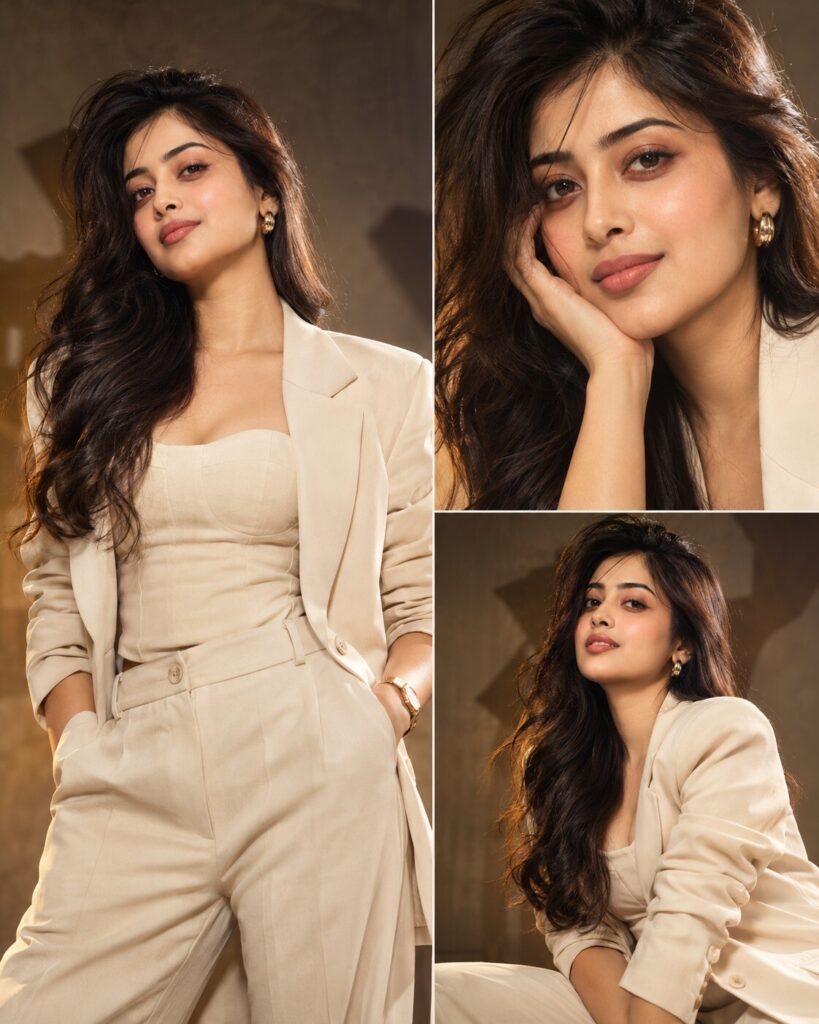
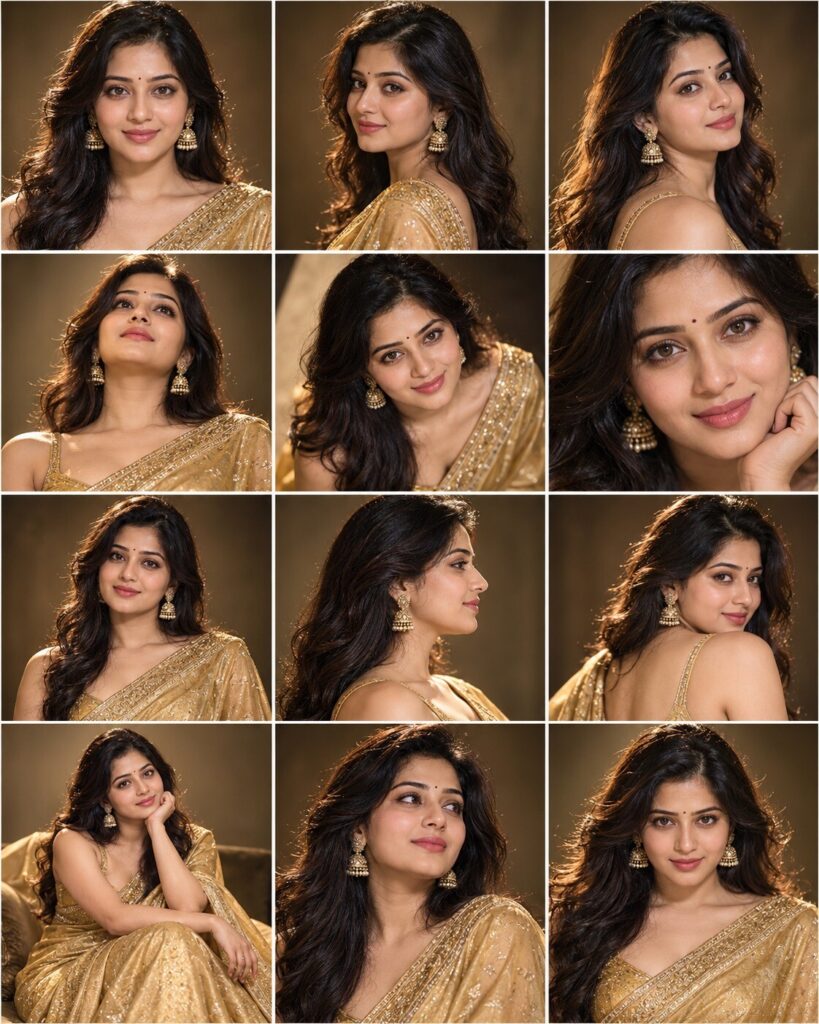
3-Panel High-Fashion Editorial Portrait Collage
♡ 170Create a premium three-panel fashion editorial portrait from your reference photo with exact identity preservation, dramatic studio lighting and magazine-quality composition.
#Editorial Portrait#editorial portrait#fashion collage#high fashion#luxury photography#magazine style
Create a premium three-panel fashion editorial portrait from the uploaded reference image. Lock the subject's exact identity and preserve recognizable facial identity, facial structure, facial proportions, eyes, eyebrows, nose, lips, jawline, cheeks, skin tone, hairline, hairstyle, distinctive facial characteristics, natural age and overall likeness in every panel. Generate three coordinated portrait frames of the same person: a confident waist-up portrait, a close beauty crop and a three-quarter fashion pose. Keep wardrobe, hair, makeup, lighting direction, environment and color treatment visually consistent across all panels. Use sophisticated contemporary high-fashion styling, sculptural tailoring, refined accessories, realistic skin texture, premium fabric detail, controlled studio shadows, subtle rim light and a clean luxury editorial backdrop. Make the result look like a professionally photographed fashion magazine spread rather than an AI collage.
Create a premium three-panel fashion editorial portrait from the uploaded reference image. Lock the subject's exact identity and preserve recognizable facial identity, facial structure, facial proportions, eyes, eyebrows, nose, lips, jawline, cheeks, skin tone, hairline, hairstyle, distinctive facial characteristics, natural age and overall likeness in every panel. Generate three coordinated portrait frames of the same person: a confident waist-up portrait, a close beauty crop and a three-quarter fashion pose. Keep wardrobe, hair, makeup, lighting direction, environment and color treatment visually consistent across all panels. Use sophisticated contemporary high-fashion styling, sculptural tailoring, refined accessories, realistic skin texture, premium fabric detail, controlled studio shadows, subtle rim light and a clean luxury editorial backdrop. Make the result look like a professionally photographed fashion magazine spread rather than an AI collage.
Photorealistic three-panel high-fashion editorial portrait collage using the uploaded reference image as the exact identity reference. Preserve recognizable facial identity, facial structure, facial proportions, eyes, eyebrows, nose, lips, jawline, cheeks, skin tone, hairline, hairstyle, distinctive facial characteristics, natural age and overall likeness across all panels. Panel one waist-up confident portrait, panel two close beauty crop, panel three three-quarter fashion pose. Consistent contemporary luxury wardrobe, hairstyle, makeup, studio environment and lighting. Premium medium-format fashion photography, sculptural soft key light, controlled shadows, subtle rim lighting, realistic pores, natural skin, crisp eyes, detailed fabric, sophisticated neutral editorial background, polished magazine campaign aesthetic.
Using the uploaded reference image as the exact identity reference, create a premium three-panel fashion editorial portrait collage of the same person. Preserve the person's recognizable facial identity, facial structure, facial proportions, eyes, eyebrows, nose, lips, jawline, cheeks, skin tone, hairline, hairstyle, distinctive facial characteristics, natural age and overall likeness in every panel. Show a confident waist-up portrait, an elegant close beauty crop and a three-quarter fashion pose. Keep the wardrobe, hair, makeup, lighting and environment consistent. Use contemporary luxury fashion styling, sculptural studio lighting, realistic skin texture, refined fabric detail and a sophisticated editorial backdrop. The final result should look like a high-end fashion campaign photographed for a premium magazine.
generic face, identity drift, different face between panels, inconsistent facial features, changed eye shape, altered nose, altered lips, altered jawline, changed skin tone, changed hairstyle, age change, beauty filter, plastic skin, excessive retouching, distorted face, asymmetrical eyes, duplicate face, malformed anatomy, extra limbs, extra fingers, duplicate person, inconsistent clothing, inconsistent lighting, inconsistent hairstyle, low resolution, blurry face, cartoon, anime, illustration, 3D render, CGI, artificial skin, excessive HDR, oversaturated colors, cheap fashion styling, costume appearance, visible logos, brand names, watermark, text artifacts, fake magazine title, cluttered background
Works with
✦GPT Image✦Gemini✦Midjourney✦FLUX✦SDXL
Comments