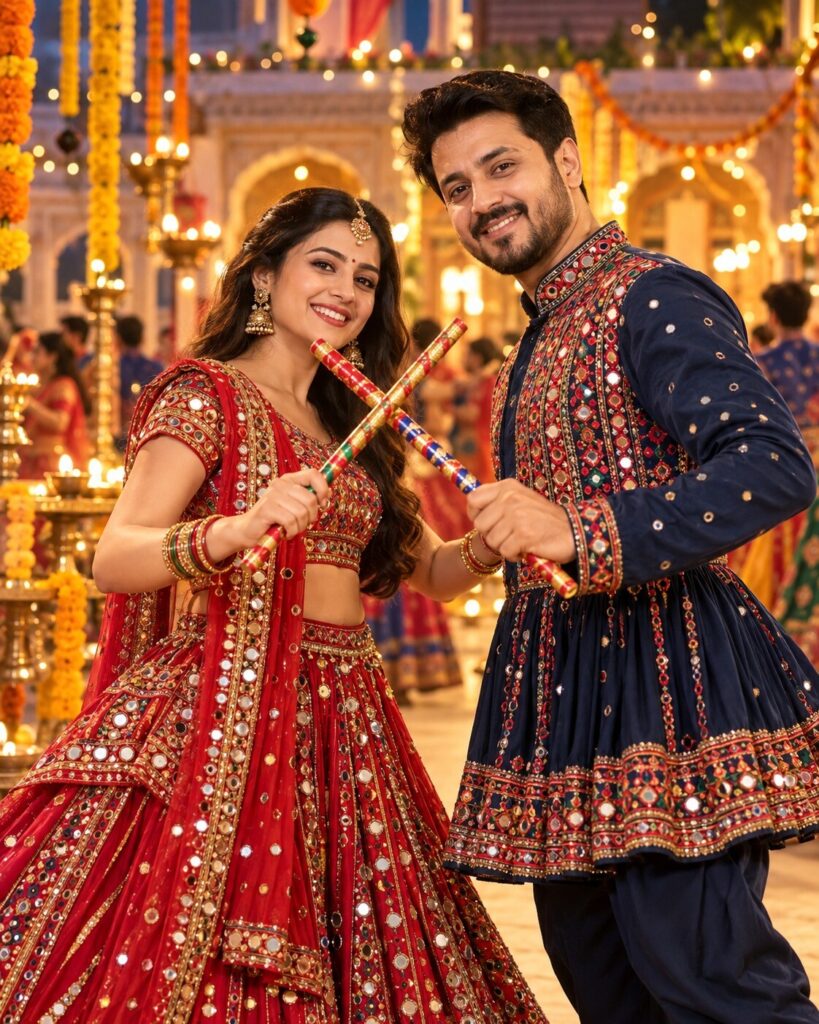
Midnight Jewel-Tone Garba Couple Portrait
♡ 12Create a cinematic Navratri couple portrait with ruby-red and midnight-blue traditional outfits, crossed dandiya sticks, glowing diyas, and preserved facial identity.
#Cinematic Portrait Scenes#AI Photo Prompts#cinematic portrait#Dandiya Night#Garba Couple#Gujarati Fashion
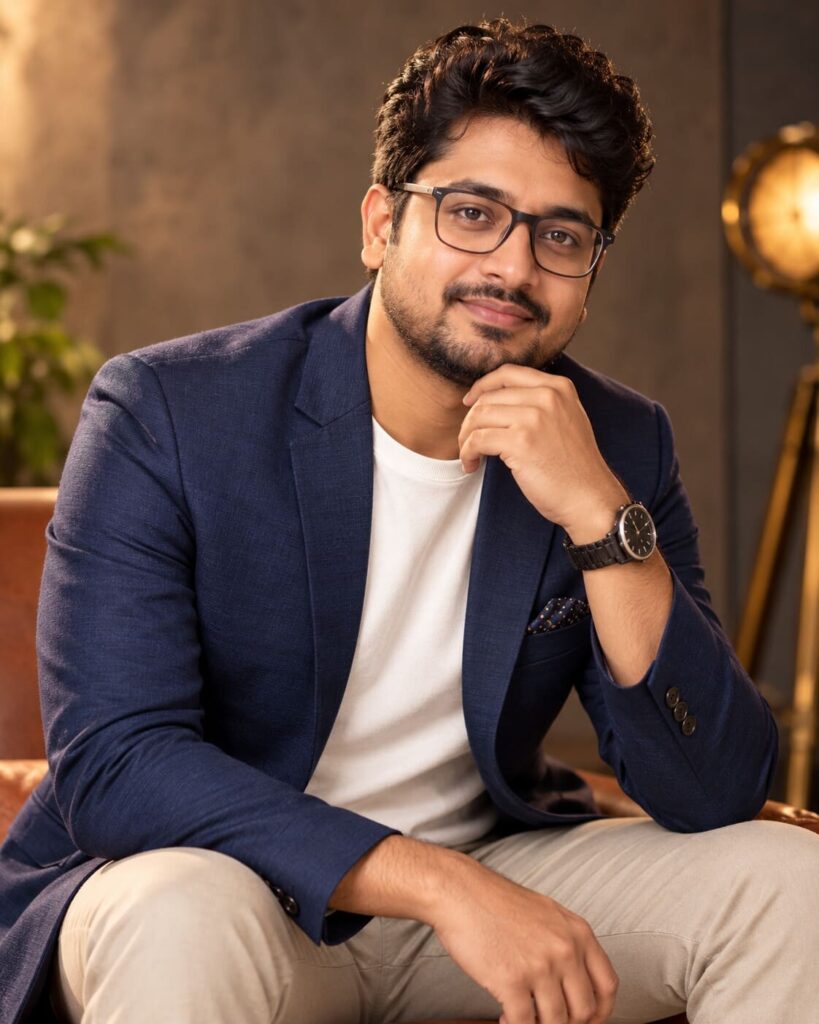
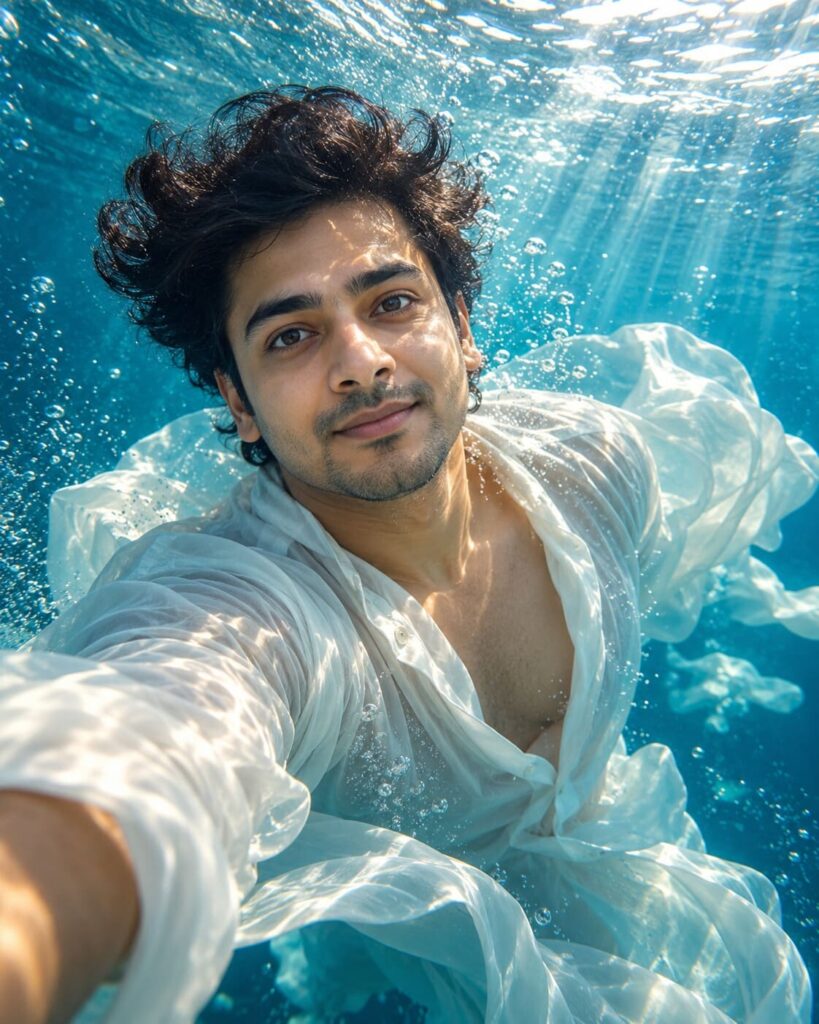
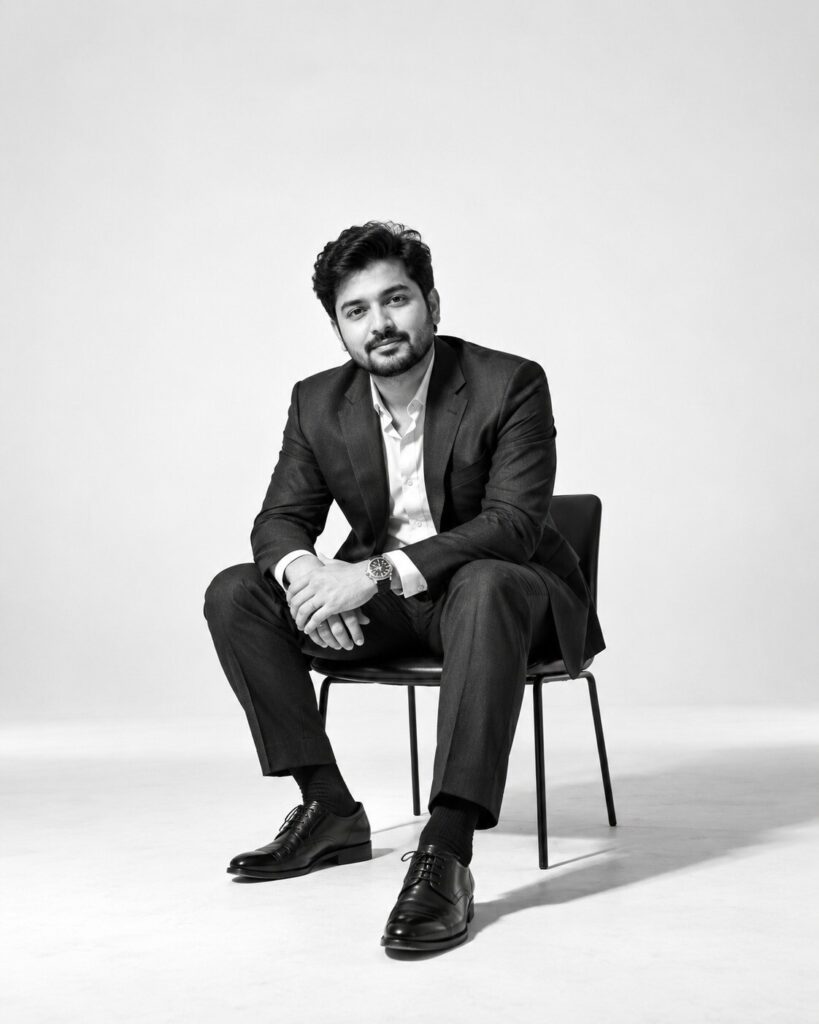
Edit the uploaded reference photo or photos into a photorealistic Navratri Garba couple portrait. Preserve each person’s exact recognizable identity, facial structure, facial proportions, eyes, eyebrows, nose, lips, jawline, cheeks, skin tone, hairline, hairstyle, distinctive features, natural age, and overall likeness. Do not replace, merge, or beautify faces. Dress the woman in a ruby-red and antique-gold mirror-work chaniya choli and the man in a coordinated midnight-blue embroidered kediyu. Pose them naturally with decorated dandiya sticks crossing at chest height. Add a heritage courtyard with marigold garlands, brass diyas, and soft festive bokeh. Warm cinematic light, realistic skin and fabric, natural hands, sharp faces, shallow depth of field, vertical 4:5, one image only.
Edit the uploaded reference photo or photos into a photorealistic Navratri Garba couple portrait. Preserve each person’s exact recognizable identity, facial structure, facial proportions, eyes, eyebrows, nose, lips, jawline, cheeks, skin tone, hairline, hairstyle, distinctive features, natural age, and overall likeness. Do not replace, merge, or beautify faces. Dress the woman in a ruby-red and antique-gold mirror-work chaniya choli and the man in a coordinated midnight-blue embroidered kediyu. Pose them naturally with decorated dandiya sticks crossing at chest height. Add a heritage courtyard with marigold garlands, brass diyas, and soft festive bokeh. Warm cinematic light, realistic skin and fabric, natural hands, sharp faces, shallow depth of field, vertical 4:5, one image only.
High-detail photorealistic cinematic portrait of an adult Indian couple at a Navratri Garba celebration, faithfully preserve both uploaded reference identities and their individual facial structure, proportions, eyes, eyebrows, nose, lips, jawline, cheeks, skin tone, texture, hairline, hairstyle, distinctive features, age, and likeness. Ruby-red and antique-gold mirror-work chaniya choli for the woman; coordinated midnight-blue embroidered Gujarati kediyu for the man. Natural affectionate eye contact, gentle smiles, decorated dandiya sticks crossing at chest height without obscuring faces. Heritage courtyard with marigold garlands, brass diyas, and soft golden festive bokeh. Warm cinematic lighting, realistic embroidery, natural skin texture, accurate hands, true-to-life proportions, crisp facial detail, shallow depth of field, knee-up composition, vertical 4:5.
Edit the uploaded photo or photos into one realistic, cinematic Navratri Garba couple portrait. Keep both people’s original identities unchanged: preserve their recognizable faces, facial structure and proportions, eyes, eyebrows, noses, lips, jawlines, cheeks, skin tones, hairlines, hairstyles, distinctive features, natural ages, and overall likeness. Do not exchange or blend their faces. Style the woman in a ruby-red and antique-gold mirror-work chaniya choli and the man in a matching midnight-blue embroidered Gujarati kediyu. Have them share a natural smile while holding decorated dandiya sticks crossed at chest height. Place them in a heritage courtyard with brass diyas, marigold garlands, and soft warm festive lights in the background. Use natural skin texture, detailed fabric, anatomically correct hands, clear faces, warm cinematic lighting, and a professional shallow-focus portrait look. Show both subjects from the knees up, with their heads and sticks fully visible. Vertical 4:5. No text or watermark.
identity change, different person, generic face, face swap, merged faces, altered facial proportions, changed eyes, changed eyebrows, changed nose, changed lips, changed jawline, changed cheeks, altered skin tone, changed hairline, changed hairstyle, changed age, excessive beautification, plastic skin, airbrushed texture, asymmetrical eyes, blurry face, extra fingers, missing fingers, fused fingers, malformed hands, distorted arms, incorrect anatomy, broken dandiya sticks, duplicate sticks, sticks covering faces, cropped heads, cut-off hands, unrealistic fabric, inaccurate mirror work, oversaturated lighting, cartoon, painting, illustration, text, logo, watermark, collage, split screen
Works with
✦ChatGPT image generation✦Google Gemini image generation✦Midjourney✦Stable Diffusion XL
Comments